


15 Top survey tools for manufacturing companies to capture frontline feedback

Think about the moment your phone warns that storage is almost full. Everything still works. But updates start failing, photos stop saving, and small issues stack up quietly. The warning isn’t the problem. Ignoring it is.
Manufacturing leaders face a similar situation when dealing with manufacturing workforce communication challenges. Manufacturing workforce motivation techniques exist, but they surface gradually and often across shifts.
Without the right way of measuring engagement across manufacturing shifts, early indicators of morale and absenteeism stay hidden. That’s where choosing among the top survey tools for manufacturing companies becomes important to understand your engaged employees.
To support informed evaluation, this blog compiles 15 survey tools based on manufacturing-specific expertise, publicly available product documentation and category research.
Why do manufacturing companies use survey tools for feedback?
In manufacturing, decisions about morale, attendance, and daily staffing often rely on fragmented updates from supervisors. Survey tools help replace guesswork with consistent workforce signals across plants and shifts.
- Structured visibility across operations: Create a clear, repeatable way of understanding what is happening across plants, teams, and shifts.
- Communication gaps on the factory floor: Address manufacturing workforce communication challenges that make informal updates insufficient.
- Measure engagement across shifts: Support measuring engagement across manufacturing shifts by capturing consistent inputs over time.
- Support workforce engagement strategy: Strengthen manufacturing workforce engagement strategy by turning scattered responses of manufacturing companies into reviewable trends.
- Enable better daily decision-making: Improve employee feedback processes in manufacturing plants through structured, ongoing listening.
- Moving to proactive management: Reduce reliance on reactive responses after issues become visible on the factory floor.
The table below offers a quick, at-a-glance comparison of the tools:
15 Top survey tools for manufacturing companies
1. CultureMonkey
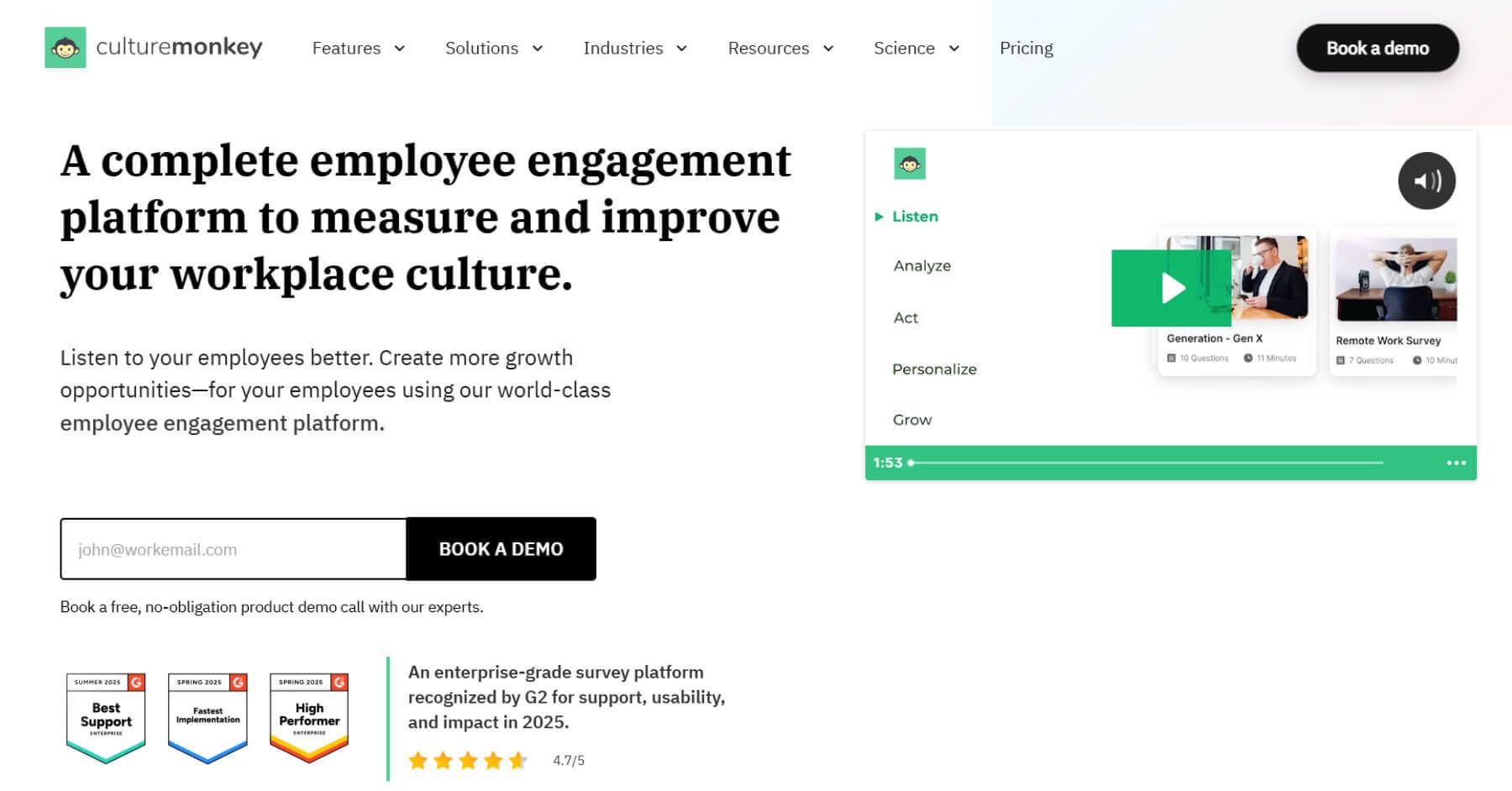





CultureMonkey is an employee engagement platform designed for continuous feedback and analytics. It is widely adopted to analyse employee engagement in manufacturing to capture frontline insights across shifts, plants, and deskless workforce environments.

Key takeaways
- Pricing: Contact sales
- G2 rating: 4.5/5
- Capterra rating: N/A
- Pros: Strong adoption, comprehensive analytics, and reliable customer support during rollout and scale.
- Cons: Limited negative feedback reported; most reviews highlight smooth implementation and usability across teams.
Take a quick interactive tour inside CultureMonkey:
2. Culture Amp
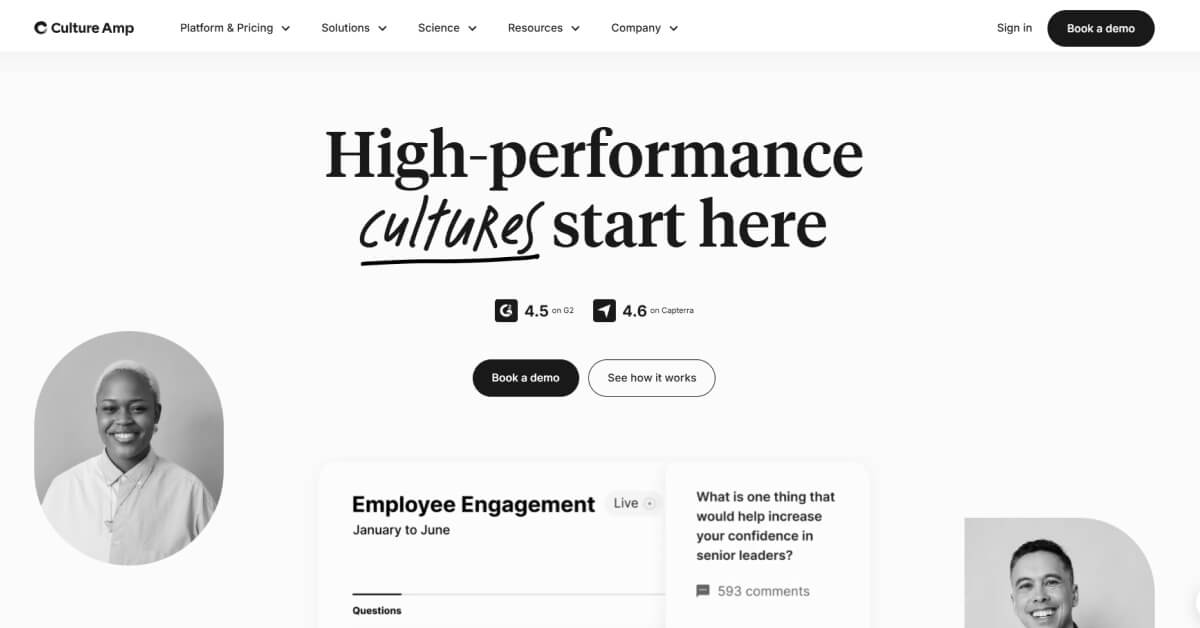
Culture Amp is an employee experience platform that provides employee engagement surveys and people analytics.
Key takeaways
- Pricing: Contact sales
- G2 rating: 4.5/5
- Capterra rating: 4.6/5
- Pros: Clean interface, structured surveys, and built-in benchmarking capabilities.
- Cons: Navigation can feel unclear in some areas, especially for new users.
Read more on Culture Amp alternatives here.

3. Qualtrics
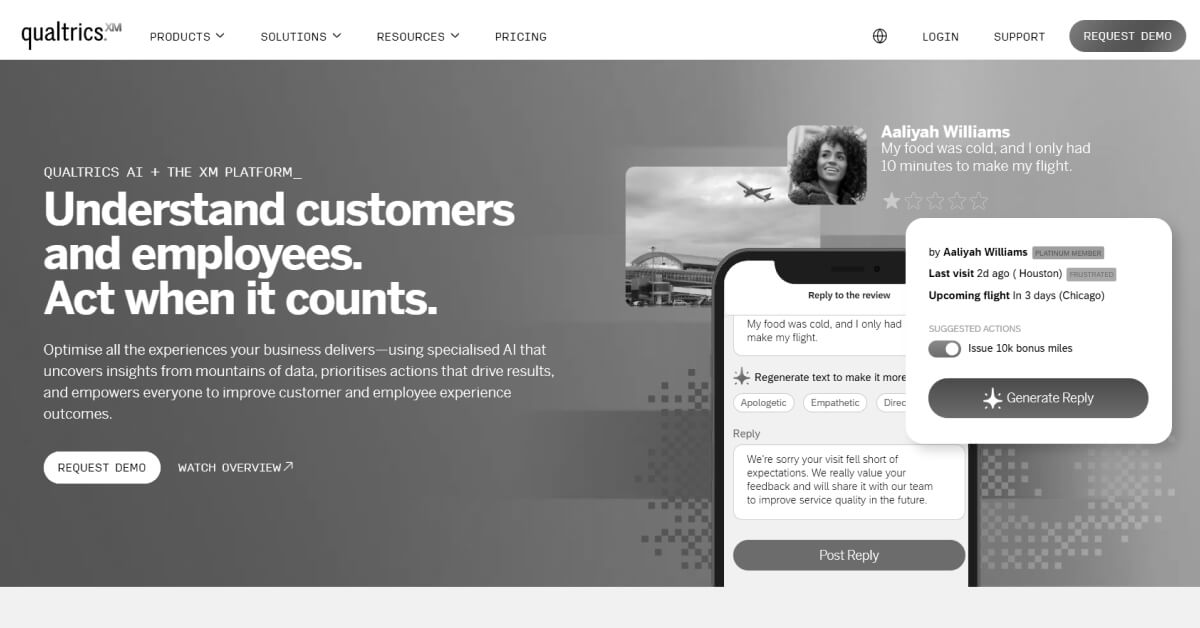
Qualtrics is an experience management platform used by organizations to collect, analyze, and interpret employee engagement in manufacturing across distributed manufacturing environments.
Key Takeaways
- Pricing: $5,000 per year
- G2 Rating: 4.4/5
- Capterra Rating: 4.6/5
- Pros: Makes data collection easier and helps reduce time spent managing surveys. (Source: G2)
- Cons: Expensive pricing and a complex interface can make onboarding and usage difficult. (Source: G2)
Read more on Qualtrics alternatives here.
4. Glint (Microsoft Viva Glint)
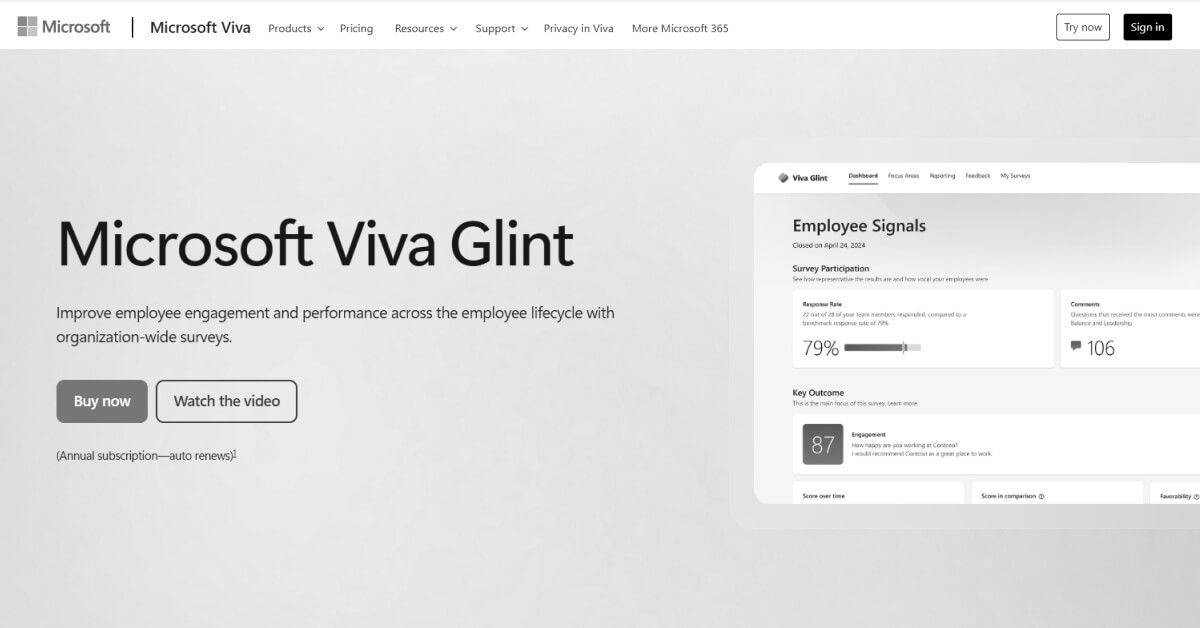
Glint is an employee engagement tool within Microsoft Viva that collects ongoing feedback of employee engagement in manufacturing and presents results to managers, commonly used by organizations with distributed and frontline workforces.
Key Takeaways
- Pricing: $2 per month
- G2 Rating: 4.6/5
- Capterra Rating: 4.6/5
- Pros: Gives frontline engaged employees a way to share their thoughts and views. (Source: G2)
- Cons: Confidentiality may feel limited compared to employee expectations. (Source: G2)
Read more on Glint alternatives here.
5. TINYpulse
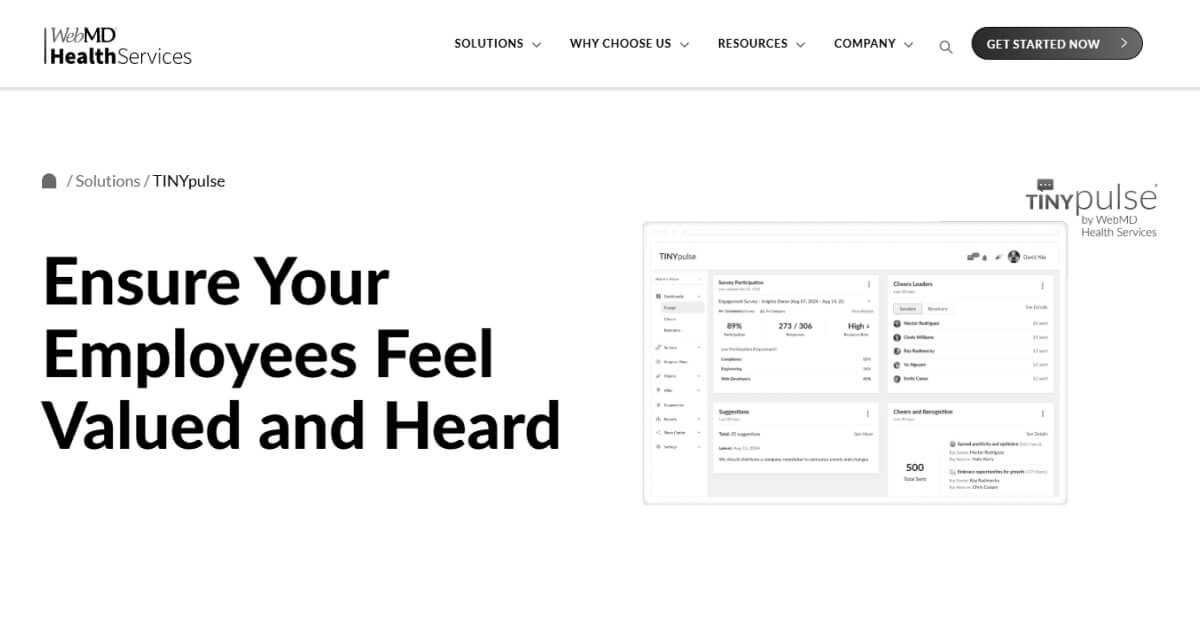
TINYpulse is an employee feedback tool used to collect frequent, anonymous input from engaged employees, commonly adopted by organizations seeking pulse surveys and employee engagement visibility.
Key Takeaways
- Pricing: Contact sales
- G2 Rating: 4.4/5
- Capterra Rating: 4.6/5
- Pros: Anonymity of the surveys helps employees share opinions they may otherwise withhold. (Source: G2)
- Cons: May have limited guidance on interpreting scores or identifying improvement actions. (Source: G2)
6. Officevibe (Workleap Officevibe)
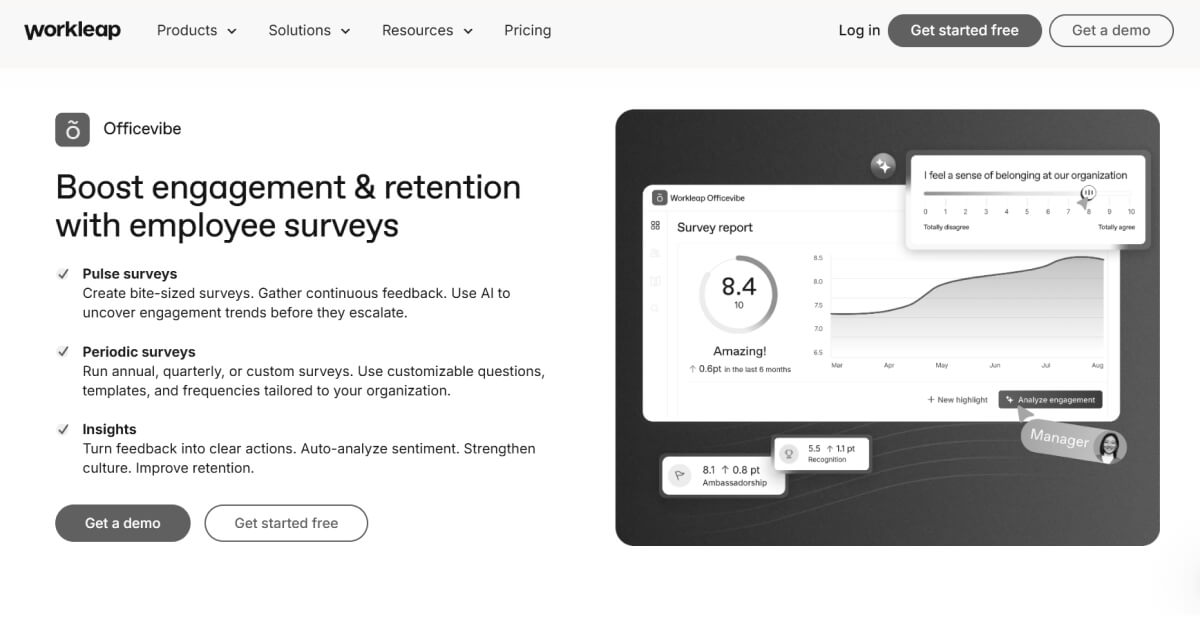
Officevibe is an employee feedback platform to run pulse surveys and collect ongoing input, that’s commonly adopted by teams seeking structured feedback, reporting, and manager-focused employee engagement workflows.
Key Takeaways
- Pricing: $5 per month
- G2 Rating: 4.3/5
- Capterra Rating: 4.8/5
- Pros: Easy to use for surveys, feedback, reports, and team setup. (Source: G2)
- Cons: May have feature-heavy setup, limited customization options, and might occasionally show minor UI or integration issues. (Source: G2)
Read more on Officevibe alternatives here.
(Source: National Association of Manufacturers)
7. 15Five
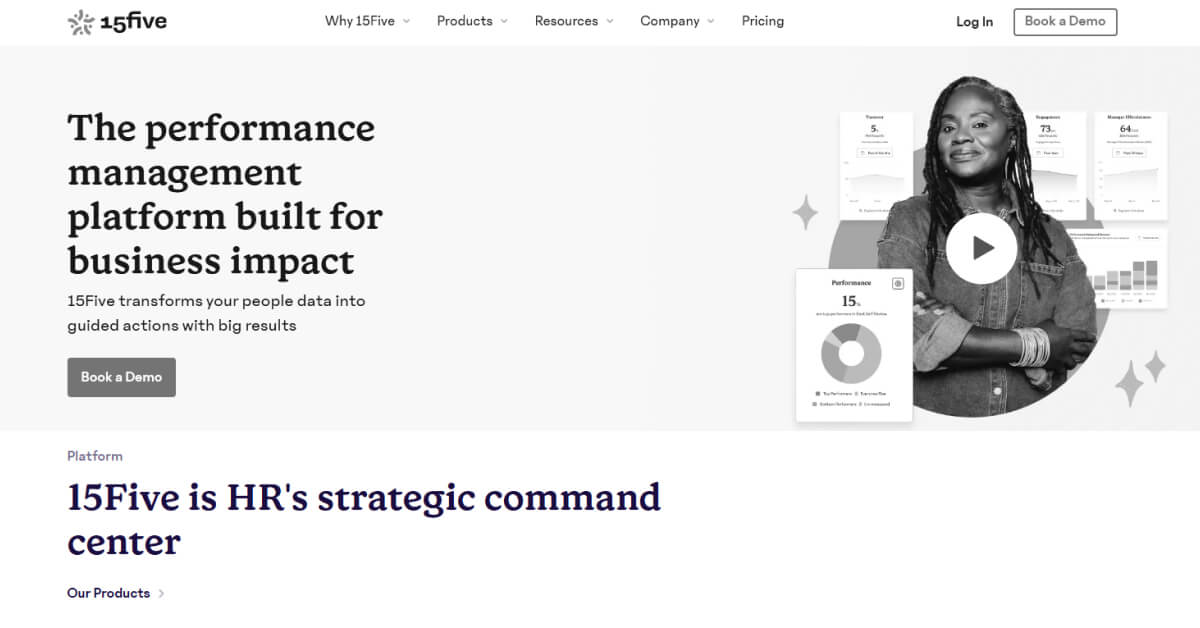
15Five is an employee engagement and performance platform that supports regular check-ins, feedback, and goal visibility between employees and managers across structured team environments.
Key Takeaways
- Pricing: $4 per month
- G2 Rating: 4.6/5
- Capterra Rating: 4.7/5
- Pros: User-friendly design that is easy to learn and navigate. (Source: G2)
- Cons: Task assignment and goal tracking may feel complex and could require extra effort to manage. (Source: G2)
Read more on 15Five alternatives here.
8. Lattice
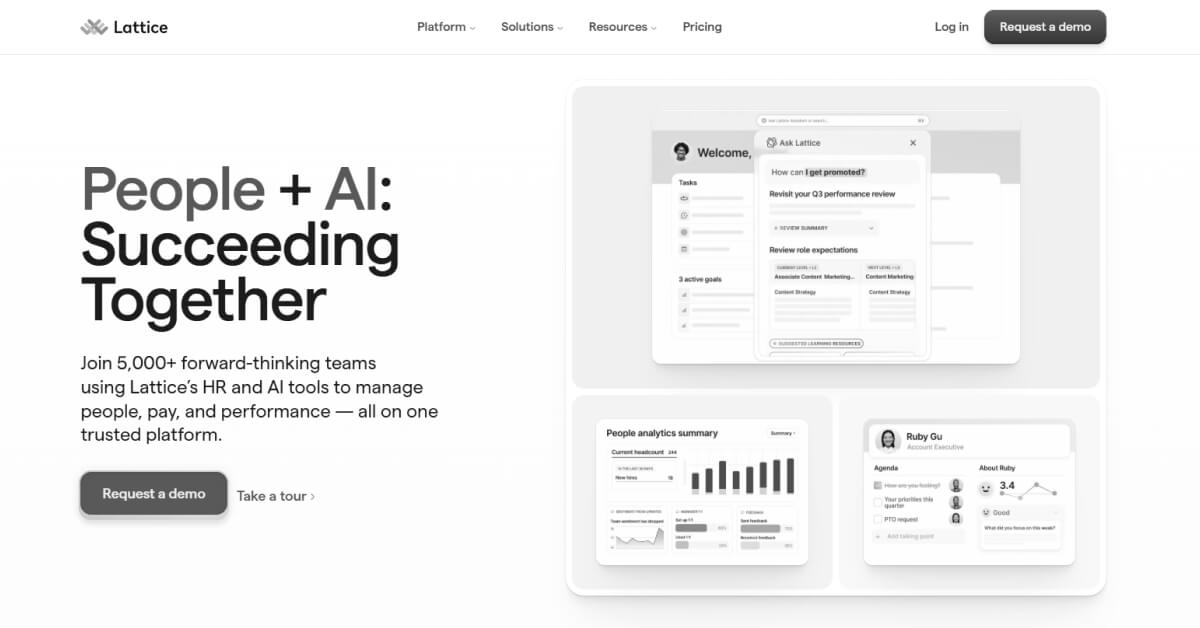
Lattice is a people management platform used for performance feedback, goal tracking, and employee engagement surveys, adopted by organizations managing structured teams and recurring review processes.
Key Takeaways
- Pricing: $10 per month
- G2 Rating: 4.7/5
- Capterra Rating: 4.5/5
- Pros: Clean UX, easy initial setup, and well-integrated surveys and calendar workflows. (Source: G2)
- Cons: AI capabilities may feel limited, and some modules might require extra effort to configure or manage. (Source: G2)
.webp)
Employee Feedback System Built for the Factory Floor
- Multi-lingual Surveys
- White Glove Onboarding
- People Science Backed Reports
- Enterprise Grade Security
9. SurveyMonkey

SurveyMonkey is a general-purpose survey tool used to create and distribute feedback forms, commonly adopted by organizations seeking quick setup, broad question options, and straightforward response analysis.
Key Takeaways
- Pricing: $30 per month
- G2 Rating: 4.4/5
- Capterra Rating: 4.6/5
- Pros: Easy to use, quick to set up, and offers question types with basic analytics. (Source: G2)
- Cons: Styling options may feel limited, and paid plans might seem costly compared to free functionality. (Source: G2)
10. QuestionPro
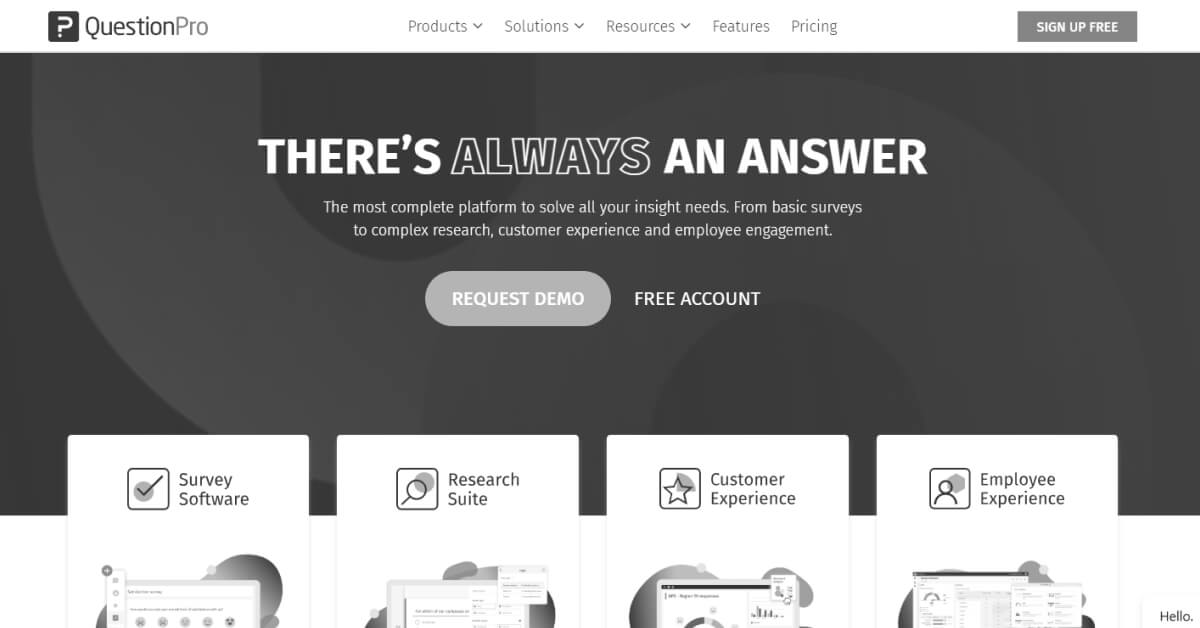
QuestionPro is an online survey platform with workforce feedback capabilities, used by organizations to collect employee input through multiple distribution methods.
Key Takeaways
- Pricing: $99 per month
- G2 Rating: 4.5/5
- Capterra Rating: 4.8/5
- Pros: Smooth to use, with a clean layout and a simple initial setup process. (Source: G2)
- Cons: Advanced plans may feel less accessible for teams with tighter budgets. (Source: G2)
11. Zoho Survey
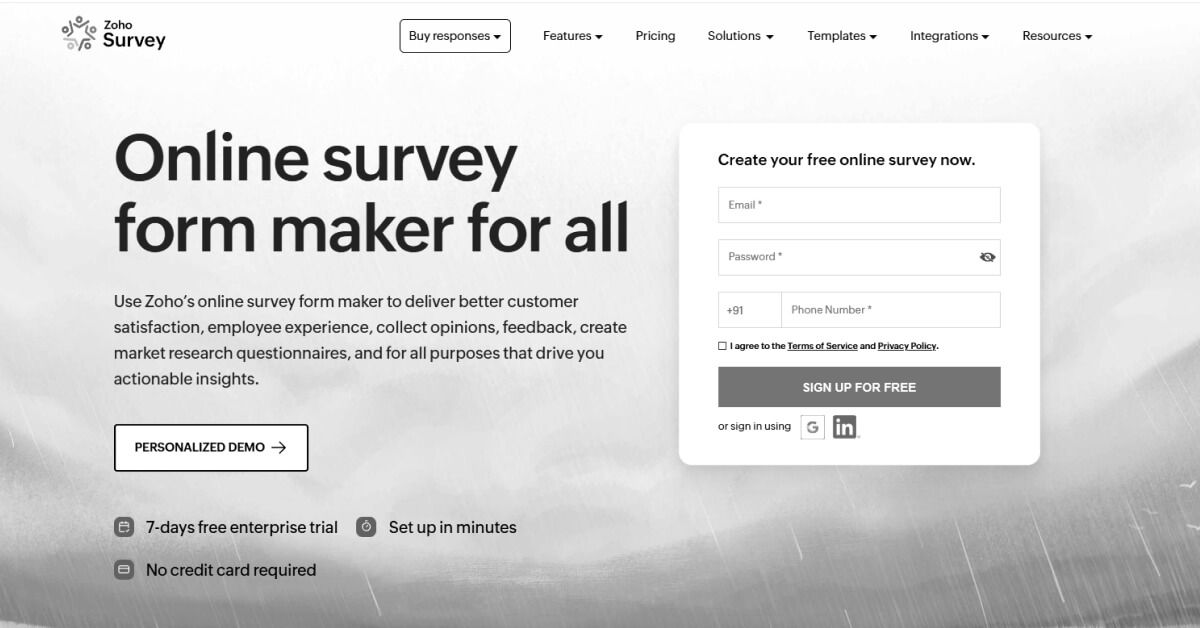
Zoho Survey is a survey tool used to create and share feedback forms through multiple distribution options, often adopted by teams that want quick setup, common question types, and basic reporting.
Key Takeaways
- Pricing: $35 per month
- G2 Rating: 4.4/5
- Capterra Rating: 4.6/5
- Pros: User-friendly drag-and-drop surveys, varied question types, and easy sharing options like QR codes. (Source: G2)
- Cons: Reporting may feel less advanced, and integrations or automation options might seem limited. (Source: G2)
12. Jotform

Jotform is an online form builder used to create surveys and feedback forms, often adopted by teams that want flexible templates and broad integration options.
Key Takeaways
- Pricing: $39 per month
- G2 Rating: 4.7/5
- Capterra Rating: 4.7/5
- Pros: Simple to use with flexible integrations for CRM and email tools. (Source: G2)
- Cons: Built-in chat features may feel limited or less effective in some situations. (Source: G2)
(Source: Deloitte)
13. Formstack
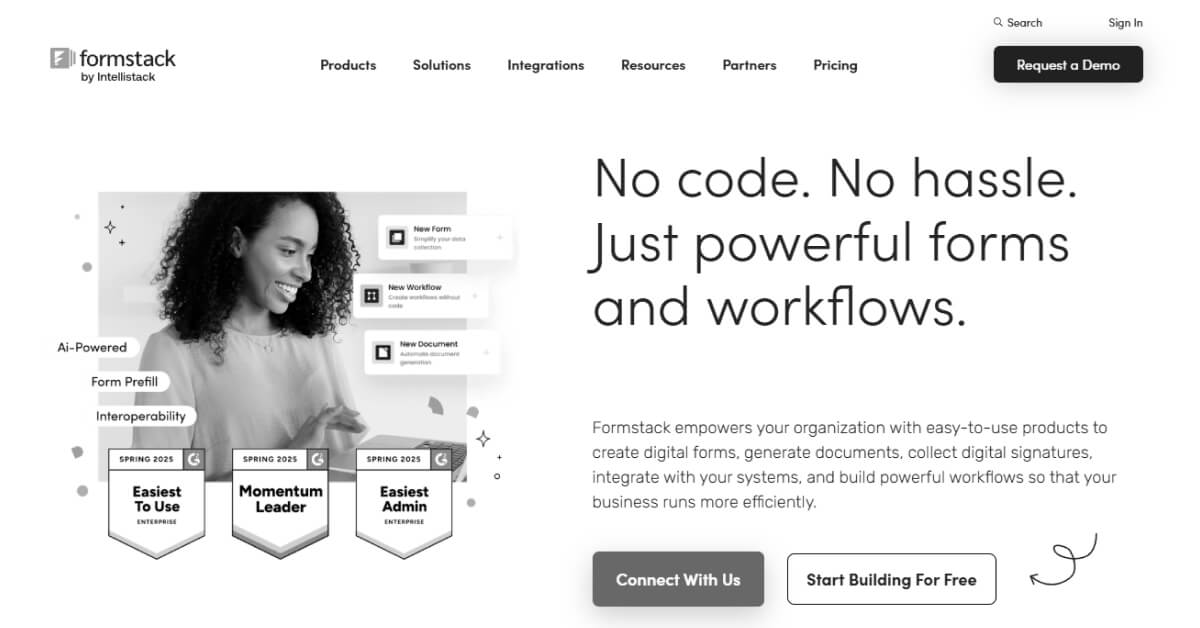
Formstack is an enterprise form and survey platform used to digitize data collection and workflows, often adopted by organizations with compliance needs and system-driven feedback processes.
Key Takeaways
- Pricing: $83 per month
- G2 Rating: 4.3/5
- Capterra Rating: 4.0/5
- Pros: Integrates reasonably well and offers robust forms with solid data protection. (Source: G2)
- Cons: Forms may look basic, customization might require technical effort, and usability could feel less intuitive. (Source: G2)
14. Google Forms
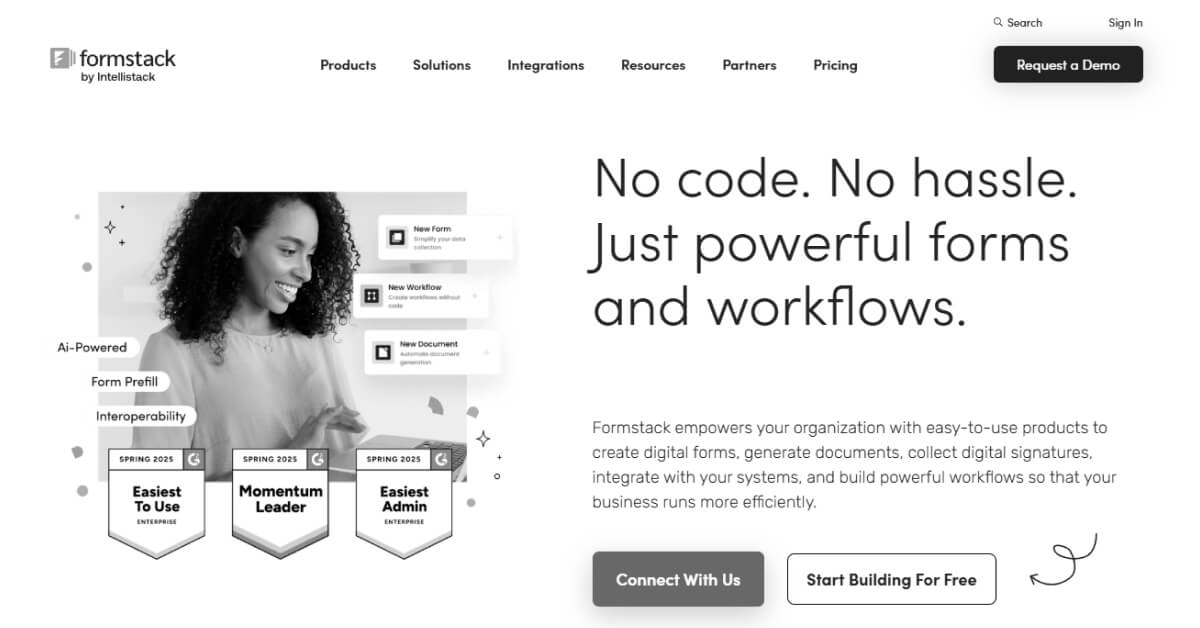
Google Forms is a free survey tool used to collect and review responses in real time, chosen for quick internal feedback due to its simplicity and Google Workspace integration.
Key Takeaways
- Pricing: Free
- G2 Rating: 4.6/5
- Capterra Rating: 4.7/5
- Pros: Easy to learn, quick to create surveys, and useful for real-time response sorting. (Source: Capterra)
- Cons: Design flexibility may feel limited, and organizing forms or advanced quiz options might be restrictive. (Source: Capterra)
15. Microsoft Forms
Microsoft Forms is a survey and quiz tool included with Microsoft 365, commonly used to create and share forms quickly within organizations already working inside the Microsoft ecosystem.
Key Takeaways
- Pricing: Contact sales
- G2 Rating: 4.4/5
- Capterra Rating: 4.6/5
- Pros: Intuitive to use, easy to set up, and helpful for collecting employee and client feedback. (Source: G2)
- Cons: Pricing may feel restrictive, and integrations with non-Microsoft tools might be limited. (Source: G2)
What features should manufacturing companies look for when choosing survey tools?
Choosing survey tools in manufacturing is less about variety and more about fit. The right features help overcome real constraints on the floor, across shifts, and through layered reporting structures. These considerations directly affect how feedback flows in day-to-day operations.
- Shift-aware reporting: Ability to compare responses across day, night, and rotating shifts to avoid skewed insights.
- Frontline-friendly access: Simple distribution methods that work on shared devices and low-bandwidth environments.
- Response anonymity: Protection that encourages honest input despite hierarchical manufacturing setups.
- Location and role segmentation: Clear separation of data by plant, line, or role to reflect operational reality.
- Trend visibility over time: Easy tracking of changes to support measuring employee engagement across manufacturing shifts.
- Action-oriented insights: Outputs that reduce interpretation gaps caused by manufacturing workforce communication challenges.
How should manufacturing teams analyze survey data and act on it?
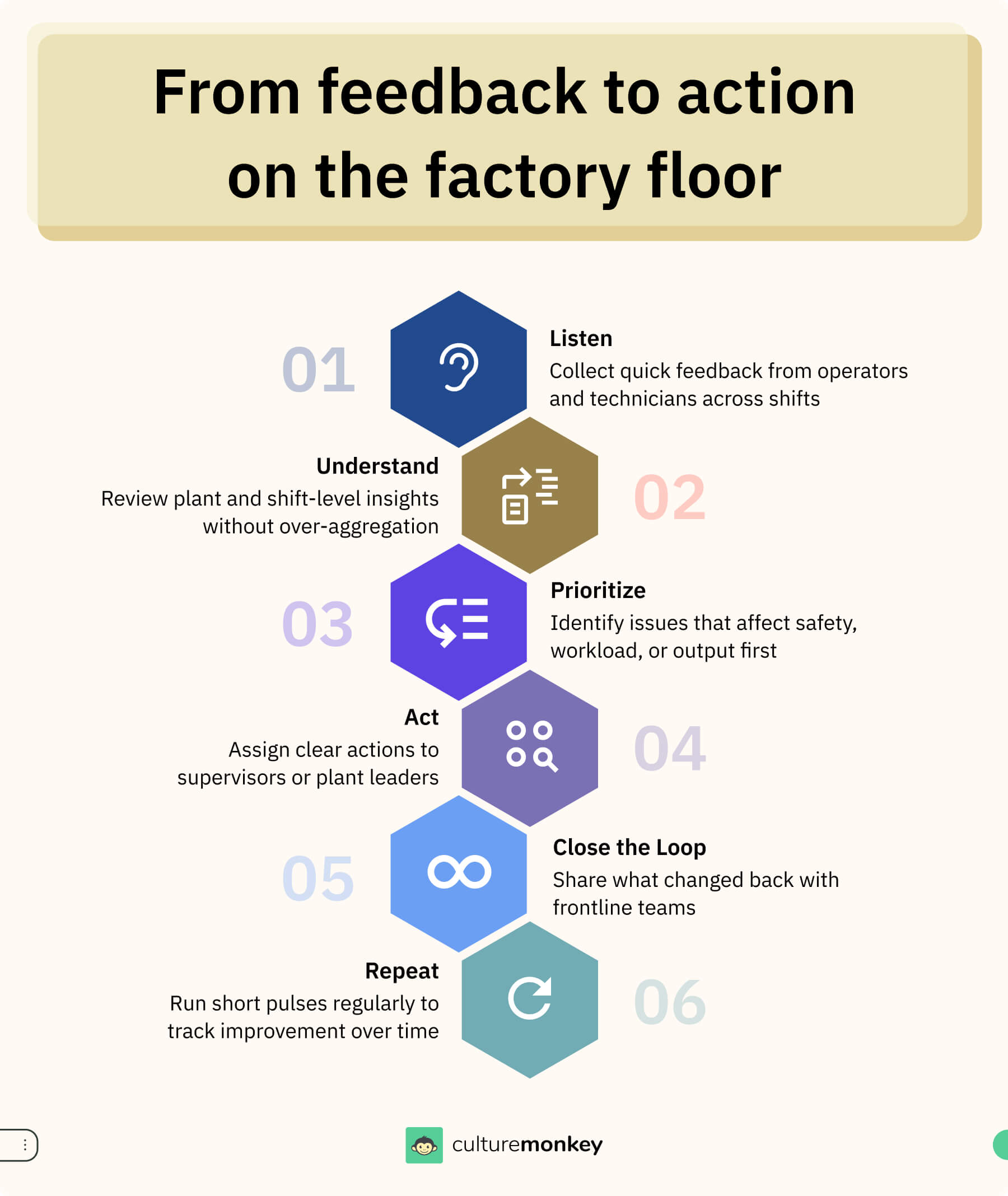
In manufacturing teams, survey data should be reviewed in the context of how production actually runs. Analysis must reflect shift handovers, supervisory structures, and operational pressure on the shop floor.
- Segment by plant and line: Break manufacturing sector data down by location or production line to identify where problems are concentrated.
- Flag issues that affect attendance: Pay close attention to signals linked to fatigue, workload, or schedule fairness to support reducing absenteeism in manufacturing workforce.
- Translate insights into supervisor actions: Share findings in practical terms that frontline supervisors can address during daily huddles or line meetings.
- Focus on recurring friction points: Repeated feedback around employee success, clarity, coordination, or workload often points to manufacturing workforce communication challenges.
- Connect feedback to leadership behavior: Use manufacturing sector survey results to assess manufacturing manager effectiveness and engagement at the plant or line level using an employee engagement software.
- Assign ownership early: Route insights to supervisors and managers who can act locally and quickly.
How CultureMonkey supports employee surveys in manufacturing environments
Manufacturing feedback needs more than basic forms. In plant settings with multiple shifts, varied languages, safety protocols and the right survey platform helps move from simple feedback to timely insight and action to understand employee engagement in manufacturing.
- Custom and pulse surveys: Run scheduled and frequent pulse surveys or tailored surveys to frontline employees, capturing real-time sentiment across day, night, and rotating shifts for frontline employees.
- Multilingual reach: Engage workers in their preferred language with support for 150+ languages, helping reduce response barriers on the shop floor.
- Anonymous feedback: Protect worker privacy to encourage honest reporting, which is crucial for uncovering hidden concerns in frontline employees and boost employee engagement.
- Real-time dashboards and trend reports: Visualize engagement trends over time to support measuring employee engagement across manufacturing shifts and spot patterns early.
- Actionable insights and grouping: Group manufacturing employees feedback into themes and trigger follow-up actions that supervisors can take between production cycles.
- Security and compliance: Enterprise-grade security with GDPR and SOC2 compliance protects sensitive feedback data across global operations, enhancing manufacturing employee engagement.
- Integration and automation: Connect with HR systems and communication tools to automate survey launches and reminders using employee engagement software, increasing employee engagement and participation without extra admin load.
Conclusion
Choosing survey tools in manufacturing is ultimately about how well feedback translates into action on the floor. Manufacturing employee engagement is shaped by shifts, physical constraints, safety pressures, and layered leadership, which means generic approaches rarely hold up.
When tools align with manufacturing frontline engagement best practices, and support a consistent manufacturing leadership engagement framework, managers understand their role in responding to signals. Focusing on the right manufacturing workforce engagement metrics also helps leaders prioritize issues that directly affect attendance, morale, and stability.
CultureMonkey supports manufacturing teams through shift-based surveys, plant and role-level segmentation, and anonymous frontline feedback. CultureMonkey’s trend analysis and manager action workflows help translate signals into follow-through, supporting reduced absenteeism in the manufacturing workforce and a clearer direction on how to improve morale in factory workers across plants and shifts.
Book a demo with CultureMonkey.
FAQs
1. What are manufacturing feedback tools?
Manufacturing feedback tools are systems designed to collect and analyze input from workers across plants, shifts, and roles. By centralizing this input, leaders can identify patterns in frontline workers, compare trends over time, and take action across different locations, teams, operating schedules, and production environments.
2. How do manufacturing companies collect employee feedback?
Manufacturing companies collect employee feedback through pulse surveys and engagement surveys shared across shifts. These are delivered via mobile phones, shared kiosks, or internal systems. This approach supports participation across day, night, and rotating shifts, improves employee engagement in manufacturing response, and strengthens employee feedback processes in manufacturing plants over time while supporting operational continuity and supervisor visibility.
3. Are traditional survey tools effective for factory workers?
Traditional survey tools collect responses from factory workers, but they are often limited in manufacturing environments. They typically lack shift-level analysis, plant segmentation, and structured follow-up. Without these capabilities, it is harder to address recurring issues in manufacturing workers, link insights to action across multiple shifts, teams, locations, and leadership levels over time periods effectively in manufacturing operations.
4. What features should survey tools have for manufacturing environments?
Survey tools for manufacturing environments should include shift-based reporting, plant and role segmentation, anonymous participation, and trend tracking. These capabilities help supervisors review feedback, prioritize issues, and respond without slowing production, communication routines, or day-to-day operational decision making across shifts, lines, plants, teams, manufacturing workers and manufacturing leadership structures consistently over time without added complexity or manual effort.
5. What is the difference between survey tools and employee engagement platforms for manufacturing?
Survey tools and engagement platforms serve different purposes in manufacturing. Survey tools focus on collecting responses and reporting. Manufacturing employee engagement platforms add analysis, ownership, and action tracking, helping managers respond to frontline employees feedback in manufacturing companies. This makes manufacturing employee engagement platforms more suitable for leadership alignment across plants where coordination, follow-through, and accountability matter for manufacturing operations.
6. How long does it take to implement a survey tool in a factory?
Implementation time for a survey tool in a factory depends on scale and complexity. Smaller plants may launch surveys within days, while larger operations take several weeks. Timelines are influenced by manufacturing workers, workforce size, shifts, language, and integration with existing manufacturing systems, workflows, manager training, rollout planning, communication, and adoption across multiple plants, shifts, and teams over time.