What a job satisfaction survey is, and why it matters

An employee job satisfaction survey measures how content and motivated people feel in their roles across teams and functions. Unlike casual feedback channels it follows a defined framework, capturing work environment, leadership, compensation, career growth and morale in a way that can be repeated.
That repeatability is the point. Using a template means the same questions get asked the same way, which is what makes it possible to benchmark across departments or against last quarter rather than comparing two differently worded surveys and calling the difference a trend.
What a good template contains in 2026
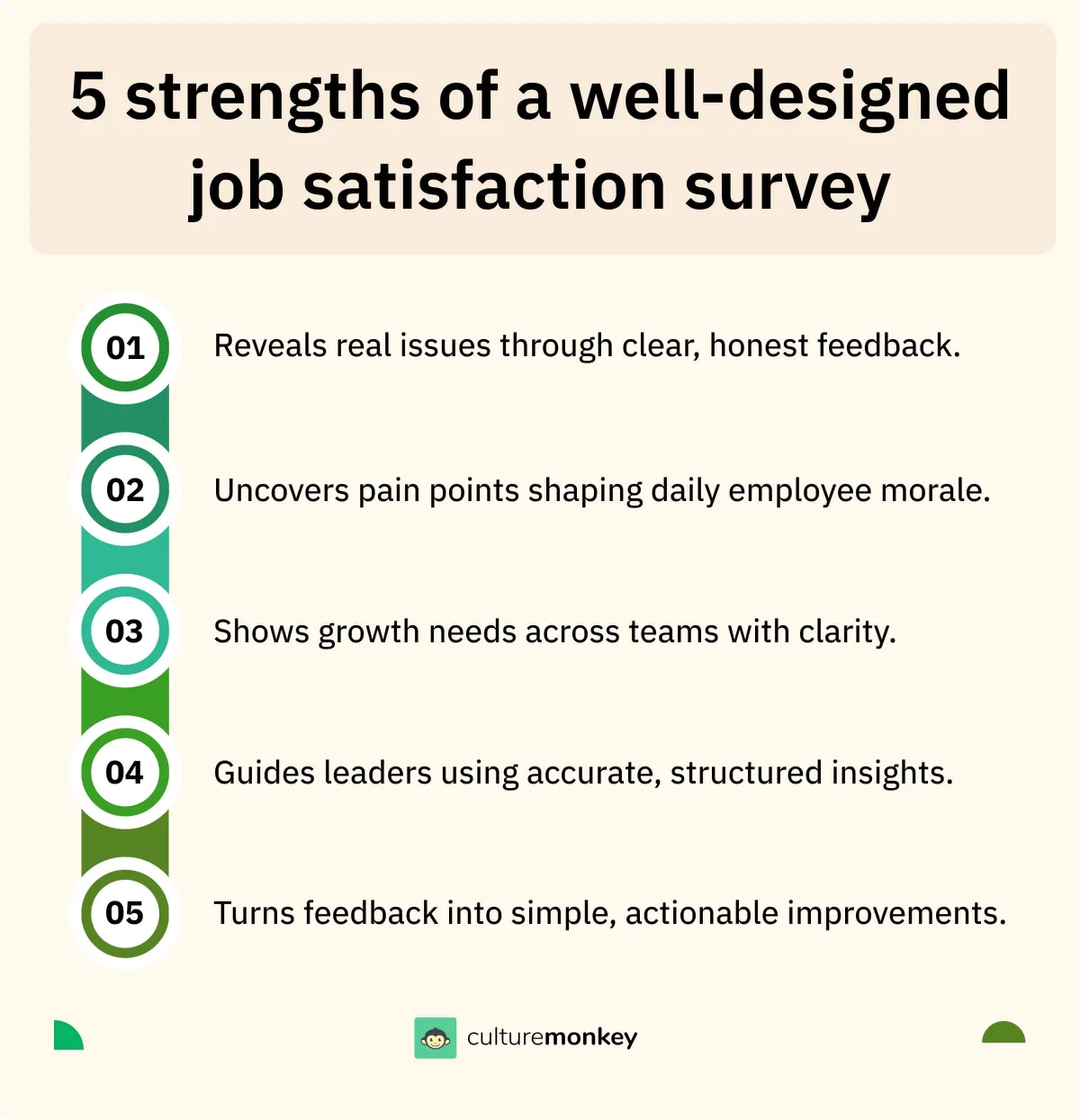
A modern template is not just about collecting ratings. It has to build trust, stay inclusive, and produce something actionable, which puts real requirements on the design rather than just the question list.
- Mobile-first design
The survey has to be completable on a phone, or you lose the part of the workforce that does not sit at a desk.
- Localised language support
People should be able to answer in the language they think in. Anything else measures English fluency alongside satisfaction.
- Anonymous response pathways
Anonymity raises both honesty and response rate, and it is the single change with the largest effect on data quality.
- Mix of question formats
Quantitative scales for the trend, open text for the reason. Neither alone gives you a decision.
- Accessibility features
Screen reader support and simplified layouts, so the survey does not quietly exclude the people it should be hearing from.
- Automated reminders
Gentle nudges across email, Slack or Teams. Most non-response is forgetting, not refusing.
- Template modularity
Sections you can add or drop, so a leadership-focused cycle and a workload-focused cycle share a spine rather than a whole document.
How to run the survey properly

- Define clear objectives
Decide what success looks like and tie each goal to a metric on the form, so results map to actions rather than to interesting observations.
- Choose the right survey tool
A secure, scalable platform with genuine anonymity, multilingual delivery and exports. Reliability here is what keeps leaders reading insight rather than wrangling spreadsheets.
- Craft relevant questions
Start from the template and tailor it. Blend Likert and open items, keep wording neutral and concise, and cut anything you would not act on.
- Pilot test the survey
Run it past a small cross-section to catch confusing items, broken skip logic and translation problems before they reach everyone.
- Distribute smartly
Deliver through the channels people already use. Localise the invitation and say plainly what it is for and how long it takes.
- Set a realistic timeline
Seven to fourteen days for most teams. Plan reminders, avoid holidays and coordinate the manager communication before it opens.
- Analyse and act
Segment by team, tenure and location, then publish “you said, we did”. Integrating findings into review and budget cycles is what makes the next round credible.
Which question types get honest answers

Open-ended
Encourage employees to share contextOpen text lets people express an experience without being boxed into predefined choices. It reveals the nuance numbers cannot carry, which is why every serious survey includes some.
- What's one thing that would make your workday easier?Open text
- If you could change one aspect of your current role, what would it be?Open text
Likert scale
Capture measurable sentimentStructured scales let you measure trends over time and benchmark across teams. They are the backbone of any template that needs to produce a comparable number.
- On a scale of 1 to 5, how satisfied are you with your opportunities for growth?1 = Not satisfied at all, 5 = Extremely satisfied
- How fairly do you feel your contributions are recognised at work?1 = Very unfair, 5 = Very fair
Multiple choice
Provide clarity and focusWell-designed choices help identify patterns quickly without overwhelming the respondent. They make a form faster to complete, which shows up directly in the participation rate.
- Which factor most influences your job satisfaction?Workload · Leadership · Pay · Career growth
- What's the biggest barrier to being productive in your role?Lack of tools · Communication gaps · Managerial support · Other
Pulse check
Build trust with quick check-insShort recurring items build a feedback habit and reduce fatigue, and they catch changes between the full survey cycles rather than after them.
- How motivated do you feel at work this week?1 = Not at all motivated, 10 = Highly motivated
- Do you feel supported by your manager right now?Yes · No · Sometimes
Nearly half of employees admit they hold back their true opinions in workplace surveys, from fear or lack of trust in the process. Question type will not fix that. Anonymity and visible follow-through will.
The template: 54 questions across 9 sections
Balance quantitative and qualitative, and cover the whole experience: workload, leadership, recognition, growth and culture. This is the full bank; cut it to 25 or 30 items before sending anything.
- How satisfied are you with your current role?1 = Not satisfied at all → 5 = Extremely satisfied
- How meaningful do you find your work?1 = Not meaningful → 5 = Very meaningful
- How motivated are you to come to work each day?1–10 scale
- How likely are you to recommend this company as a great place to work?1–10 scale
- Do you feel proud to work at this company?Yes/No → Somewhat
- Do you feel your job makes good use of your strengths?1–5 scale
Designing a template people actually complete
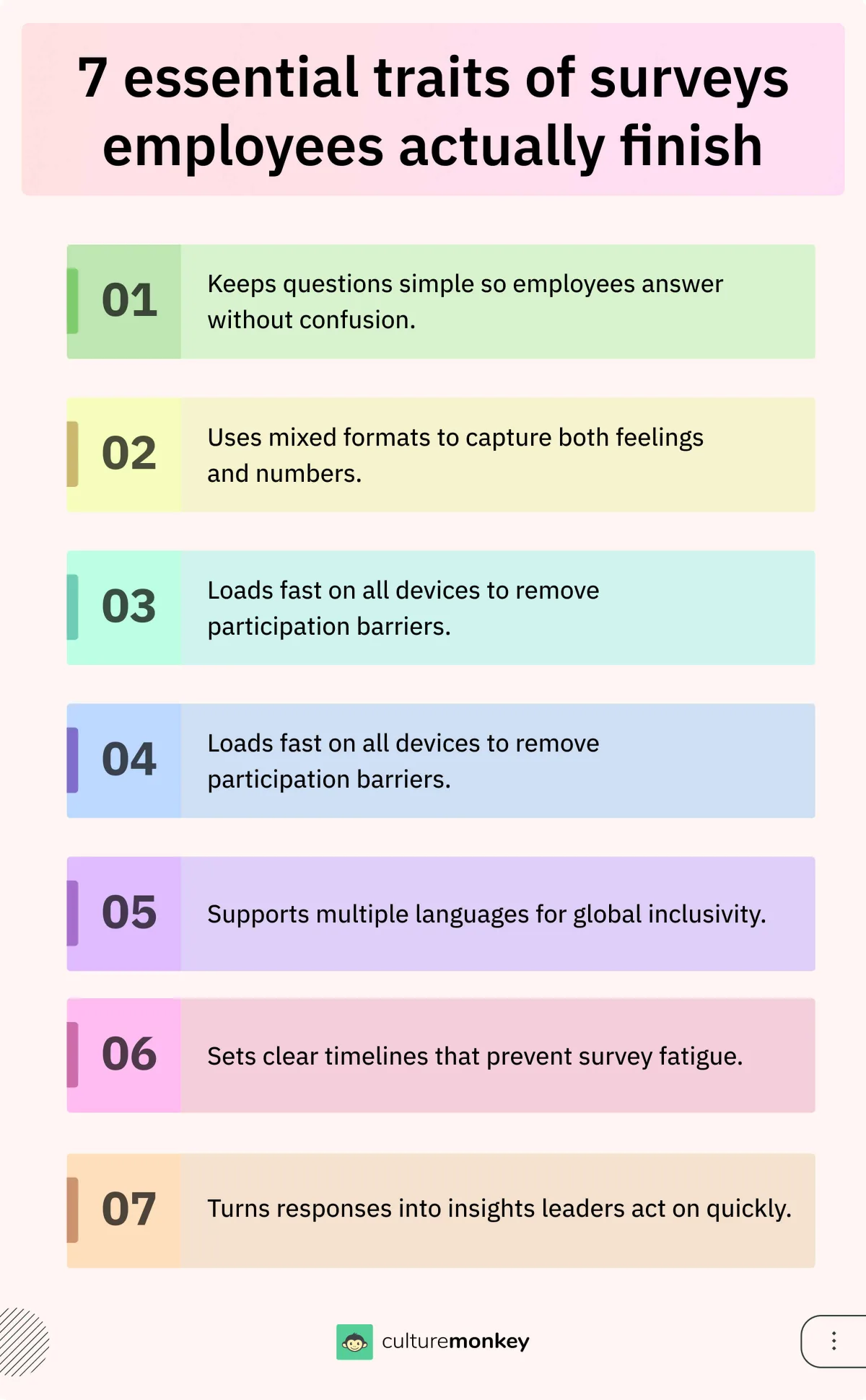
- Keep it simple and clear
Plain language, no HR jargon. The simpler the wording, the more people connect with the question and answer it honestly.
- Use a mix of question types
Likert, multiple choice and open prompts together. Measurable data and the reason behind it, in one pass.
- Ensure anonymity
People share genuine opinions only when they feel safe. Protecting identity raises participation across departments and levels.
- Optimise for mobile
Hybrid and remote teams answer when they can, which is often not at a desk. Accessibility drives the response rate more than reminders do.
- Provide clear timelines
State the start and end dates. Short, structured windows prevent fatigue and keep the data from one comparable period.
- Send reminders across channels
Slack, Teams or email, with a personal message about why the response matters rather than a generic nudge.
- Share results and next steps
Present the highlights visually and outline what happens next, so people can see the outcome of the time they gave.
- Communicate the purpose upfront
Explain why the survey matters before the first question. Context is what produces a thoughtful answer instead of a fast one.
- Always close the loop
Publish “you said, we did”. Demonstrated action is the difference between a feedback culture and a box-ticking exercise.
Organisations that measure and act on satisfaction see 21% higher profitability and 59% lower turnover (Gallup). Both halves of that sentence matter: measuring without acting produces neither number.
Customising for departments and locations
- Identify department-specific drivers
Sales cares about incentives and targets; engineering cares about workload and tooling. Same survey, different signal.
- Adapt language to local culture
Regionally appropriate phrasing makes the survey relatable rather than translated-sounding.
- Include location-based questions
Ask about local leadership support, facilities or remote-work experience, which the global set will never surface.
- Balance global and local metrics
Keep a universal core and add tailored items around it. The core is what makes any comparison possible.
- Test for cultural sensitivity
Check that wording respects local norms. A question that reads as intrusive in one region gets skipped in that region only, which skews everything.
- Adjust format by role
Shorter for field teams, more detailed for corporate roles. The right length is the one people finish.
- Use benchmarking consistently
Compare customised responses back to the company baseline, or the local insight has nothing to sit against.
Mistakes enterprises make, and the fix
- Asking too many questions
Long surveys cause fatigue and lower completion. Keep it short and prioritise ruthlessly; the questions you cut cost you nothing you were going to act on.
- Using vague or biased wording
Unclear or leading questions skew results. Write neutral, specific items and test the wording on a small group first.
- Ignoring anonymity
Without it people hold back. Reassure participants explicitly and use a platform where the anonymity is structural rather than promised.
- Failing to align with business goals
Questions that link to nothing leadership can act on produce data nobody uses. Align each item to a decision.
- Skipping pilot testing
Launching untested exposes design flaws at full scale. A small pilot is the cheapest quality control available.
- Not segmenting by team or role
A one-size approach hides departmental problems inside a company average. Add filters for role, tenure and location.
- Neglecting follow-up communication
Surveys that disappear into silence destroy trust. Closing the loop is what motivates the next round of participation.
GDPR, SOC2 and distributing at scale
Survey data deserves the same rigour as any other sensitive employee information. These are not procurement checkboxes: collecting identifiable data you did not need is what turns a feedback programme into a liability.
- Data privacy under GDPRCollect only what is essential, obtain clear consent, and give employees the right to access or delete their responses.
- SOC2 security standardsThe platform needs controls for data security, availability and anonymity that will stand up to an enterprise audit.
- Anonymity and data minimisationAvoid collecting identifiable data unless it is genuinely necessary, and communicate how anonymity is maintained in practice.
- Role-based platform accessLimit visibility to the admins, HR leaders and managers who need it. Unnecessary exposure is the most common compliance gap in survey programmes.
Analysing and acting on the results

- Segment your data
Break results down by department, role and location to find the localised issues a company-wide average conceals.
- Prioritise key drivers
Focus on workload, recognition and leadership support, and rank by impact so resource goes where it moves the most.
- Visualise with dashboards
Heatmaps, trend charts and benchmarks turn a complex dataset into something an executive can act on in a meeting.
- Build collaborative action plans
Involve managers in writing the plan. Shared ownership is what gets a change implemented rather than announced.
- Communicate outcomes transparently
Share the highlights and the actions. Closing the loop is what buys participation next cycle.
Taking the scores to the executive team
- Identify retention risks
Low scores on workload or recognition mark the attrition hotspots, early enough to do something targeted about them.
- Benchmark progress over time
Comparing across quarters shows whether cultural initiatives moved anything, which is the only honest way to evaluate them.
- Link scores to business outcomes
Correlating satisfaction with productivity, turnover or customer satisfaction is what makes the case for HR investment in language finance accepts.
- Enable data-driven decision making
Executives get clarity on where to allocate: training, wellbeing, leadership development. The data adds weight the recommendation would not carry alone.
- Strengthen leadership accountability
Team-level scores create ownership. Managers who can see how their team compares tend to act without being asked.
- Spot disparities across teams
Segmented data shows which specific groups are struggling, which enables a targeted intervention instead of a company-wide programme.
- Support transparent executive reporting
Sharing high-level scores in board reports signals that leadership treats culture as a business input rather than a sentiment.
Five enterprise survey tools compared
Feature notes, scores and the trade-offs, drawn from customer reviews on G2 and Capterra rather than vendor marketing.
An employee engagement survey platform built for the complexity of large organisations: secure, scalable and customisable, with People Science behind the question design and enterprise-grade compliance behind the data.
- GDPR and SOC 2 compliance
- Feedback is collected to global data privacy and security standards
- Easy data migration
- Import past survey data and benchmarks without losing the trend line
- HRIS and communication integrations
- Connects to Slack, Teams and Workday with minimal IT effort
- 50+ customisable templates
- An expert-designed library, or tailor a survey to a specific team
- Multilingual support
- Distribute in 100+ languages to capture authentic feedback globally
- Lifecycle-based surveys
- Automate onboarding, anniversary, promotion and exit feedback
- Omnichannel delivery
- Slack, WhatsApp, email, SMS, QR codes or kiosks
- Heatmaps and dashboards
- Visualise trends and engagement patterns across teams
- AI-powered text and sentiment analysis
- Detect themes and measure sentiment in open text
Intuitive platform design with built-in anonymity features that foster open and constructive feedback.
No major limitations identified; some features may be less relevant for smaller businesses.
Contact sales
Qualtrics
G2 4.4
A survey and experience management platform used across industries, with flexible tools to design, distribute and analyse at scale and strong support for customisation and compliance.
- Advanced survey logic
- Skip logic, branching and conditional flows for personalised paths
- Customisable dashboards
- Interactive dashboards with role-based access for HR and executives
- Multi-language support
- Global surveys with built-in translation and localisation tools
- AI-powered text analytics
- Automatic sentiment and theme detection in open responses
- Enterprise-grade compliance
- Meets GDPR, SOC2 and HIPAA standards
Industry benchmarks for peer comparison, strong dashboards with clear visual reporting.
Steep learning curve for new users, and pricing is relatively expensive.
Contact sales
Leapsome
G2 4.8Capterra 4.6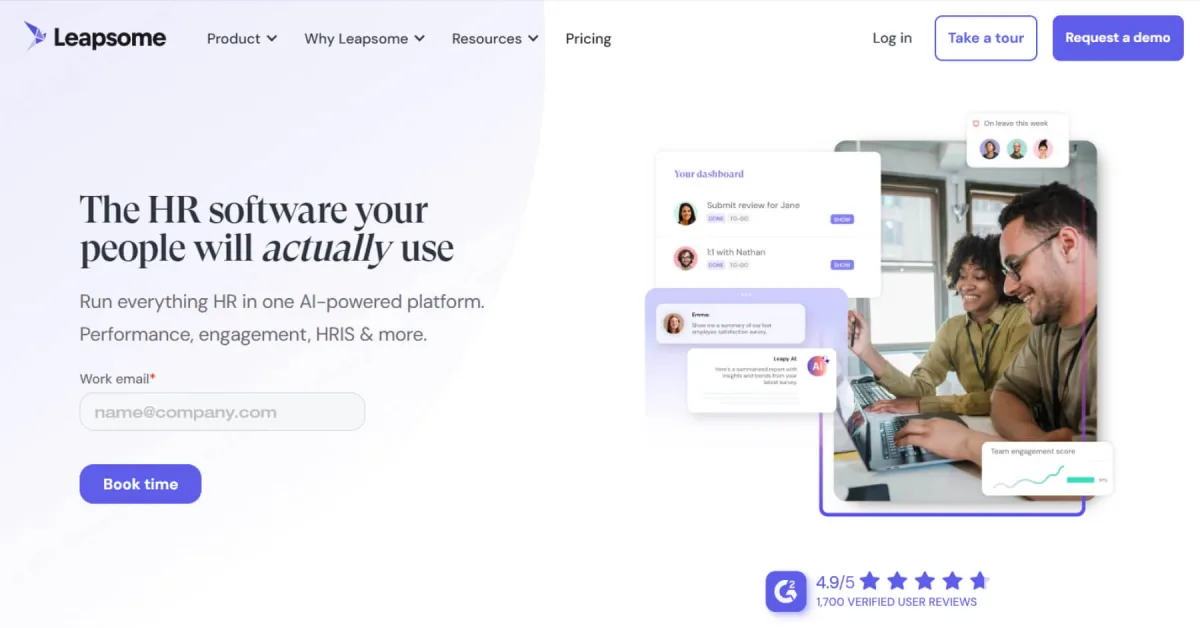
An HR platform combining performance reviews, feedback, learning and engagement, with HRIS functionality alongside the survey tooling so trends connect to goals and development.
- Engagement surveys
- Full or short-cycle surveys to monitor mood over time
- Question library
- Ready-made templates you can customise per team
- Instant feedback and 1:1s
- Frequent check-ins that address issues before they escalate
- AI insights and recommendations
- Highlights sentiment and recommends focus areas
- Role-based analytics
- Tailored dashboards with access control by role
Strong survey analytics with advanced filters and benchmark comparison options.
Survey logic and question branching could be more customisable.
Contact sales
Lattice
G2 4.7Capterra 4.5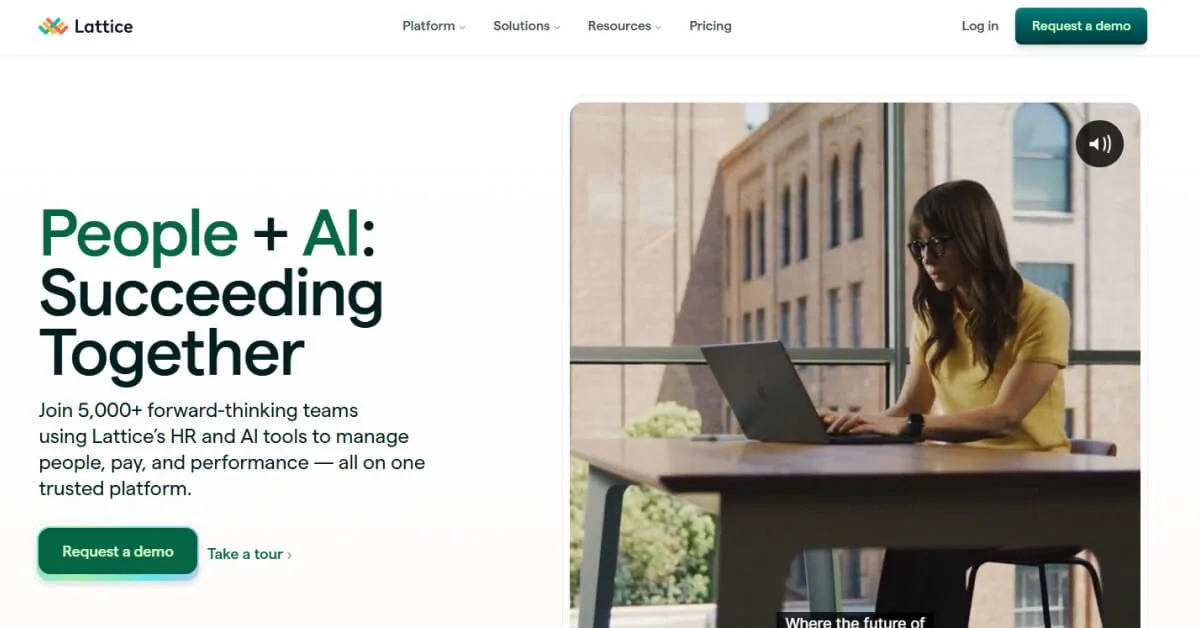
Blends engagement surveys, performance management and analytics into one platform, emphasising the connection between survey data and people outcomes.
- Engagement surveys
- Structured surveys capturing sentiment at scale
- Pulse surveys
- Shorter recurring check-ins measuring real-time change
- Question library
- Pre-built, research-backed questions for consistency
- Benchmarking
- Compare against industry or internal benchmarks
- Custom dashboards
- Views tailored for HR, managers and leadership
Clean, easy-to-use interface that supports global adoption, with straightforward API integration.
Customer representatives change often, which makes support less consistent.
Contact sales
Officevibe
G2 4.7Capterra 4.8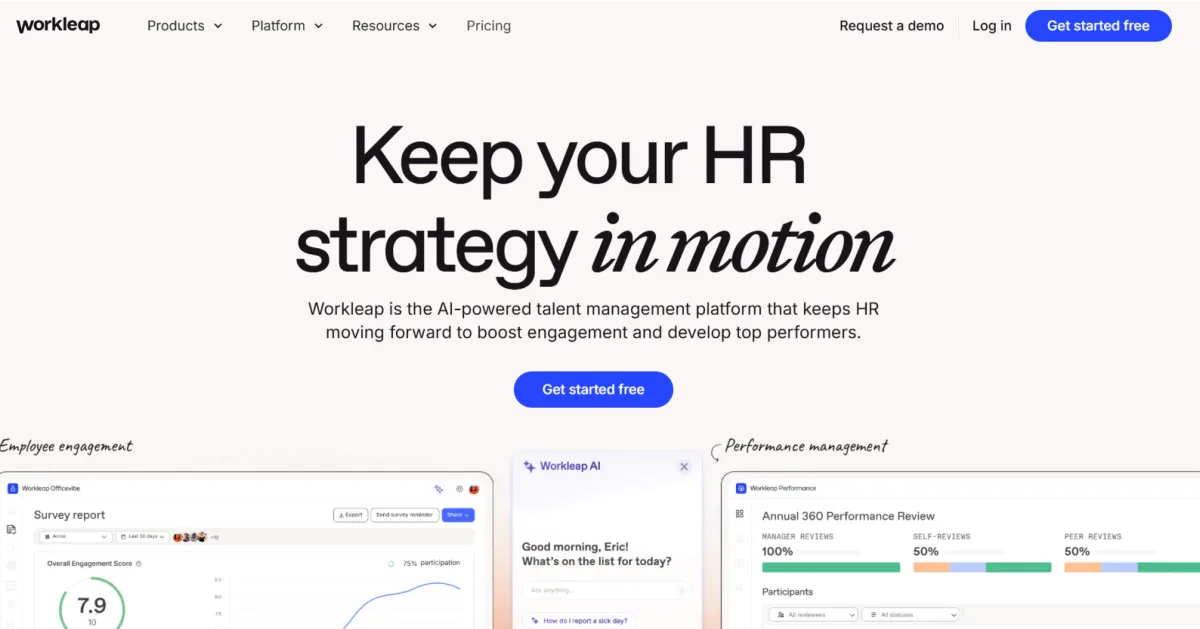
A continuous-engagement survey and feedback platform built around bite-sized pulses alongside customisable full-cycle questionnaires, so sentiment is tracked rather than sampled.
- Pulse surveys
- Frequent, simple feedback on a familiar scale for easy trend tracking
- Questions library
- Expert-developed questions covering the engagement drivers
- Custom survey templates
- Tailor questions and set frequency to your own rhythm
- Anonymous feedback collection
- Psychological safety so people share candidly
- Real-time analytics
- Dashboards with AI summaries to spot change early
Easy to collect and analyse feedback with intuitive templates and real-time reporting.
Reporting features could be more robust, and feedback filtering needs improvement.
$5.00 per user per month
How CultureMonkey handles the whole loop
- Customisable templates and survey design
Start from a proven template or adapt it for a department, location or role, so the survey matches the organisation rather than the other way round.
- Anonymous response collection
Built-in anonymity makes people comfortable sharing what they actually think, which drives both participation and data reliability.
- People science-backed analytics
Beyond raw scores: analytics that surface the drivers of satisfaction and the trends across teams and geographies.
Frequently asked questions
What questions should I include in a job satisfaction survey form?
Include clear employee satisfaction survey questions on pay rate, recognition, work life balance, leadership, and career growth. Use rating scale and multiple choice formats in your job satisfaction assessment form to gather actionable data. Combine quantitative and open-ended items to measure employee satisfaction, understand workplace culture, and collect honest feedback that improves overall job satisfaction and retention.
How often should we run a job satisfaction survey in a large company?
Large companies should conduct a full job satisfaction survey annually, supported by quarterly pulse surveys. This rhythm helps measure satisfaction, identify trends in morale, and maintain continuous improvement. Frequent surveys also ensure HR professionals can track engagement without causing survey fatigue, empowering leaders to act quickly on employee feedback and strengthen workplace satisfaction across departments and teams.
Employee satisfaction vs. job satisfaction: What's the difference?
Employee satisfaction reflects how content someone feels with the overall workplace experience, while job satisfaction focuses specifically on their role, tasks, and daily responsibilities. An employee may enjoy their job but still feel disconnected from the organisation if growth, recognition, or culture is lacking. Measuring both helps leaders diagnose issues accurately and improve engagement meaningfully.
Can I use CultureMonkey to run job satisfaction surveys?
Absolutely. CultureMonkey enables HR leaders to design, distribute, and analyze employee satisfaction surveys easily. Its platform automates reminders, collects survey data, and delivers actionable insights on employee morale, engagement, and workplace issues. You can use ready-made survey templates, ensure anonymity, and track satisfaction trends across teams, all within a single platform that supports continuous improvement in company culture.
How do I design a job satisfaction survey that people will actually complete?
Keep your employee survey short, mobile-friendly, and transparent. Use conversational survey questions, clarify purpose, and guarantee anonymity to encourage honest feedback. Include a variety of question types like rating scale, open-ended, and multiple choice, and share how results will be used. When employees feel their opinions matter, participation rises and survey fatigue falls, improving overall job satisfaction insights.
How do I present job satisfaction results to leadership?
Present survey results visually through dashboards or slides that link employee feedback to business outcomes. Highlight patterns in workplace satisfaction, morale, and leadership perception. Use actionable data to identify areas needing support, track trends in employee engagement, and recommend specific strategies that connect improved employee satisfaction with higher productivity, retention, and a more positive work environment overall.
How often should enterprises run job satisfaction surveys?
Enterprises should run comprehensive employee satisfaction surveys once a year, followed by follow up surveys or pulse surveys every quarter. This cadence helps measure employees’ feelings, track cultural health, and identify issues before they escalate. Regular satisfaction surveys provide valuable insights for leaders, ensuring a stable workplace culture, boosting employee retention, and promoting continuous improvement across the organization.
What are the best practices for distributing job satisfaction surveys?
Share your online survey via internal links, email, or staff meetings with clear timelines and reminders. Keep the survey template simple and branded, and use friendly nudges through Slack or Teams to remind employees. Communicate confidentiality to increase honest feedback, reduce survey fatigue, and ensure satisfied employees feel their opinions drive real, visible improvements in workplace satisfaction and engagement.
Which AI tools can analyze employee survey data for insights?
AI tools like CultureMonkey, Qualtrics, and Lattice analyze survey data from employee satisfaction surveys using natural language processing. They identify sentiment, uncover engagement drivers, and offer valuable insights on employee morale, professional growth, and organizational culture. These tools help HR professionals transform feedback into actionable data, track overall job satisfaction, and build a stronger, more positive work environment.
How can AI analyze the results of employee satisfaction surveys?
AI uses text analysis and sentiment mapping to process employee feedback from satisfaction surveys. It detects recurring themes, measures emotional tone, and links patterns to key workplace issues. This analysis helps HR teams measure satisfaction, pinpoint pain points, and prioritize interventions that enhance employee engagement, career growth, and well-being, creating happy employees and a stronger organizational culture overall.
Can I use the same survey template for all departments?
You can, but you shouldn’t. A single survey template misses the unique realities of different teams. Marketing, engineering, operations, and frontline roles experience work differently, so their questions need to reflect that. Using a core template with department-specific additions gives you accurate insights, reduces noise, and helps leaders act on feedback that actually fits their team.
How often should organisations run job satisfaction surveys?
Most organisations benefit from running a full job satisfaction survey once or twice a year, supported by shorter pulse surveys every quarter. This balance prevents fatigue while giving leaders a steady flow of insights. Regular check-ins help track changes, spot issues early, and ensure decisions reflect what employees are actually experiencing throughout the year.