





Role-based access for surveys

Simplify platform access while keeping
engagement data secure

Manage survey insights with simple role-based access and built-in security to protect sensitive feedback.

Book a free, no-obligation product demo call with our experts.

Trusted by 500+ organizations across 30+ countries
United BankRobertshawPepsiYahooLinkbankGarrettJeronimoEconofoods
4.7/5 on G2GDPR & SOC 2 Compliant5 Week Implementation
Access roles

Choose the right level of access for every user

Control who sees what with simple, secure role-based access for all survey data.

Super admins

Manage everything from survey settings to integrations with full platform visibility.

Sub admins

Run surveys and access reports for specific departments and locations only.

Manager dashboard

Access dashboards to view insights only for the teams they manage.

Super admins

Control all surveys from one place

Avoid fragmented systems by centralizing control over survey delivery, access, and oversight.

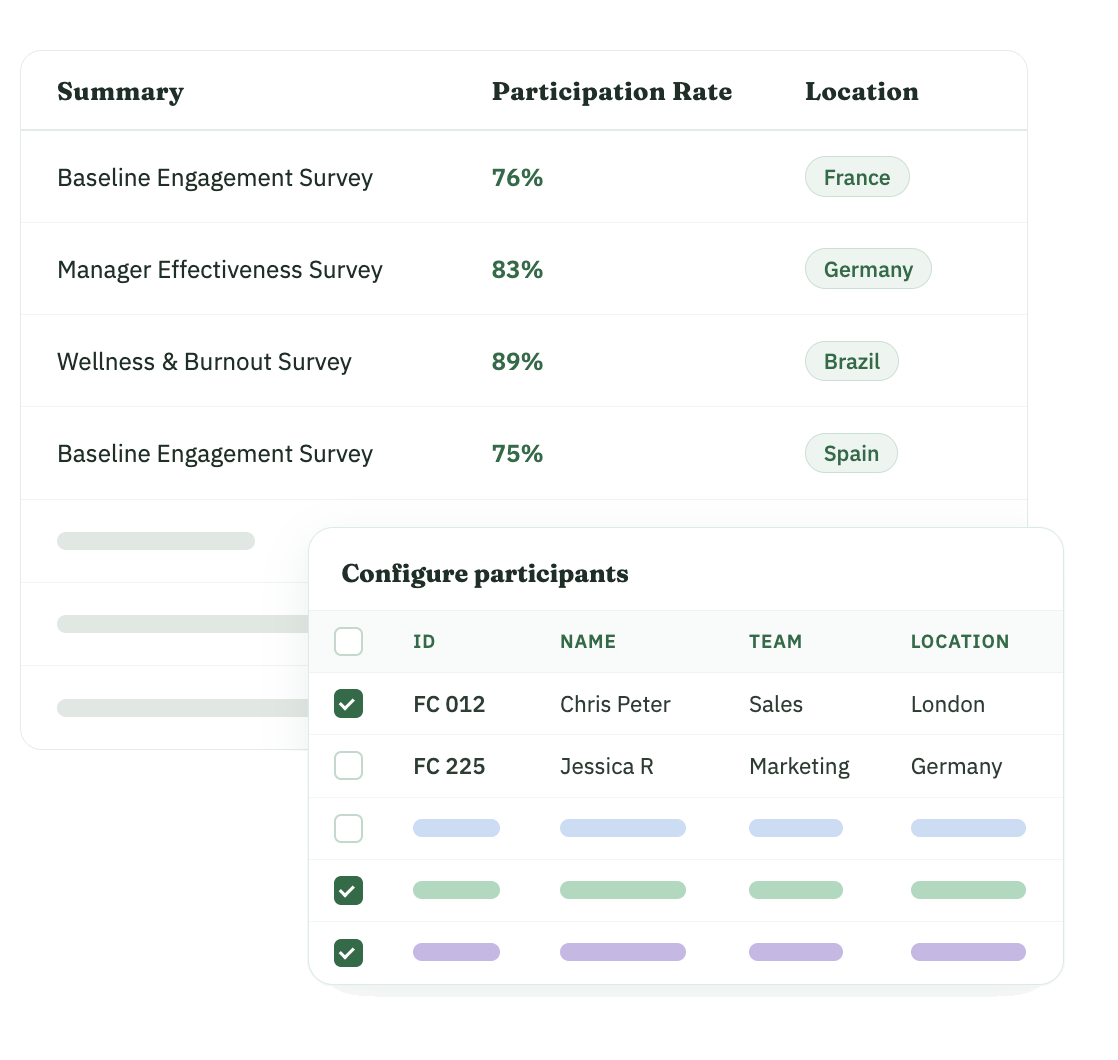
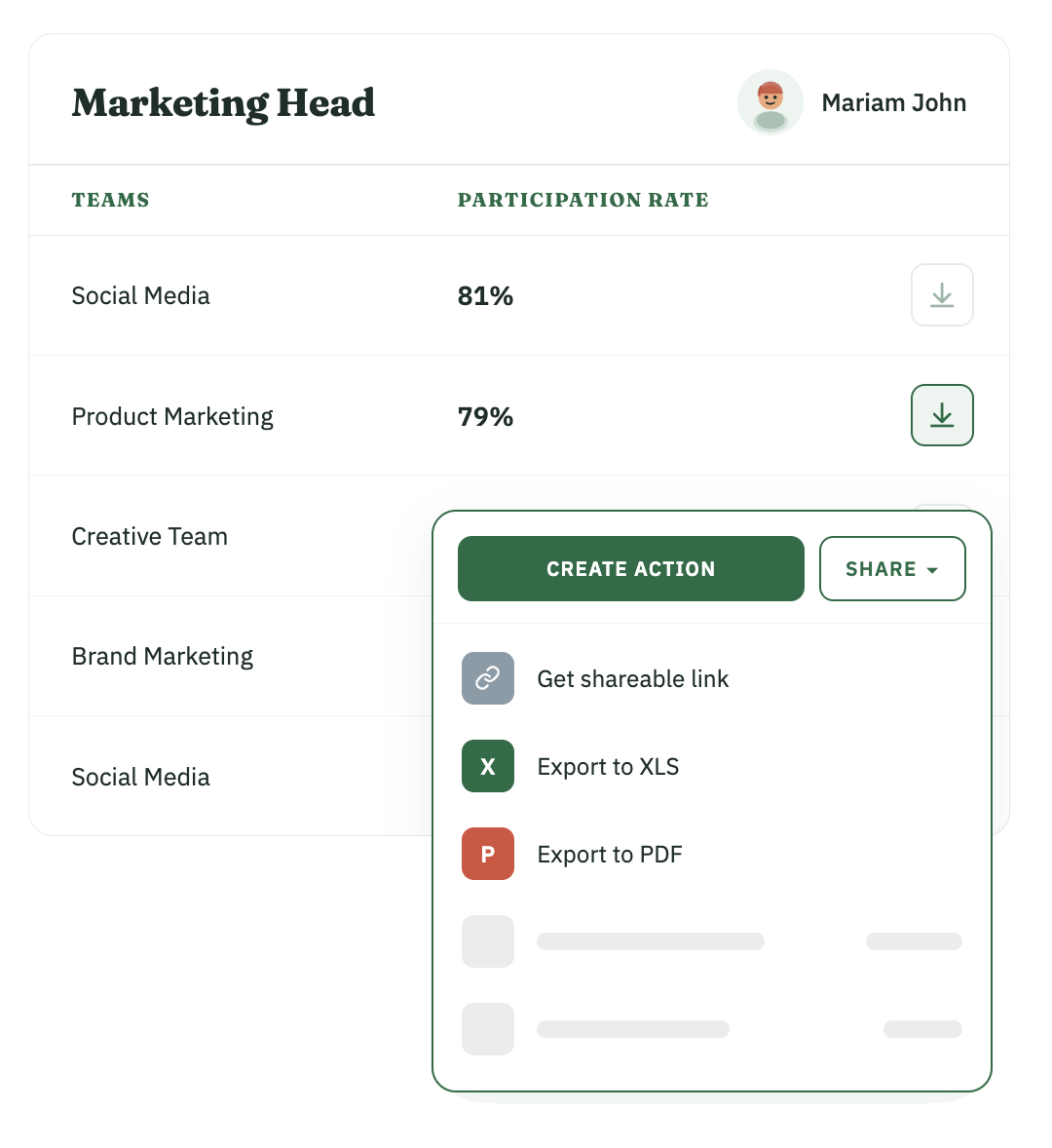
Super admin role-based access dashboard
Sub admins

Make regional survey management simple

Decentralize survey ownership without compromising data visibility, control, or clarity.

Sub admin scoped access controls for surveys
Manager dashboard

Make feedback actionable for every manager

Equip managers with dashboards that turn team sentiment into meaningful action.

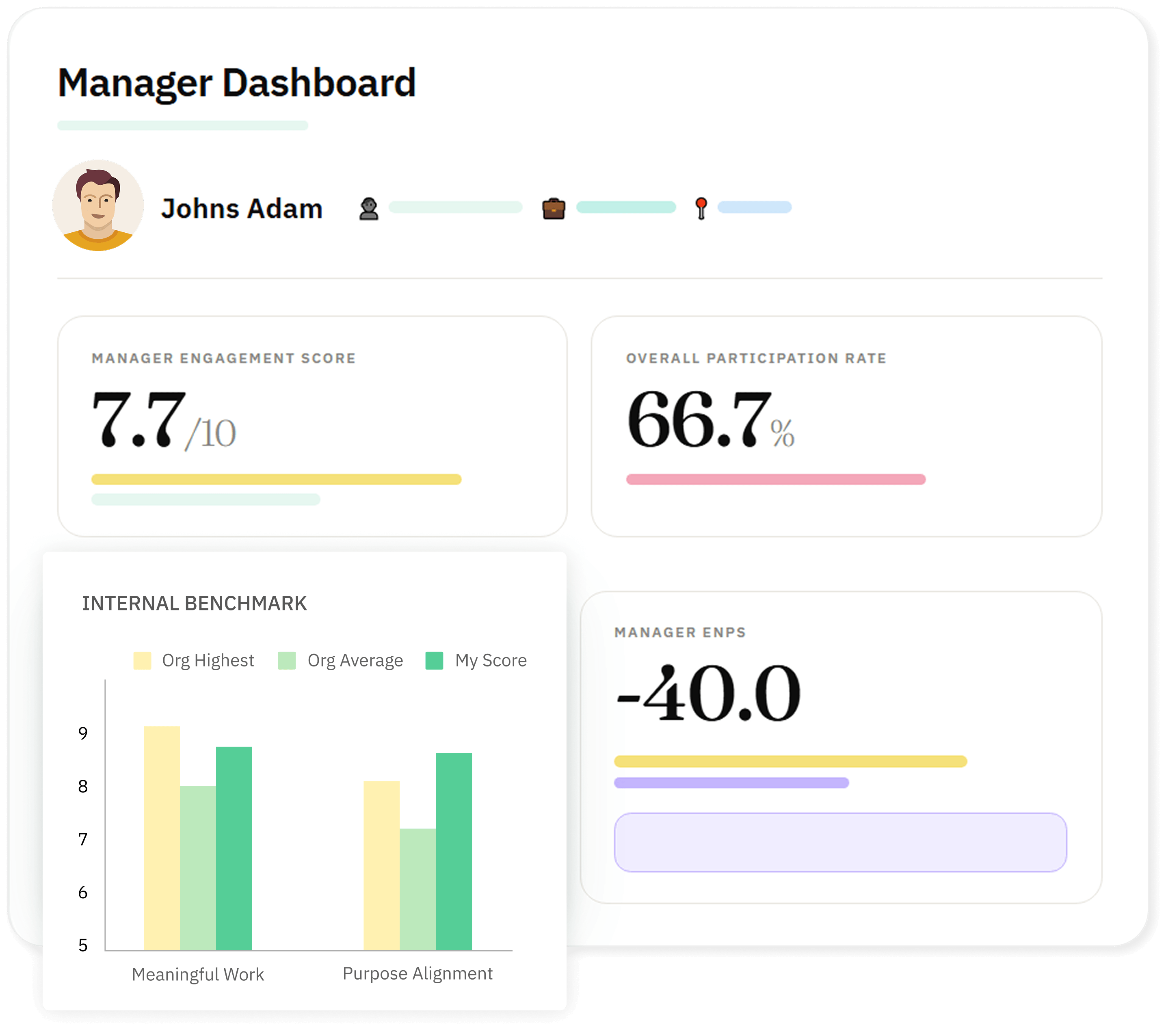
Manager dashboard showing team engagement insights
Security & compliance

Feedback that's anonymous, secure, and actionable

Protect employee privacy with built-in anonymity, robust security, and global compliance.

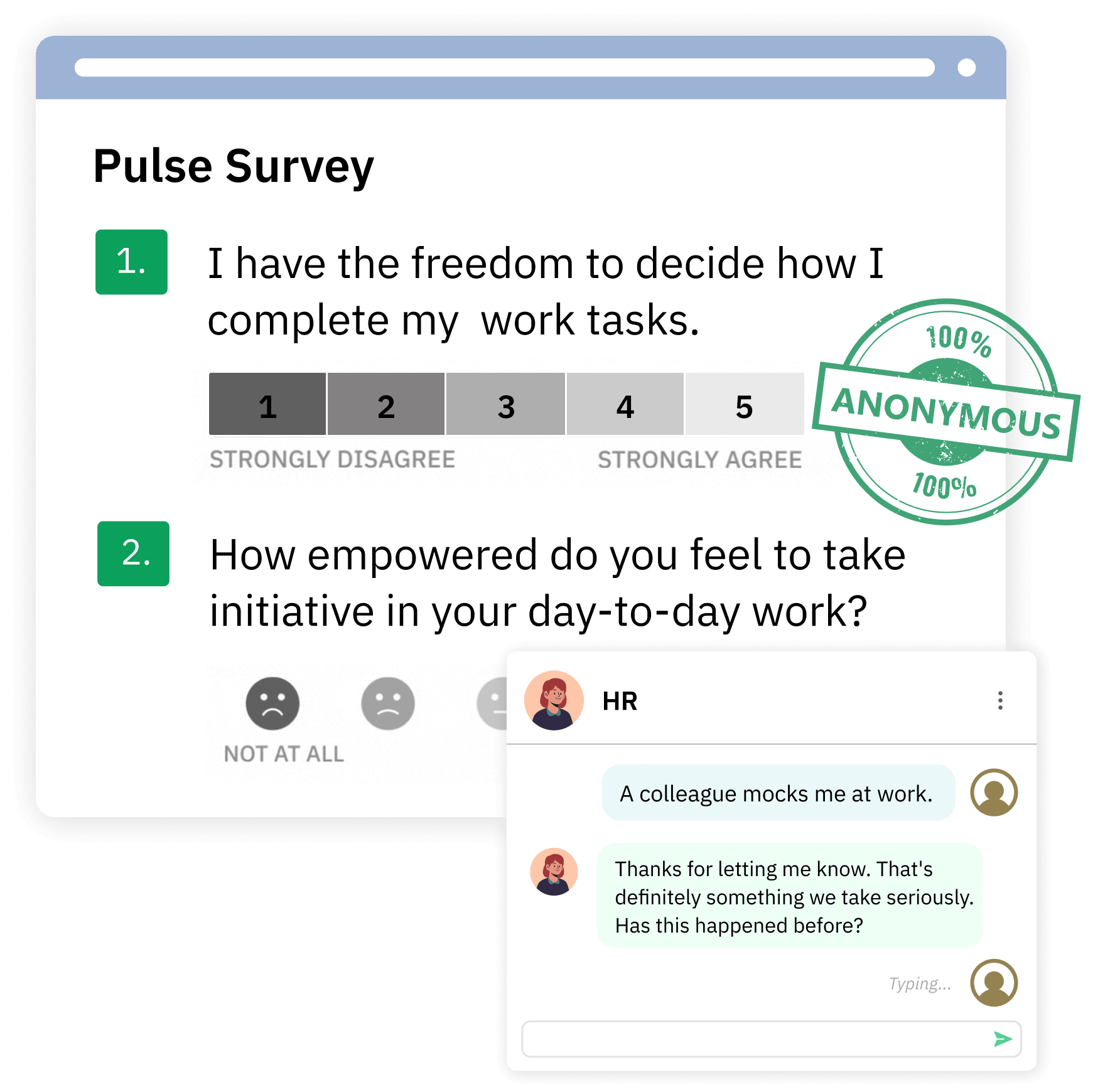
Enterprise security and compliance controls for surveys
Recognition

Top-rated across support, usability, and results

G2 High Performer Enterprise badgeG2 Momentum Leader badgeG2 Fastest Implementation badge

What HR leaders love about CultureMonkey

Customer testimonial after merger
After our merger, understanding our employees' perspectives was vital for us. CultureMonkey stood out by blending our engagement methodology with their research-backed questions, adding depth and relevance to our insights. Their support team was exceptional, always responsive and proactive, making our engagement efforts truly impactful.
Beverly Wise
Beverly WiseChief Impact Officer
Employee engagement testimonial with people science insights
CultureMonkey made it easy to automate our employee engagement surveys while still giving us the flexibility to customize them. Their real-time data analysis, combined with insights from the People Science team, helped us uncover key focus areas, align our strategy with industry benchmarks, and strengthen our leadership development efforts.
Mollie Mock Kaufman
Mollie Mock KaufmanDirector of Talent Development & Training
Econofoods employee engagement survey testimonial
CultureMonkey's support during the launch of our first company engagement survey at Econofoods was phenomenal. With their omni-channel reminders through WhatsApp and Text messages, we reached nearly 80% participation. The user friendly platform, detailed reporting and live dashboard empowered us to develop actionable strategies.
Esther Geldenhuys
Esther GeldenhuysPeople Operations Executive
Aujan Group employee engagement testimonial
In just seven days, CultureMonkey designed and launched our survey to 2,000 employees across multiple geographies and in five languages. A feat that would normally take 45 days. When at Aujan Group, we asked CultureMonkey to support us with our annual employment engagement survey. We gave them an impossible task and they delivered.
Susan Gardner
Susan GardnerCHRO
Robertshaw employee engagement testimonial
With CultureMonkey, capturing feedback worldwide became seamless and inclusive. QR codes, multilingual support, and open comment analysis helped our managers understand culture deeply and have more meaningful conversations, something that simply wasn't possible before.
Heather Kane
Heather KaneSr. Manager - Change & Engagement
FAQ

Role-based access FAQs

What is role-based access for surveys?
Role-based access means each person sees only the survey data their job requires, decided by their role rather than by ad-hoc sharing. In CultureMonkey, roles range from full admin down to manager and employee, and what each one can view, edit, or export follows from that role.
What roles are available in CultureMonkey?
The main roles are admin, sub-admin, manager, and employee, set out in understanding roles. Admins run the account, sub-admins get a scoped slice of it, managers see their own team, and an admin can view the platform as a manager to check exactly what each role sees.
How do you restrict what a sub-admin can see?
You give the sub-admin a data scope that limits them to a location, department, or business unit, and you control which surveys they can open. A regional HR lead then sees their region and nothing else.
What can managers see in survey reports?
Managers see their own team's aggregated scores and trends, never individual responses. You control what managers can see, and results only appear once a team clears the anonymity threshold, so a small team's data is never exposed.
How does role-based access protect survey anonymity?
Access rules and anonymity work together. Who can see responses is capped by role, and anonymity thresholds hide any group below the minimum size regardless of role, so no one at any level can drill into an individual's answers.

Secure your survey data with layered access controls

Book a free, no-obligation product demo call with our experts.