What we shipped

Product Updates

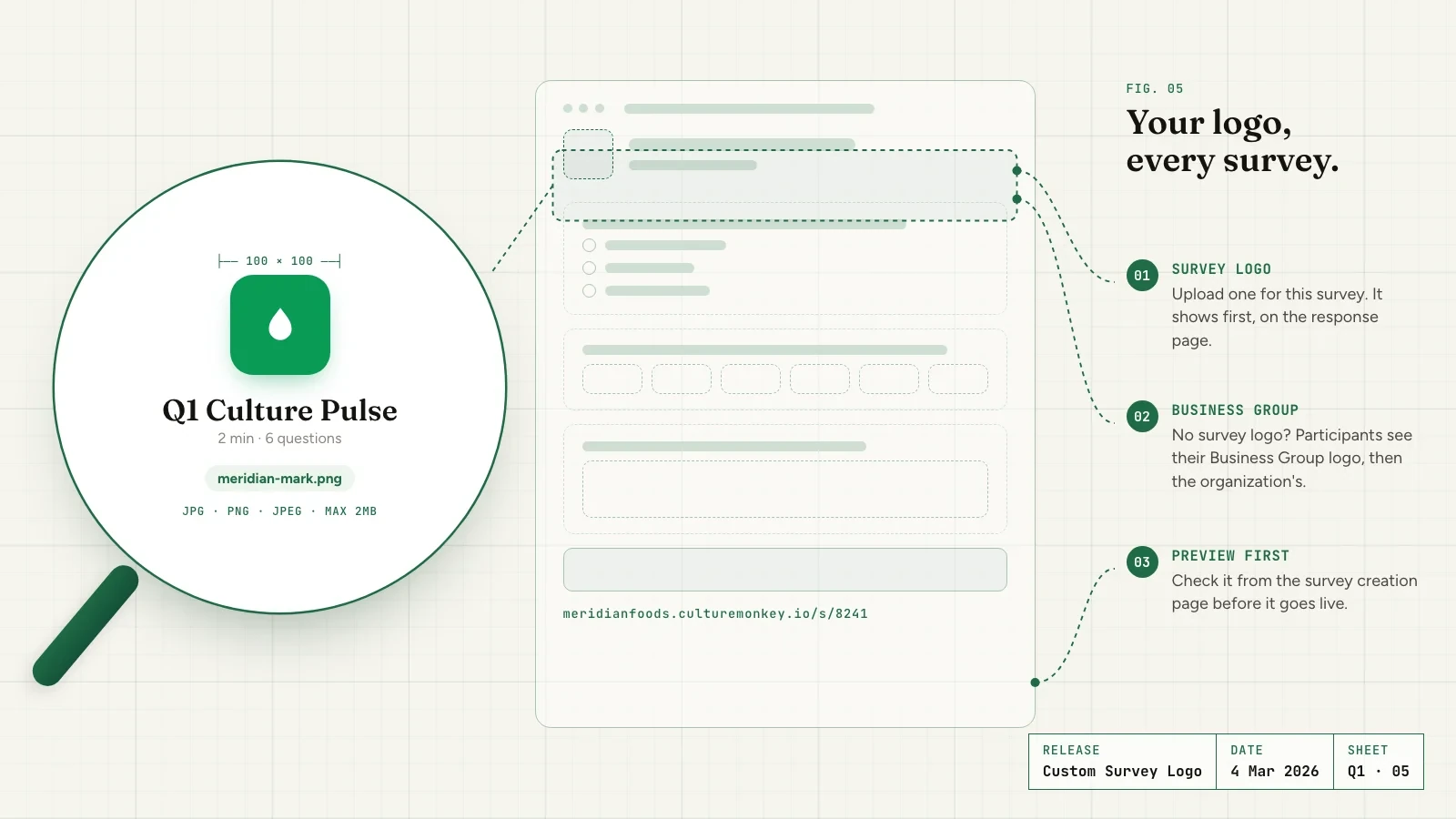
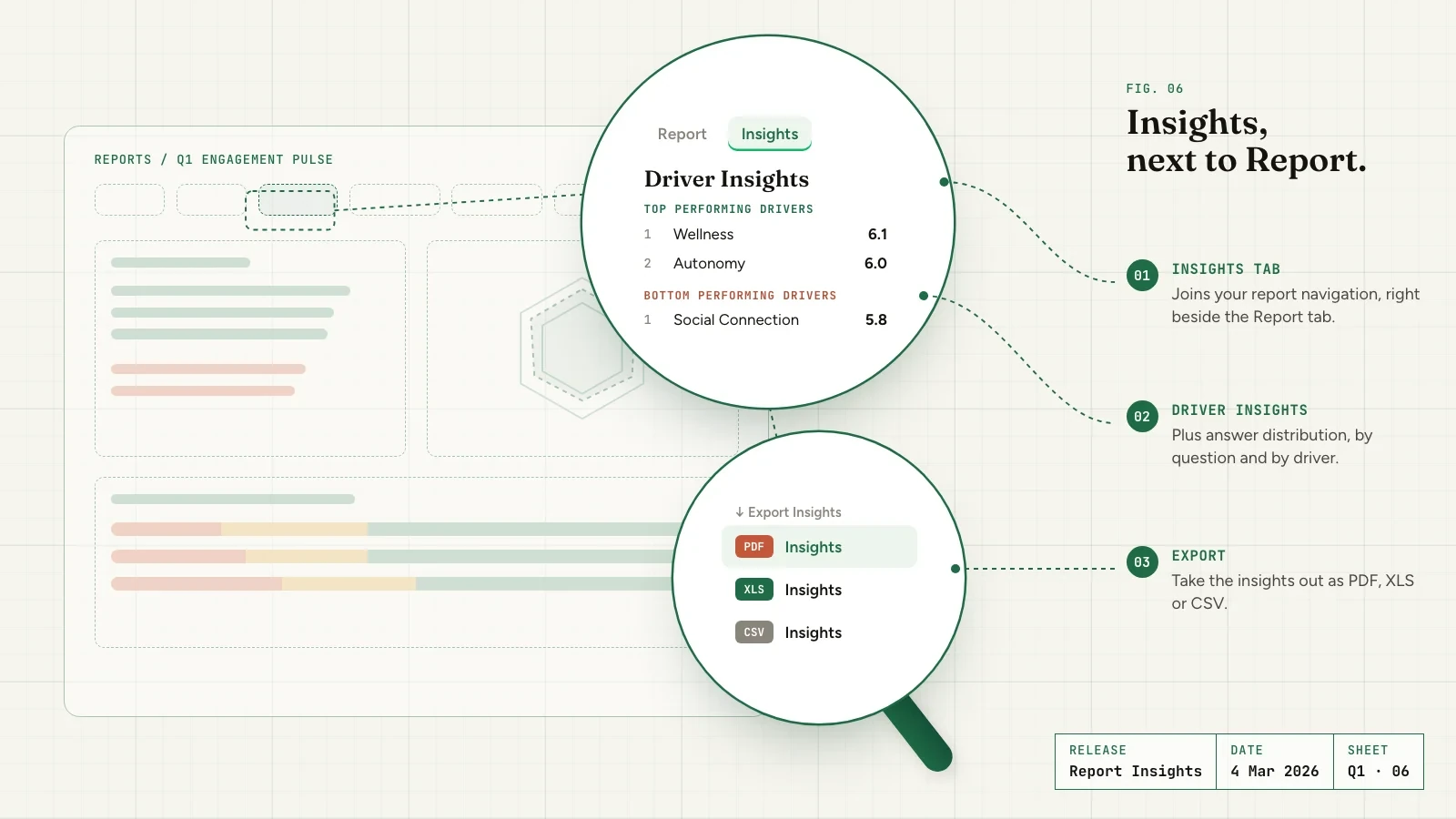
Every meaningful change to CultureMonkey - new features, improvements, and fixes, documented as they ship.

A running log of what we've shipped - everything here ships to all customers, on every plan.

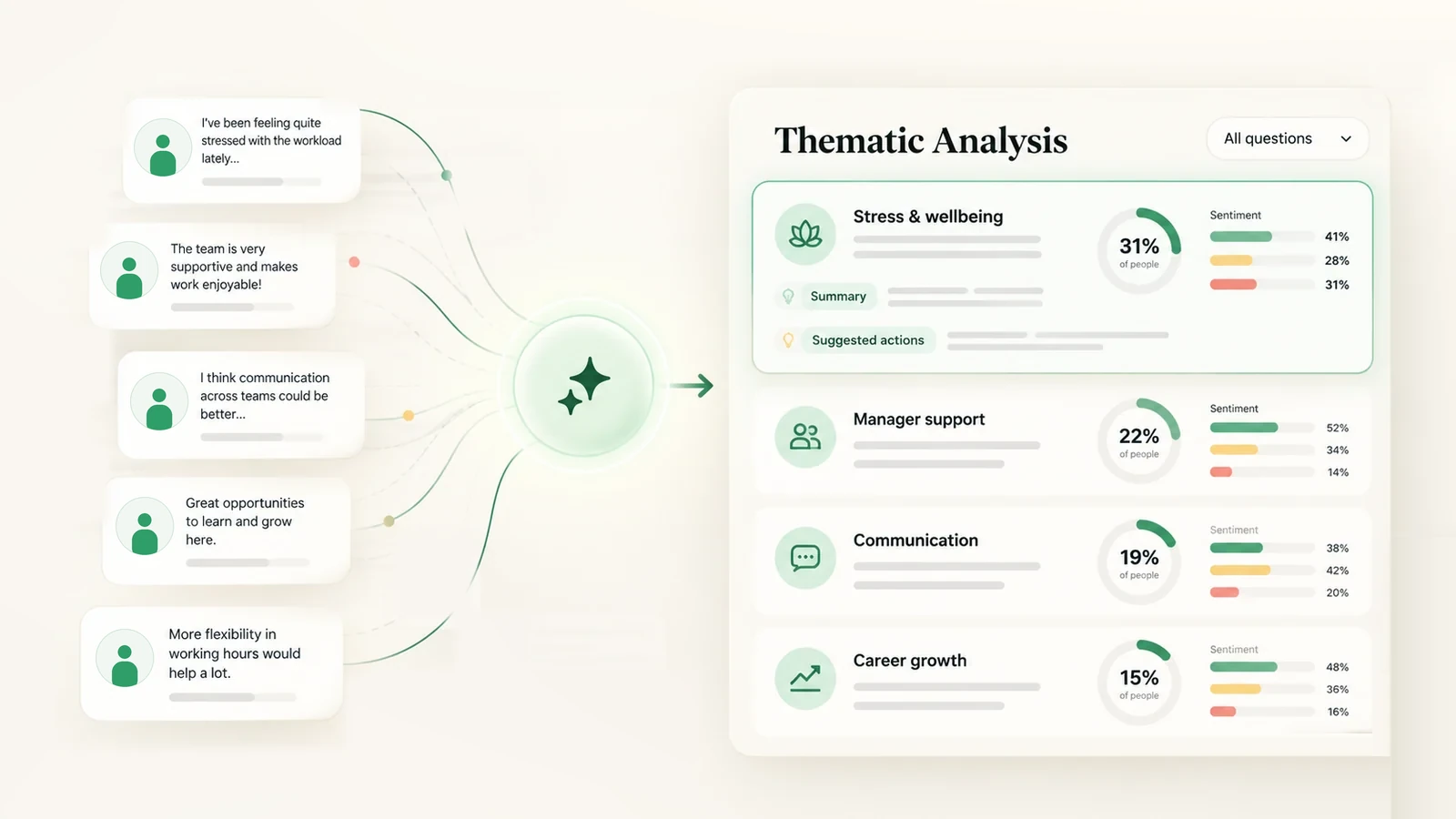
LatestSee the themes in survey comments and how many people raised eachOctober 27, 2026

Q4 2026

14 releases
Org Hierarchy

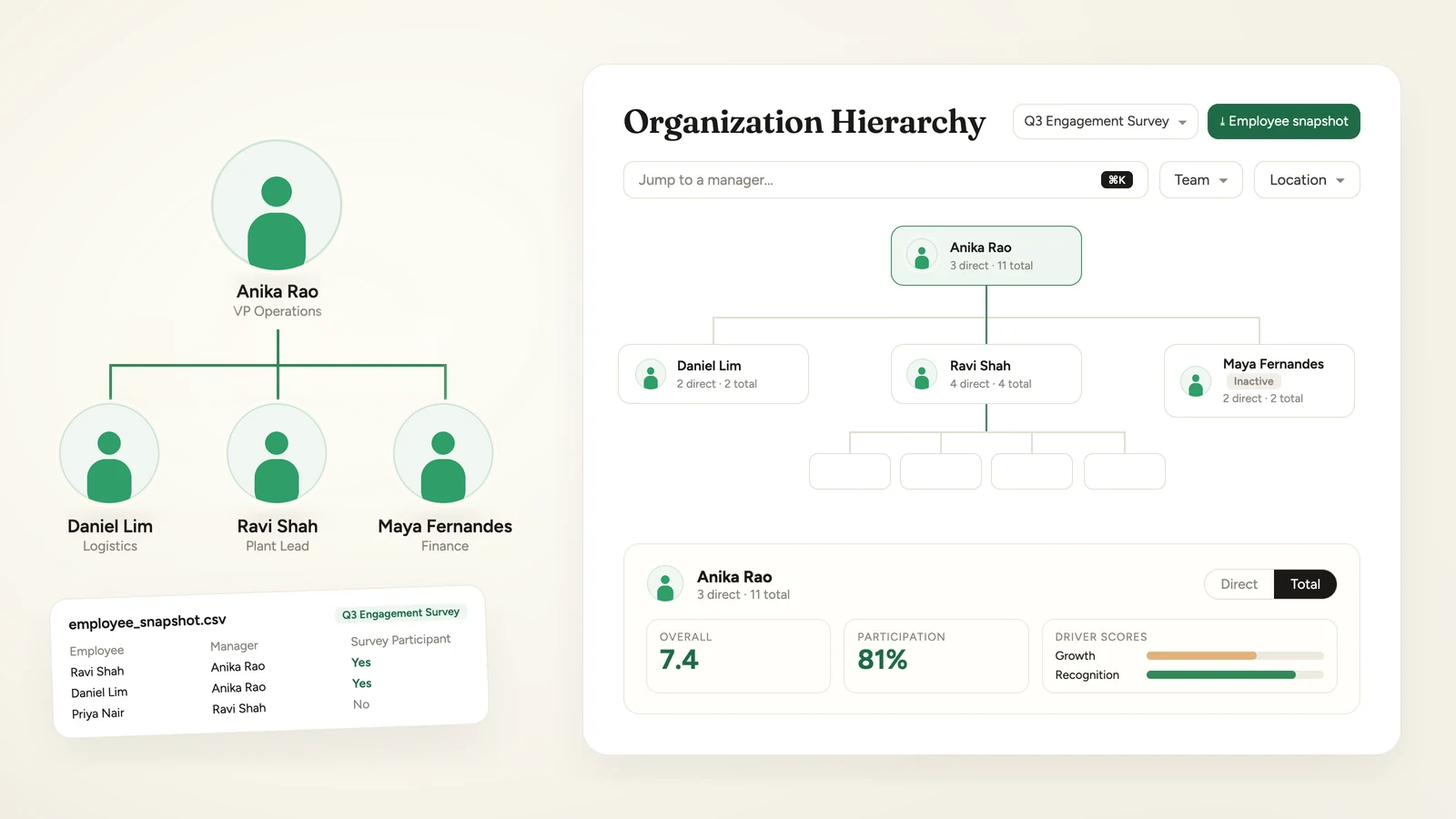
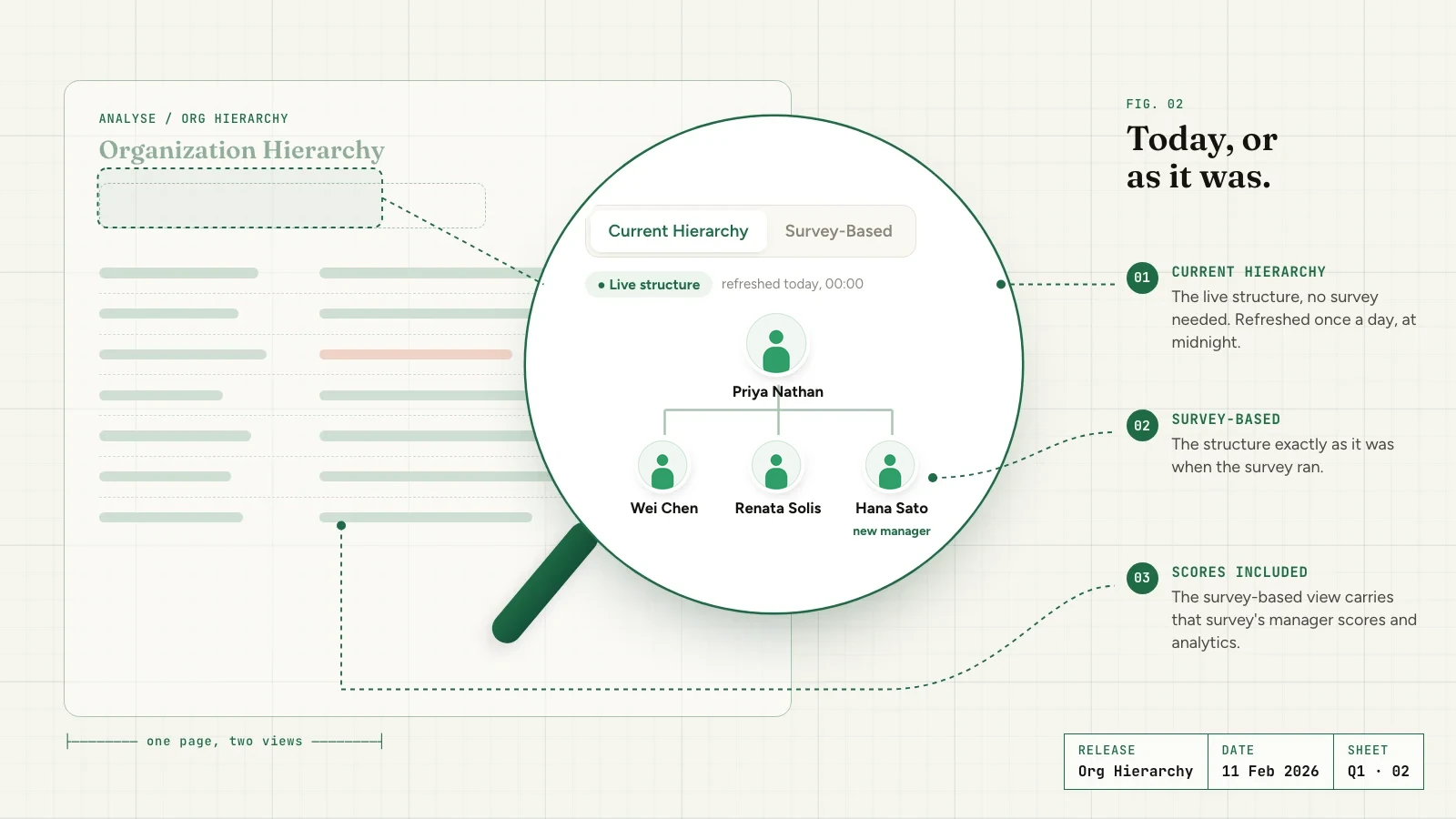
Survey hierarchies now stay as they were at launch

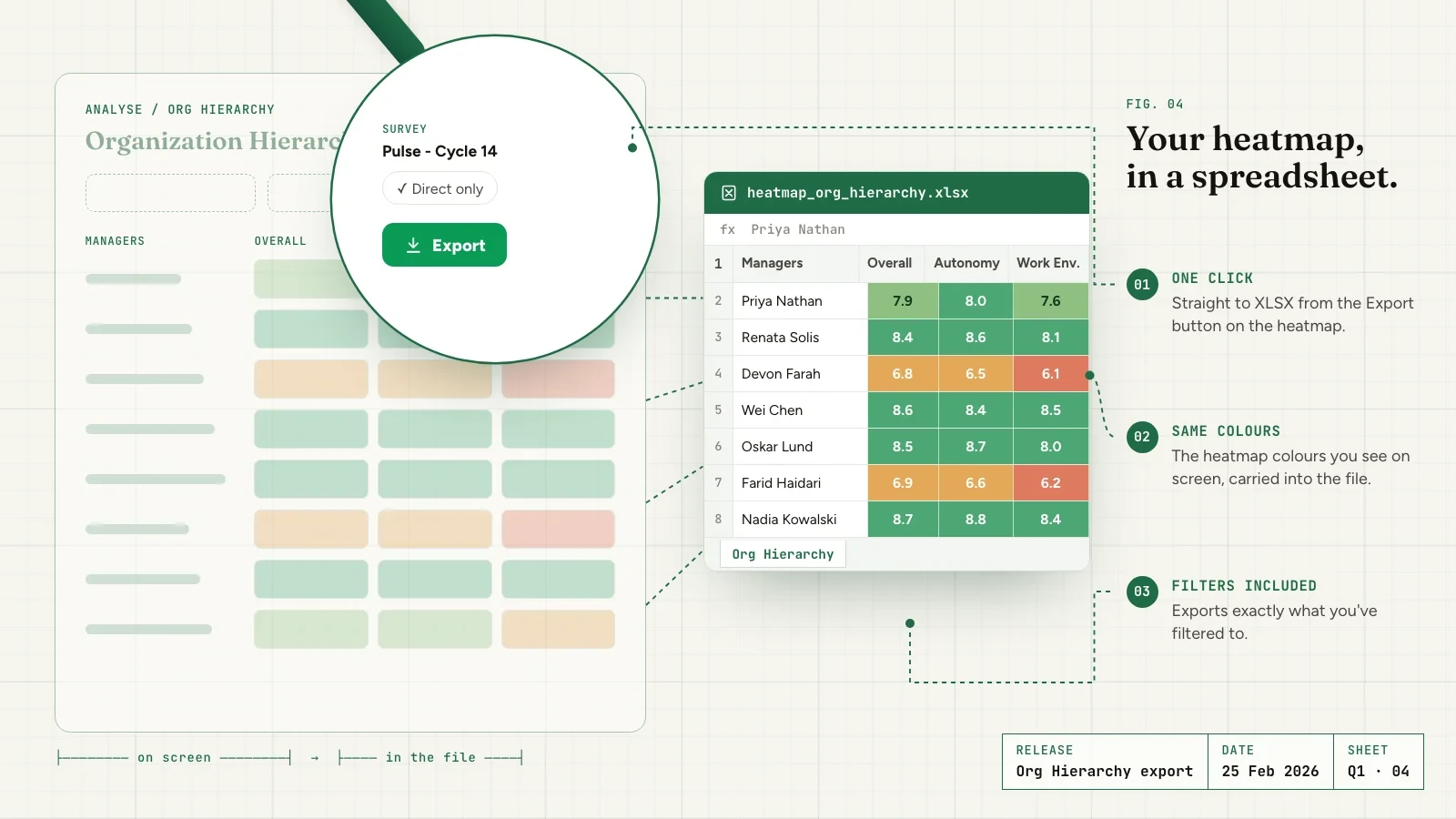
Each survey's org hierarchy is now set when the survey launches, and Super Admins can download it as an employee snapshot. Cards now count Total reports, the filter bar shows Team and Location by default, and survey reports link straight to that survey in Org Hierarchy. Available on request through your Success Manager.

Read the full release
Surveys

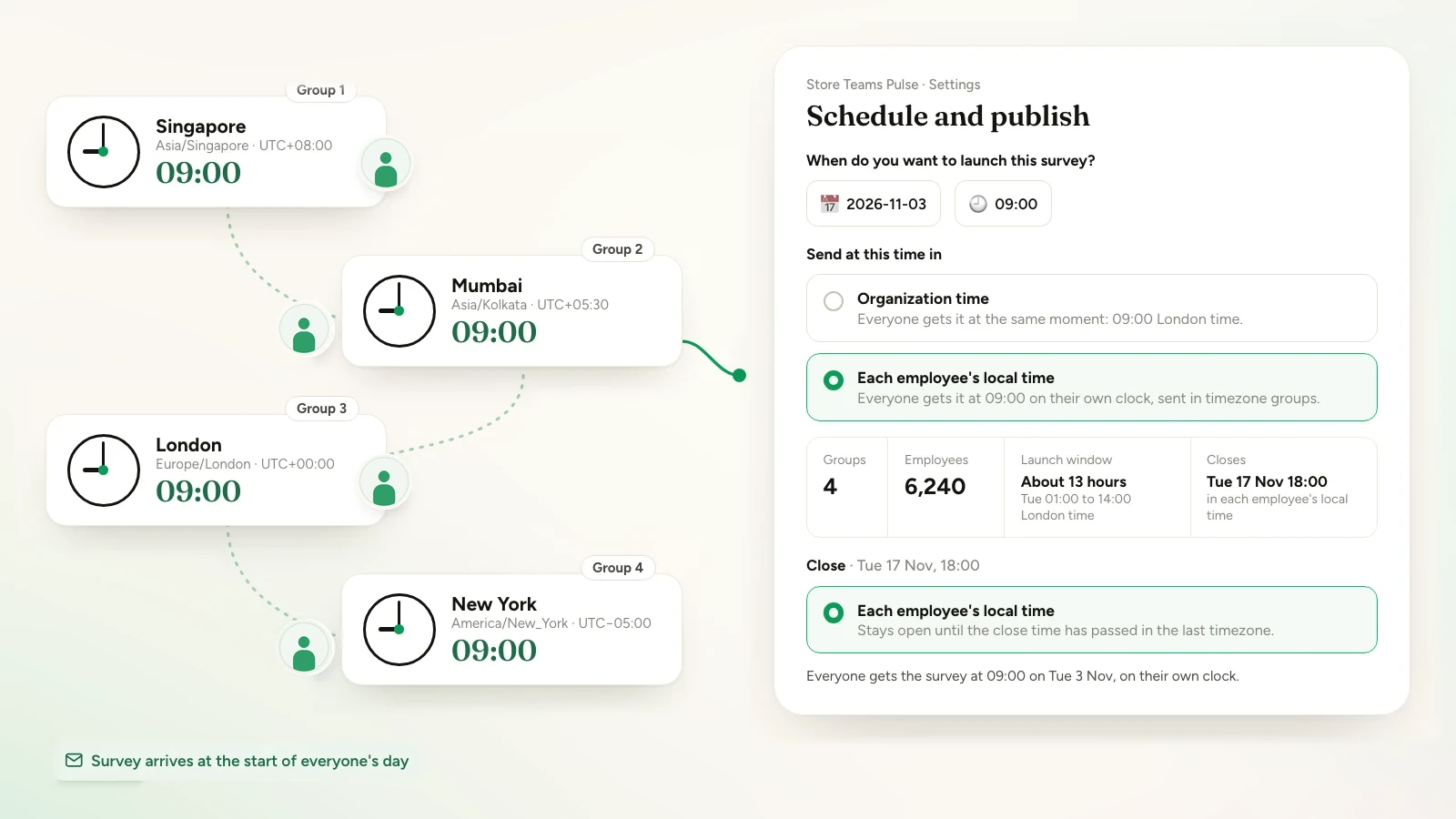
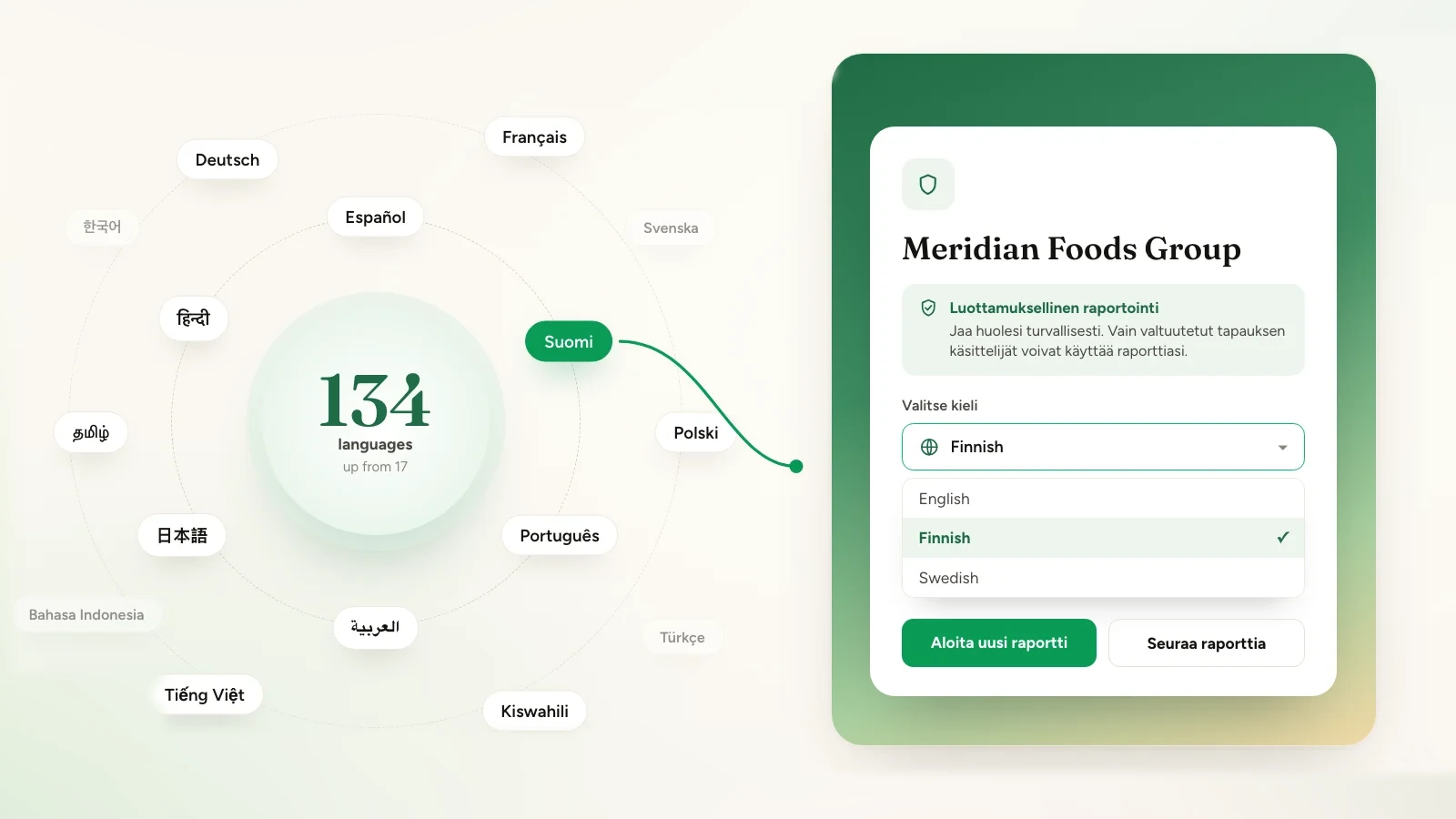
Send a survey at the same local time in every time zone

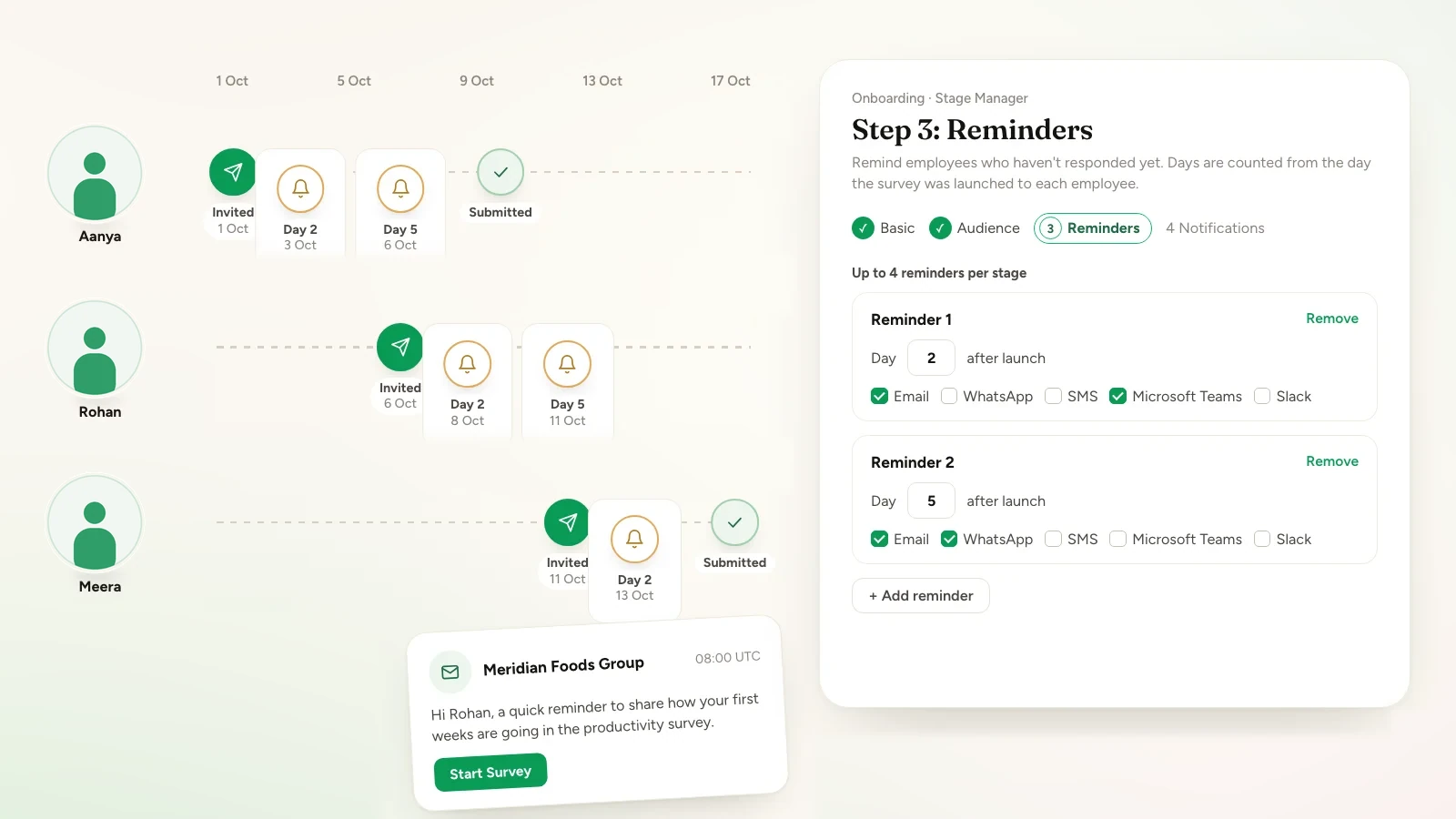
A scheduled survey can now launch at the same clock time in each employee's own time zone, instead of one moment for the whole organisation. It is sent in one group per time zone, one-time reminders follow the same rule, the close has its own time zone choice, and survey emails gain a {{days_left}} placeholder.

Read the full release
Reports

Split a report into one report per survey section

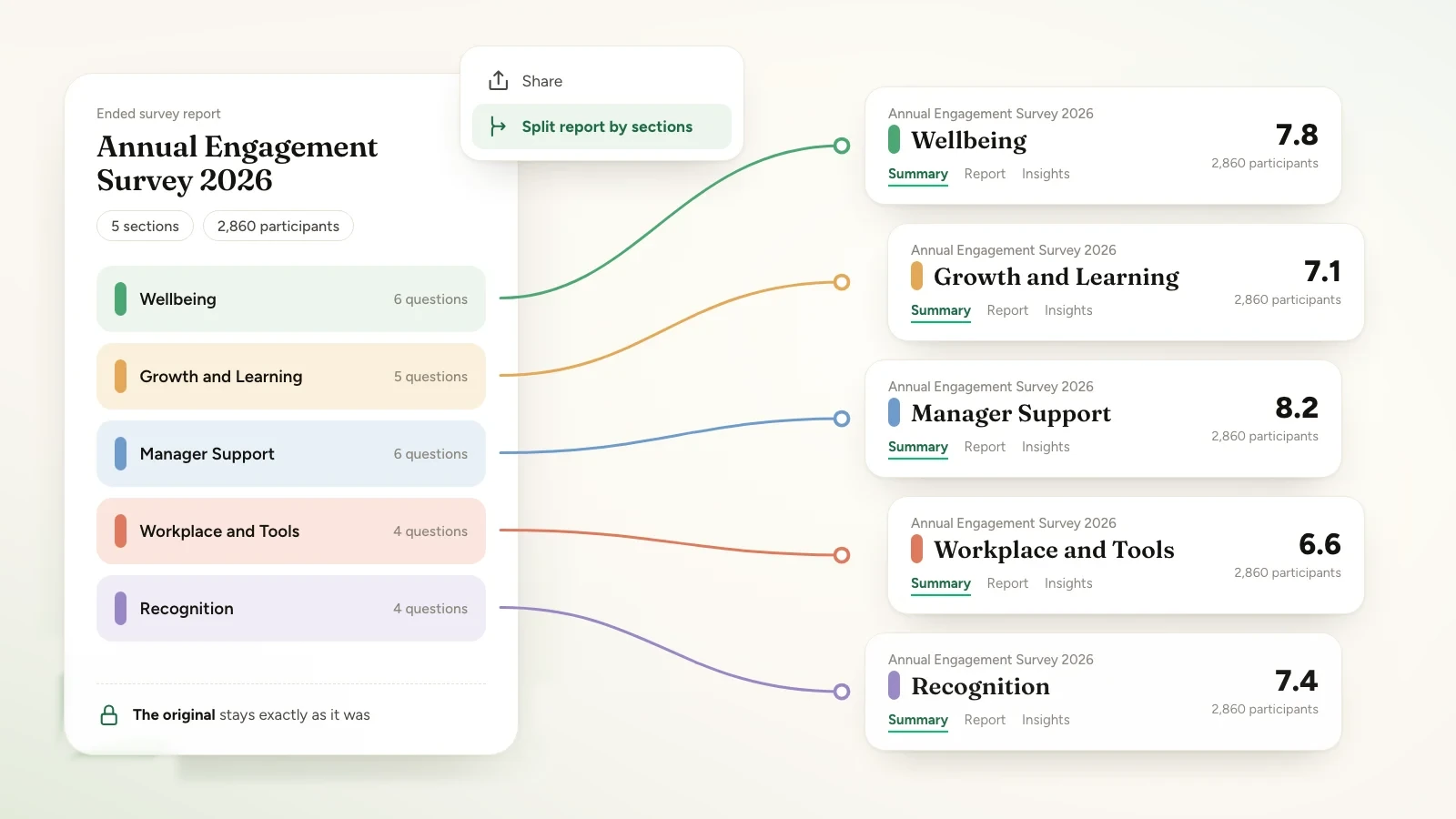
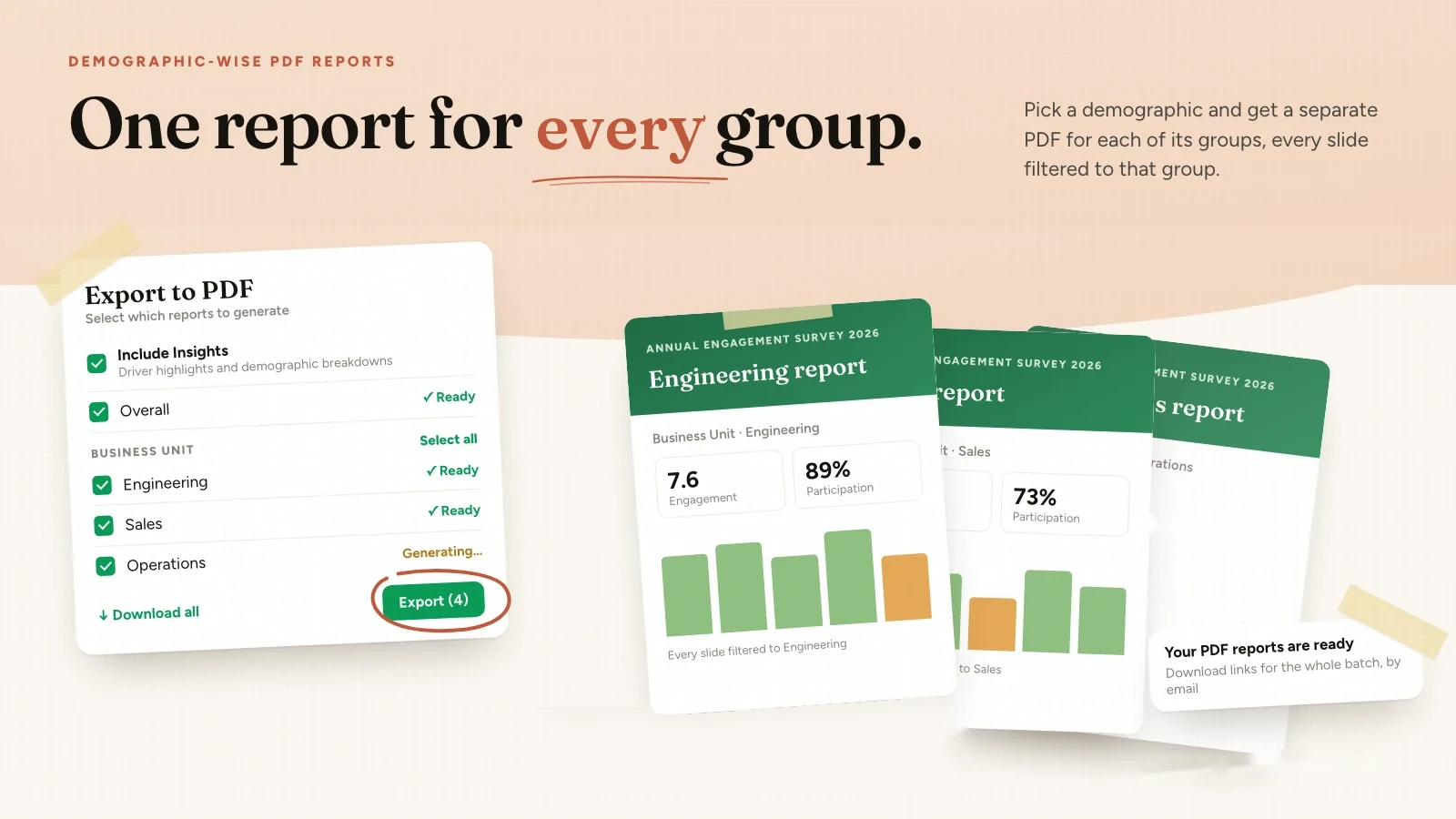
Super Admins can now turn an ended survey's report into one report per section, from the report's Share menu. Each new report has the same participants, their answers to that section only, and every report feature, while the original report stays exactly as it was.

Read the full release
Org Hierarchy

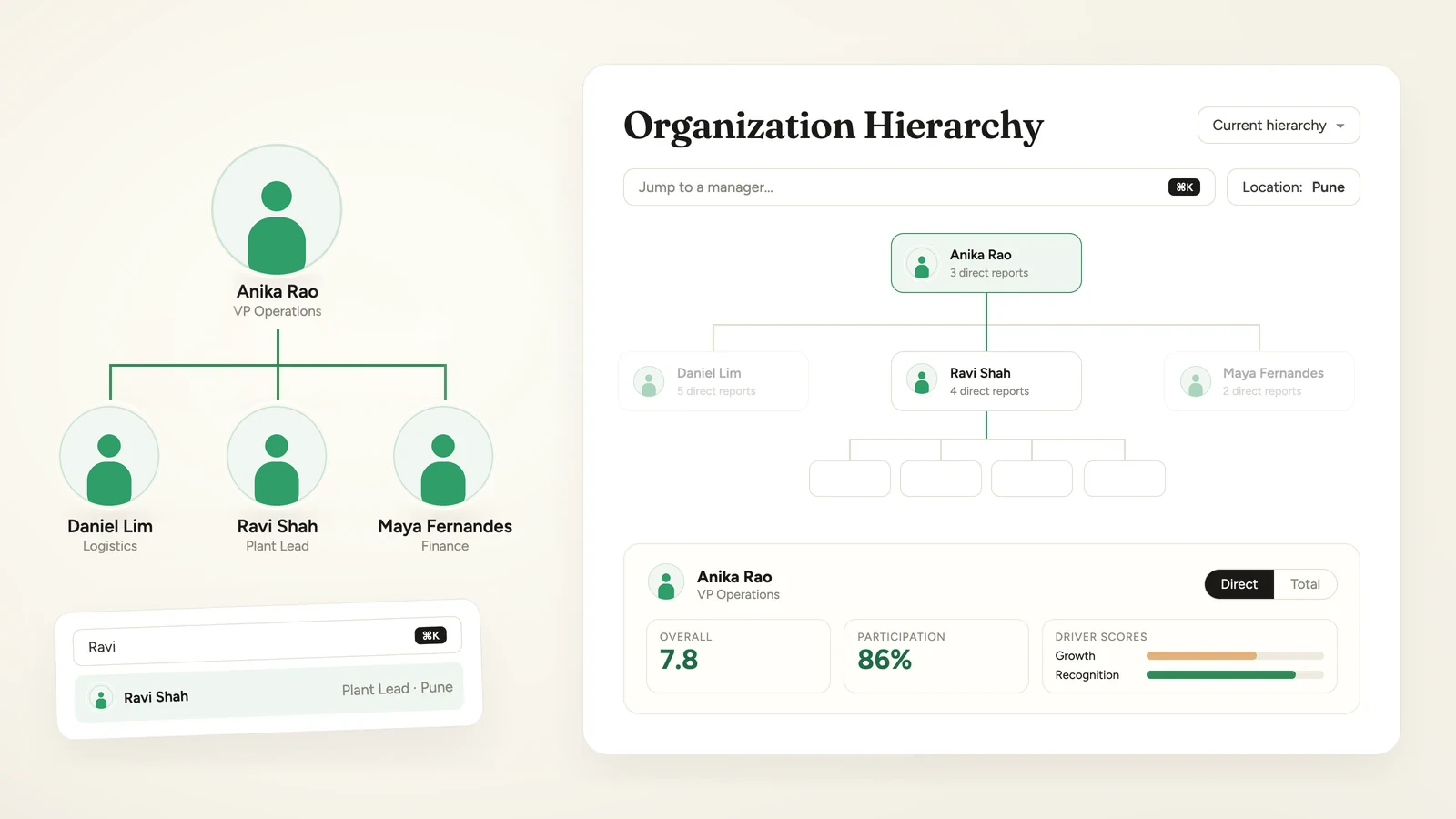
Org Hierarchy now opens on a new org chart

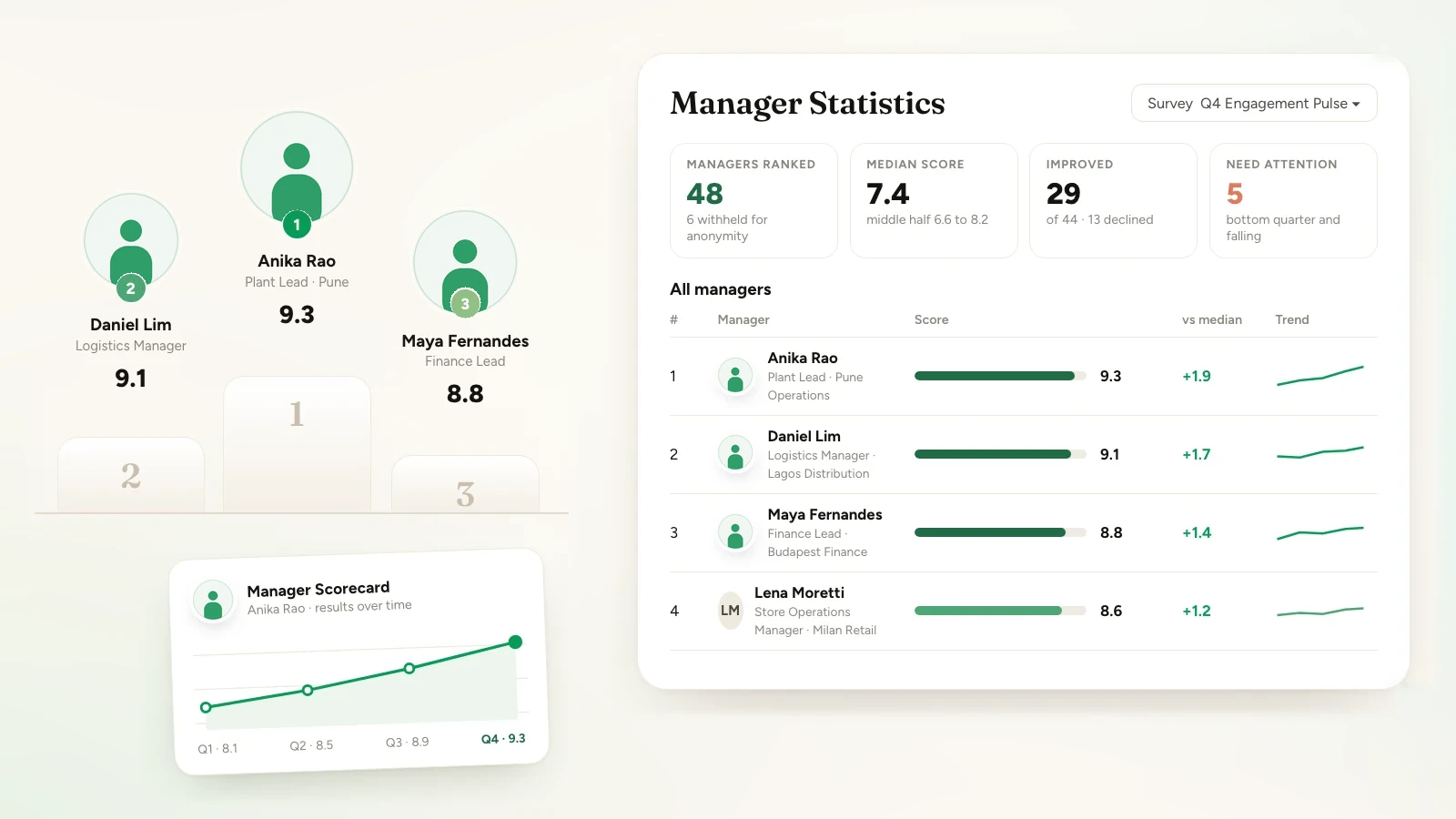
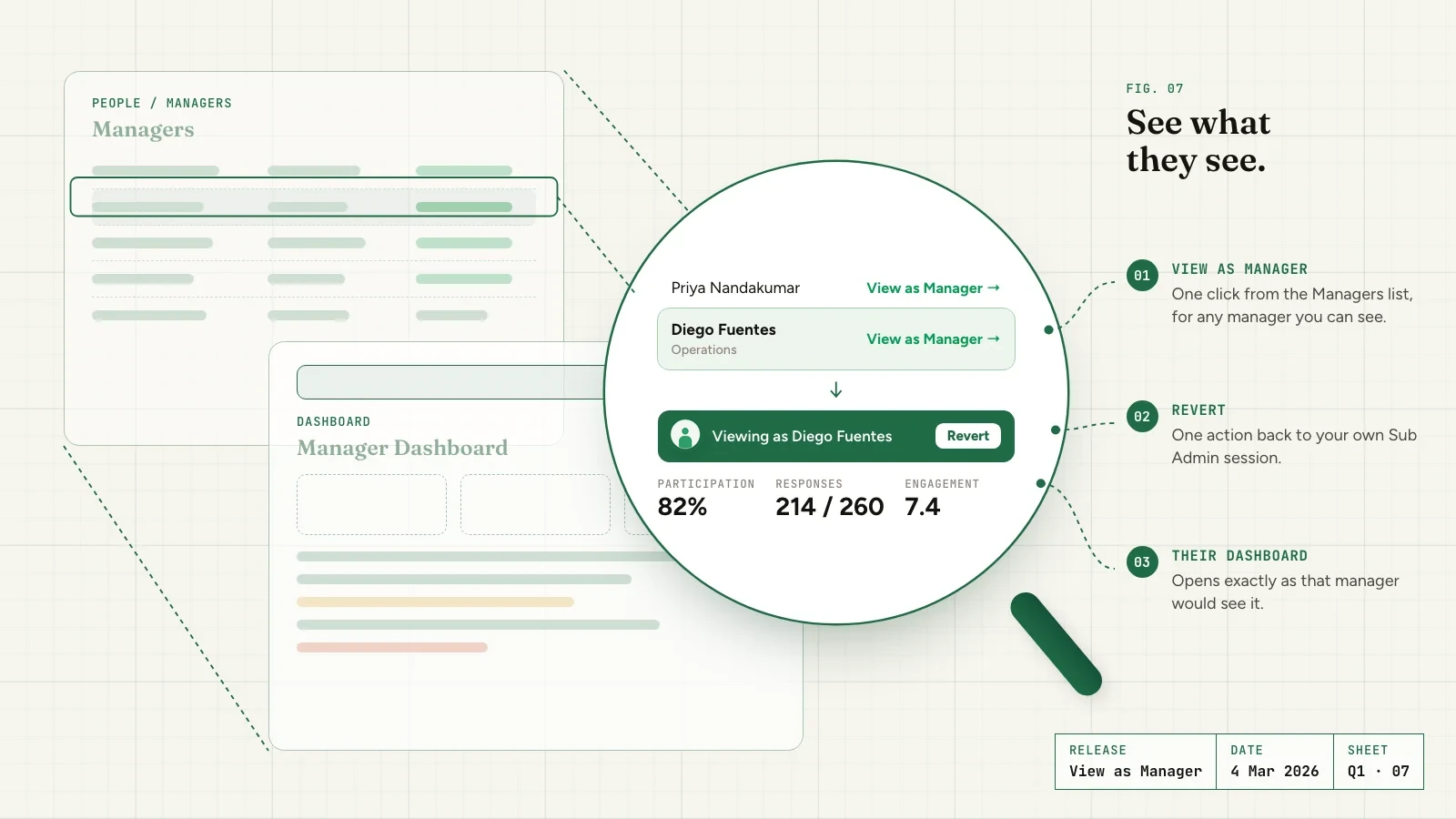
Org Hierarchy now opens on a new org chart. Jump to any manager, filter the chart, and click a card to see that manager's Overall score, participation and driver scores for their direct reports or everyone below them. Available on request through your Success Manager.

Read the full release
Leadership Reports

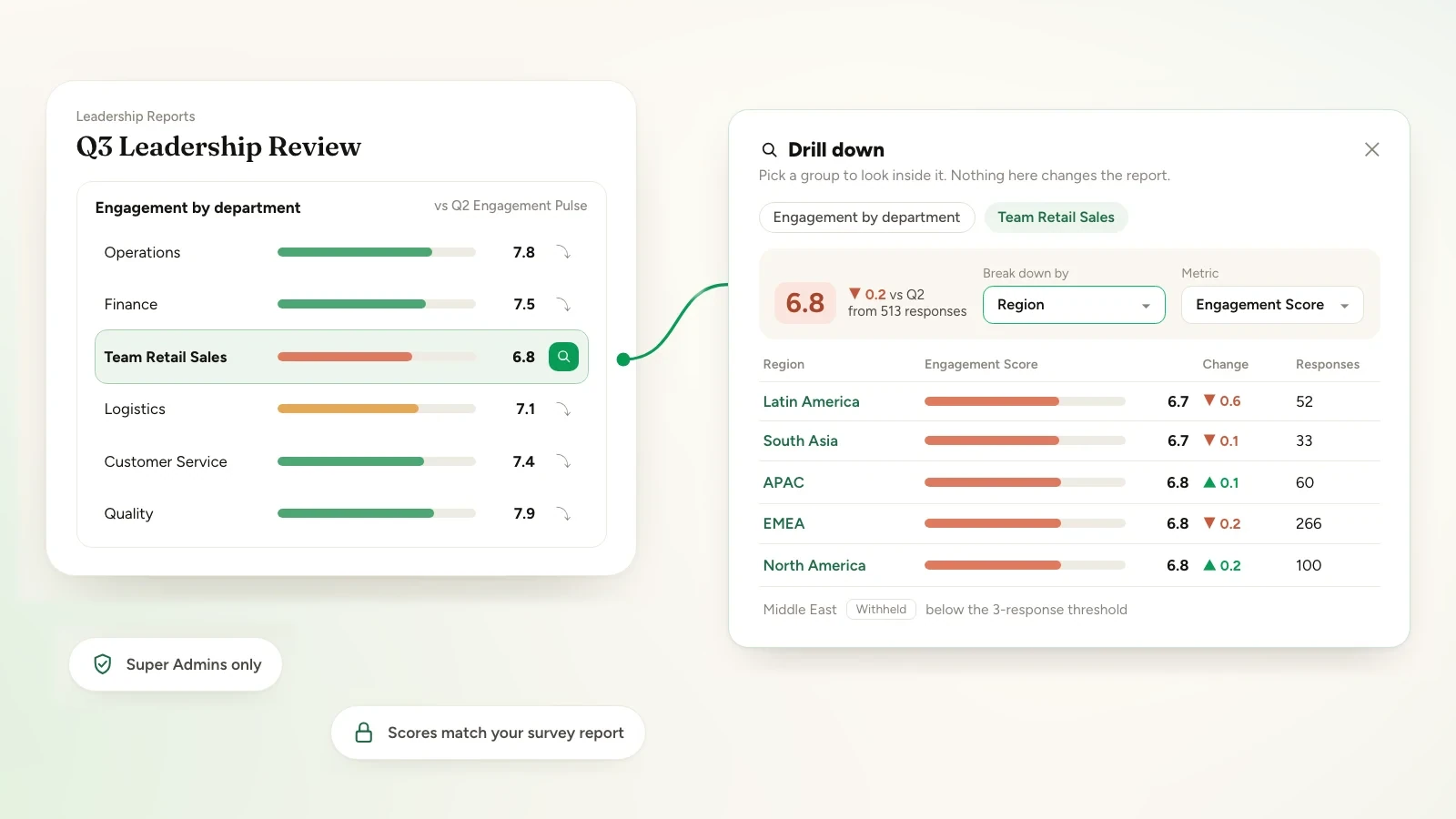
Drill into any row in Leadership Reports

Leadership Reports now lets you open any row of a block and break it down by another attribute, without changing the report. Scores leave out conditional follow-up answers, as the survey report does, and Leadership Reports is limited to Super Admins. A filter to a withheld value shows nothing, and comparison figures are hidden wherever the comparison survey hides the group. Available on request through your Success Manager.

Read the full release
Survey Builder

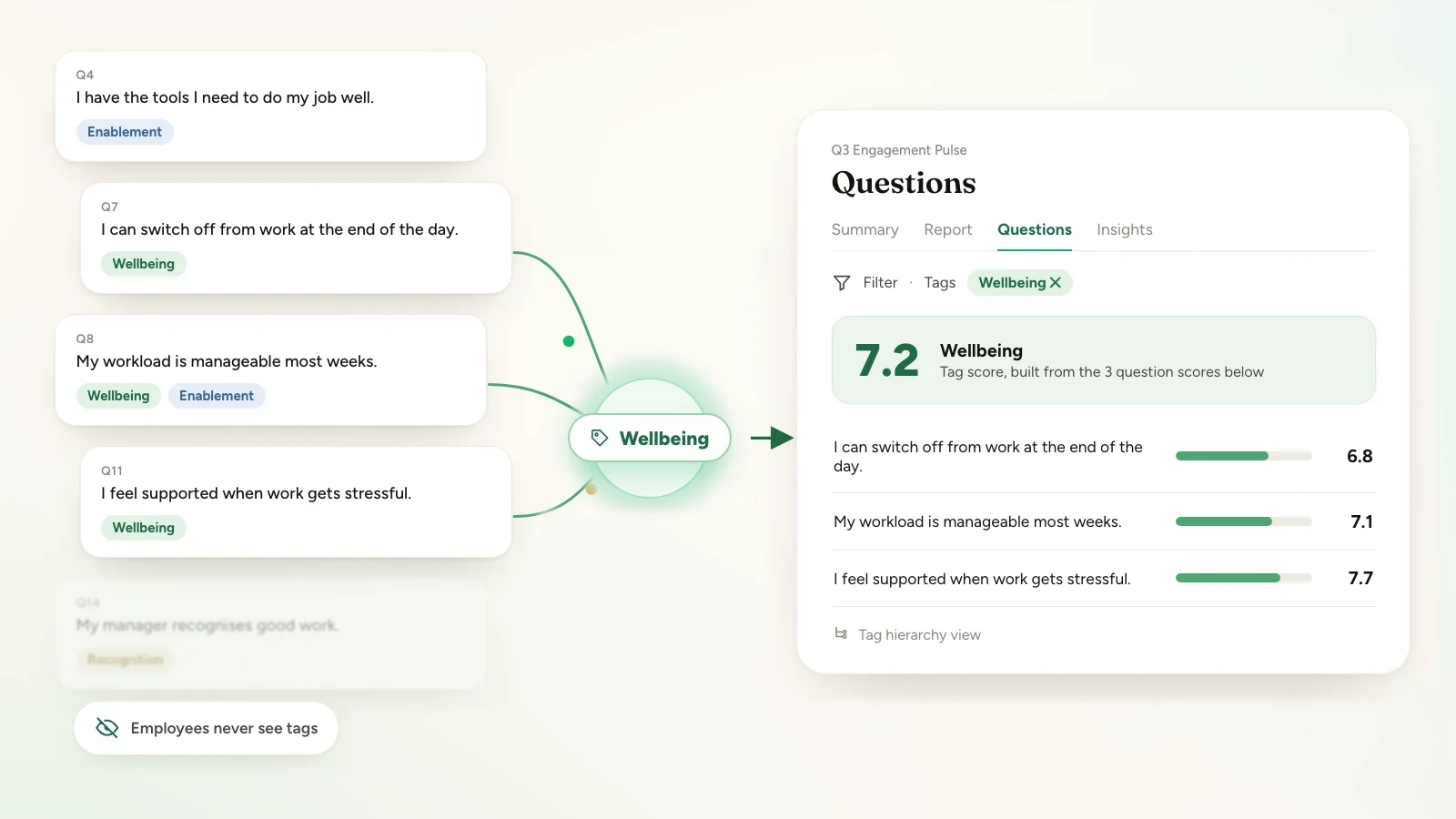
Group survey questions by theme and read results by tag

Super Admins can now keep a curated set of tags, attach them to survey questions, and read results by tag, including a tag hierarchy view. Tag scores are built from the question scores you already have, and employees never see tags. Available on request through your Success Manager.

Read the full release
Q3 2026

13 releases
Reports

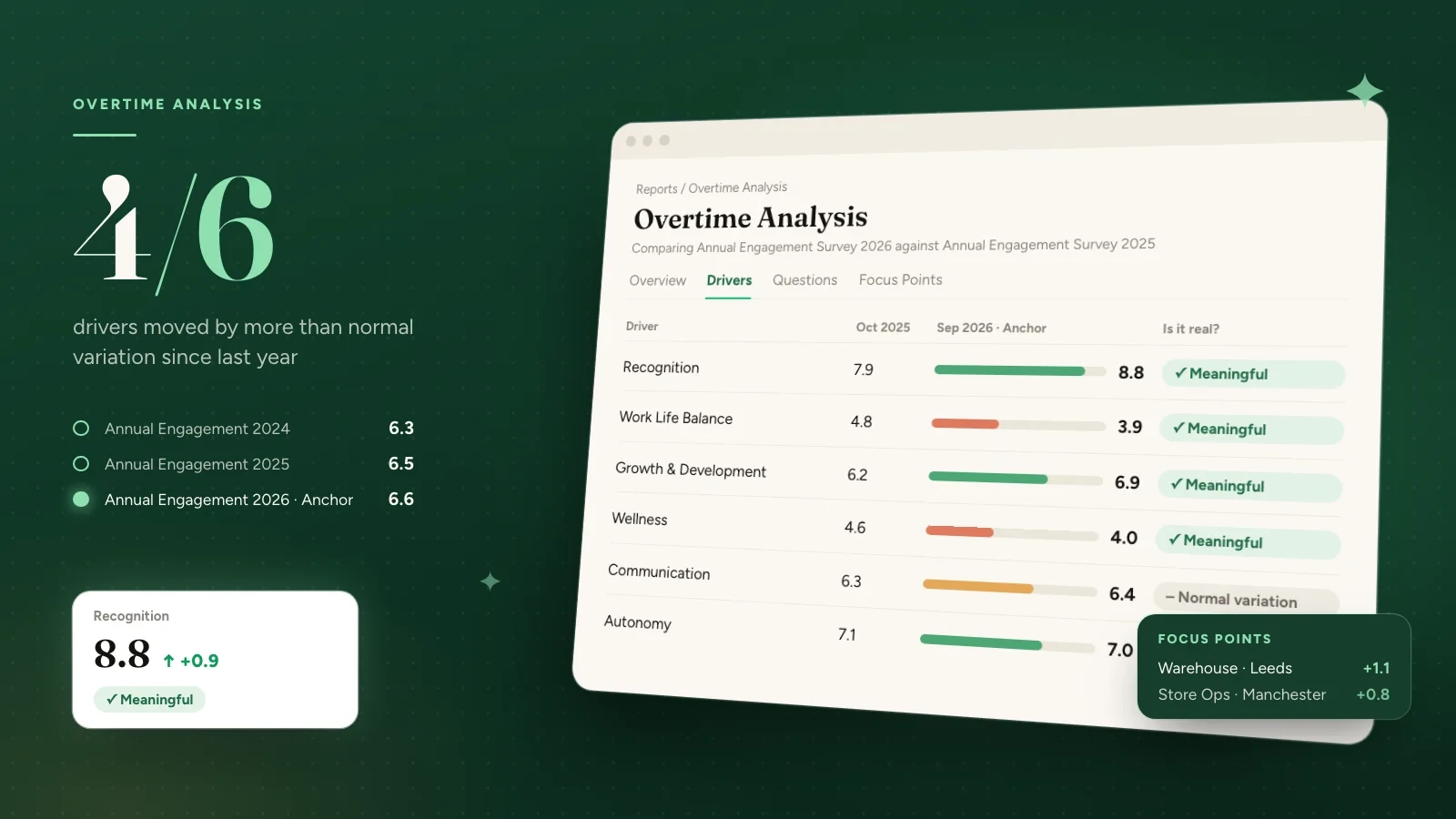
Compare a survey with earlier runs and see what moved

In Overtime Analysis, pick one survey as your anchor, choose the earlier runs to compare it against, and see what moved across drivers, questions and segments. Each earlier run shows how much of the anchor's questionnaire it shares. Available on request through your Success Manager.

Read the full release
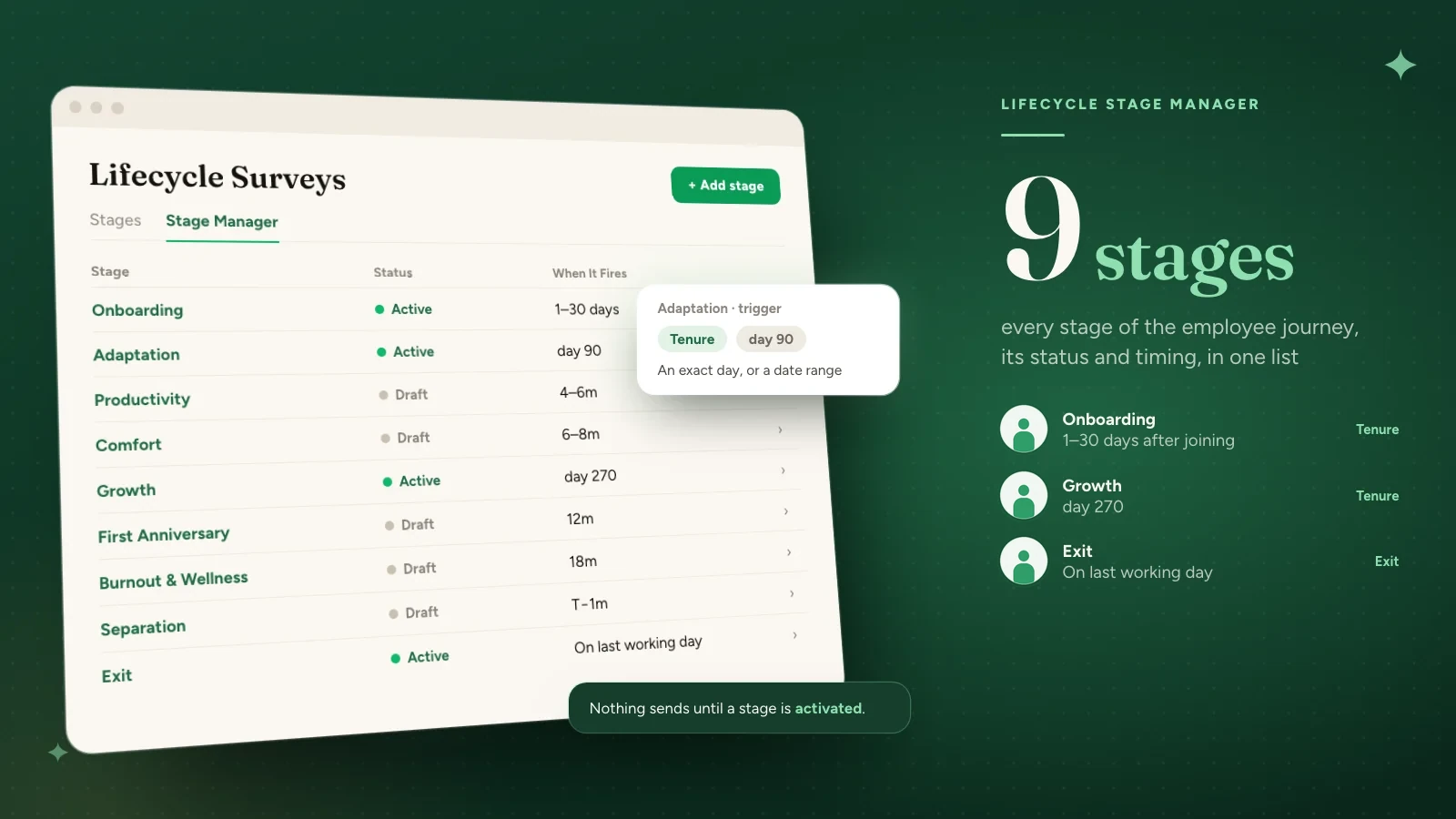
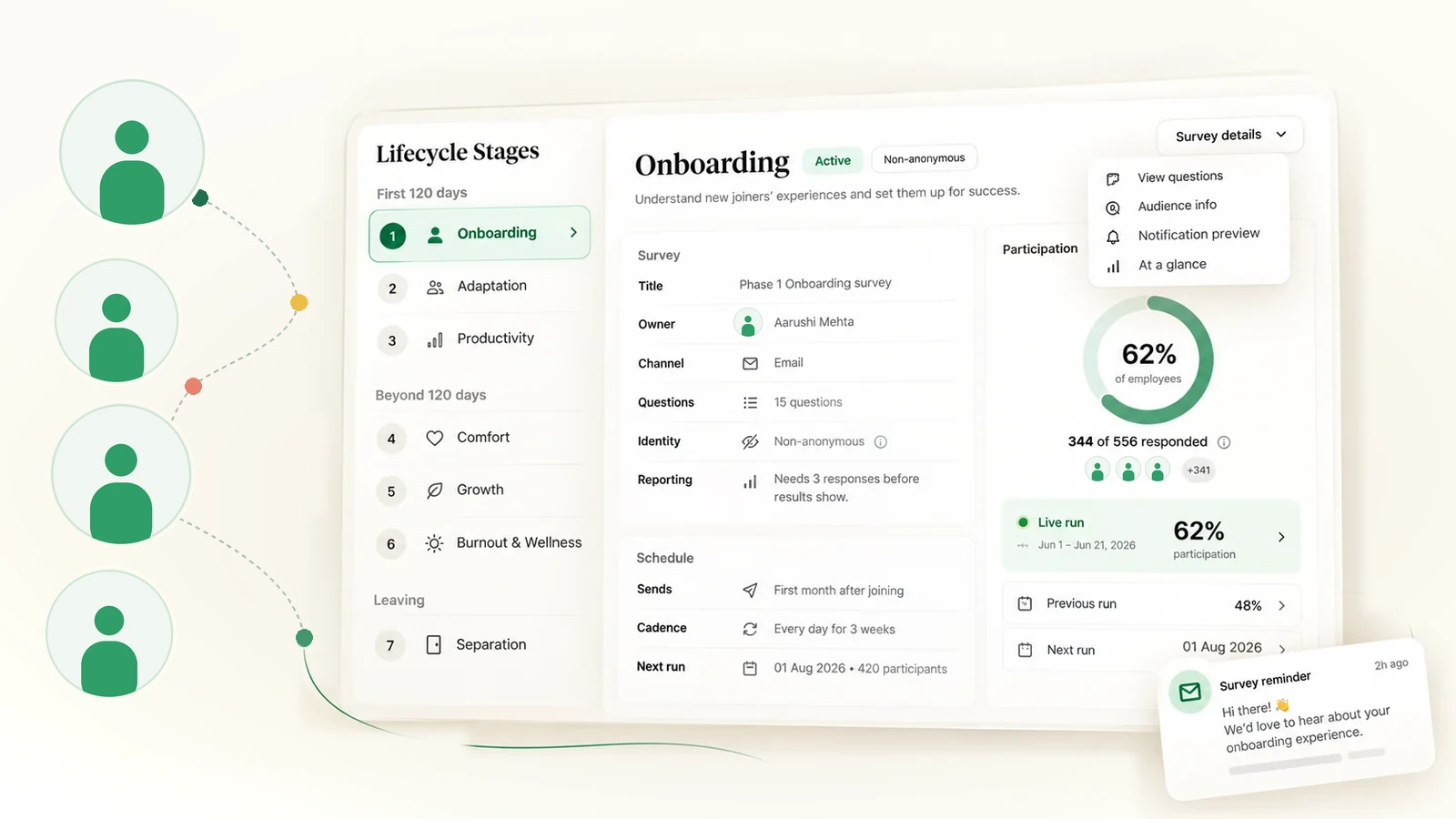
Lifecycle Surveys

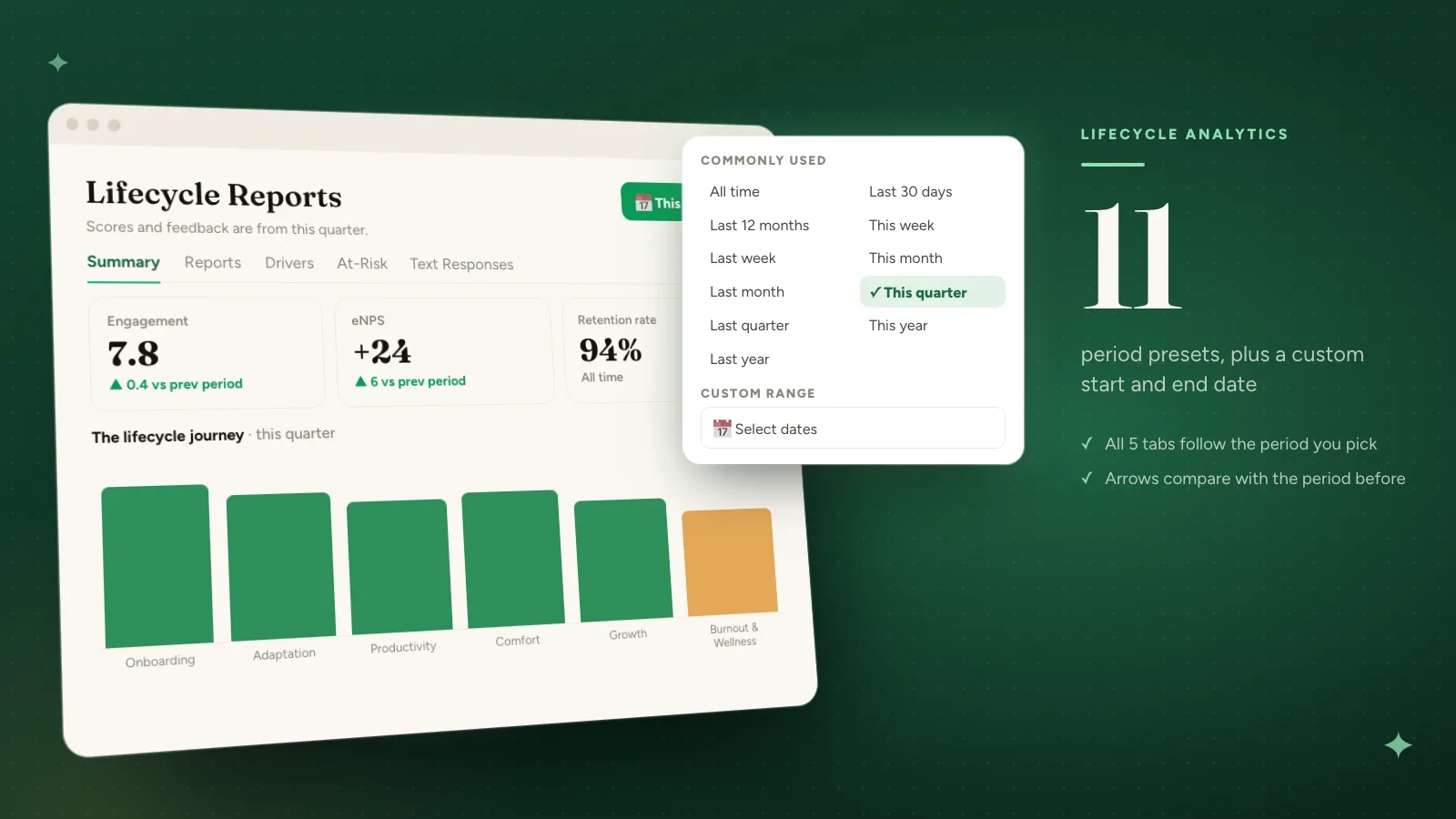
Filter Lifecycle Analytics by any period

Lifecycle Analytics now has a Period control, so Super Admins can look at a specific stretch of time instead of everything since the beginning. The period follows you across every tab, change arrows compare against the previous period of the same length, and the view can be shared as a link. Available on request through your Success Manager.

Read the full release
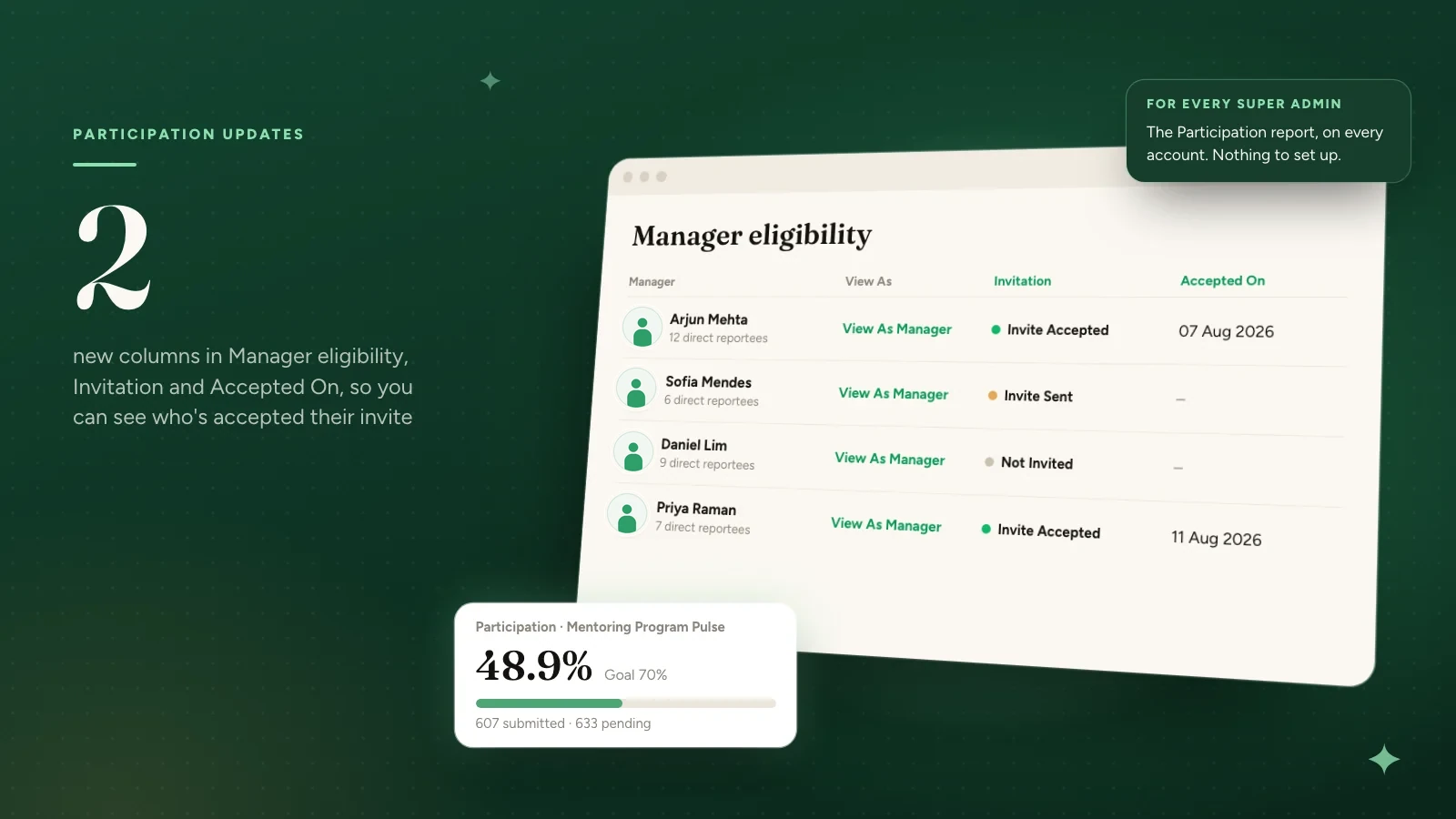
Org Hierarchy

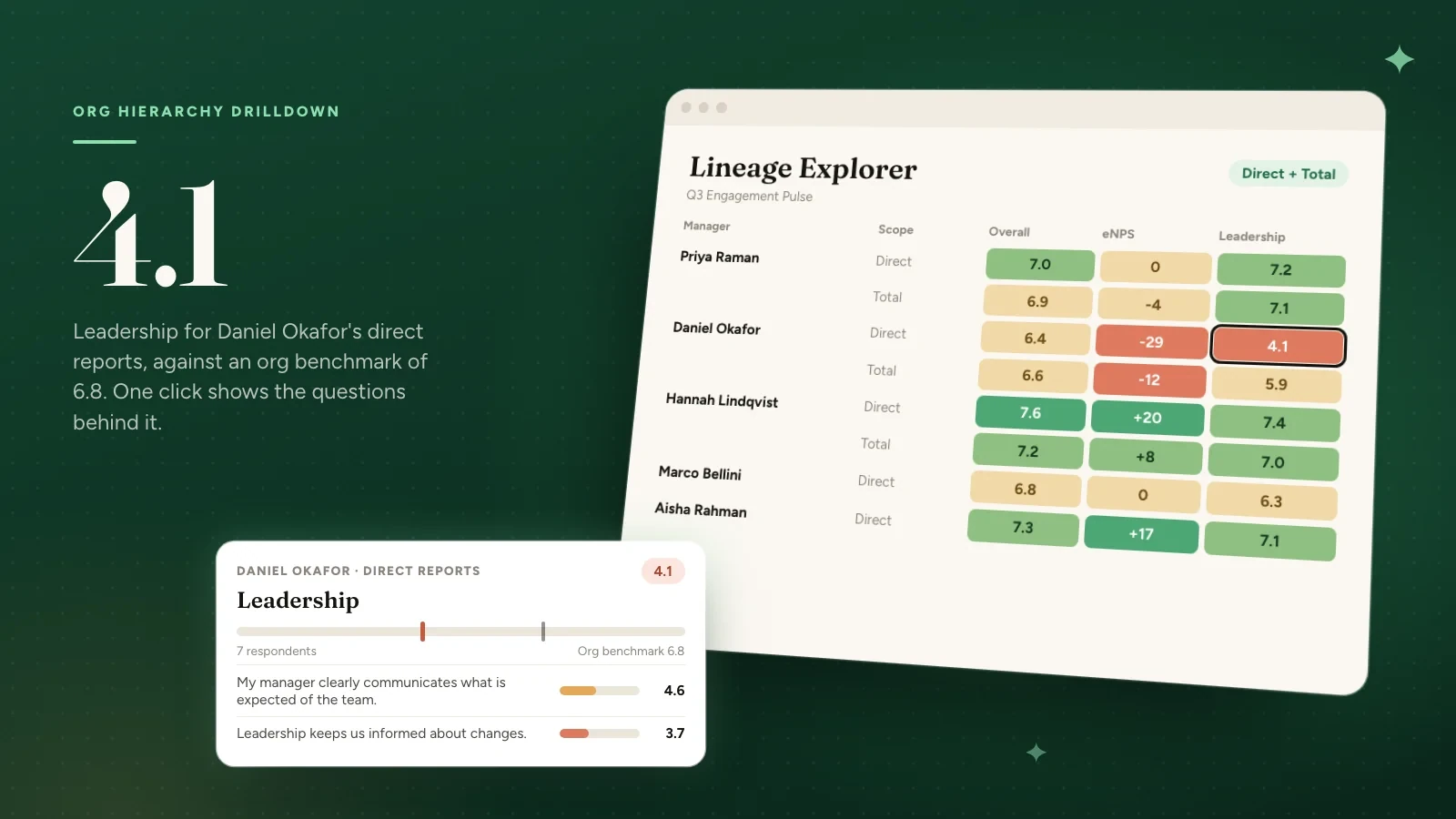
Trace a driver score to its questions and see eNPS by manager

Driver scores in the Lineage Explorer now open the questions behind them, for that manager and the row you clicked, with your organisation's average alongside. The grid also gains an eNPS column and a column for each custom eNPS question the survey asked. Available on request through your Success Manager.

Read the full release
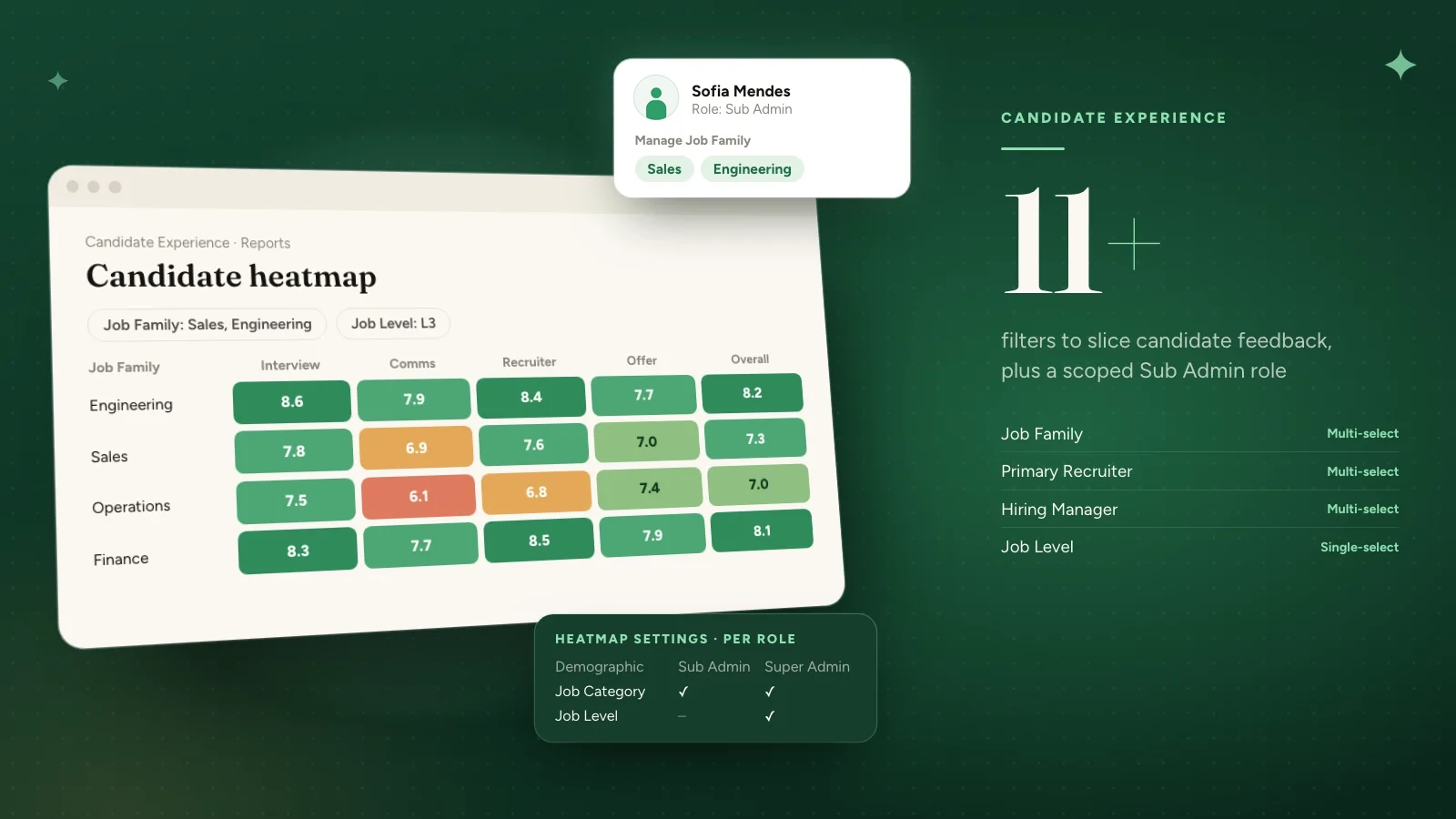
Survey Builder

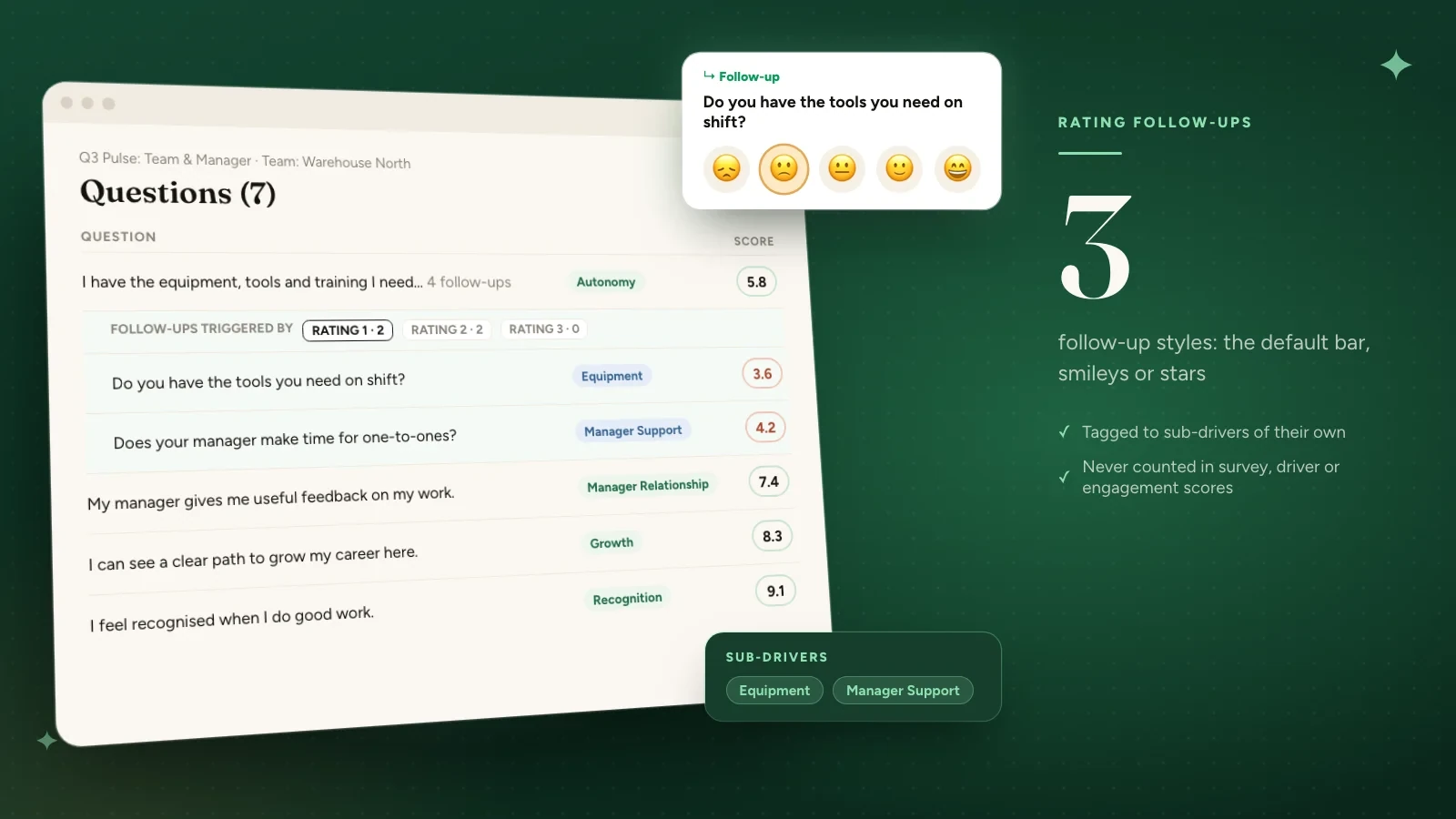
Ask rating follow-ups and group them under sub-drivers

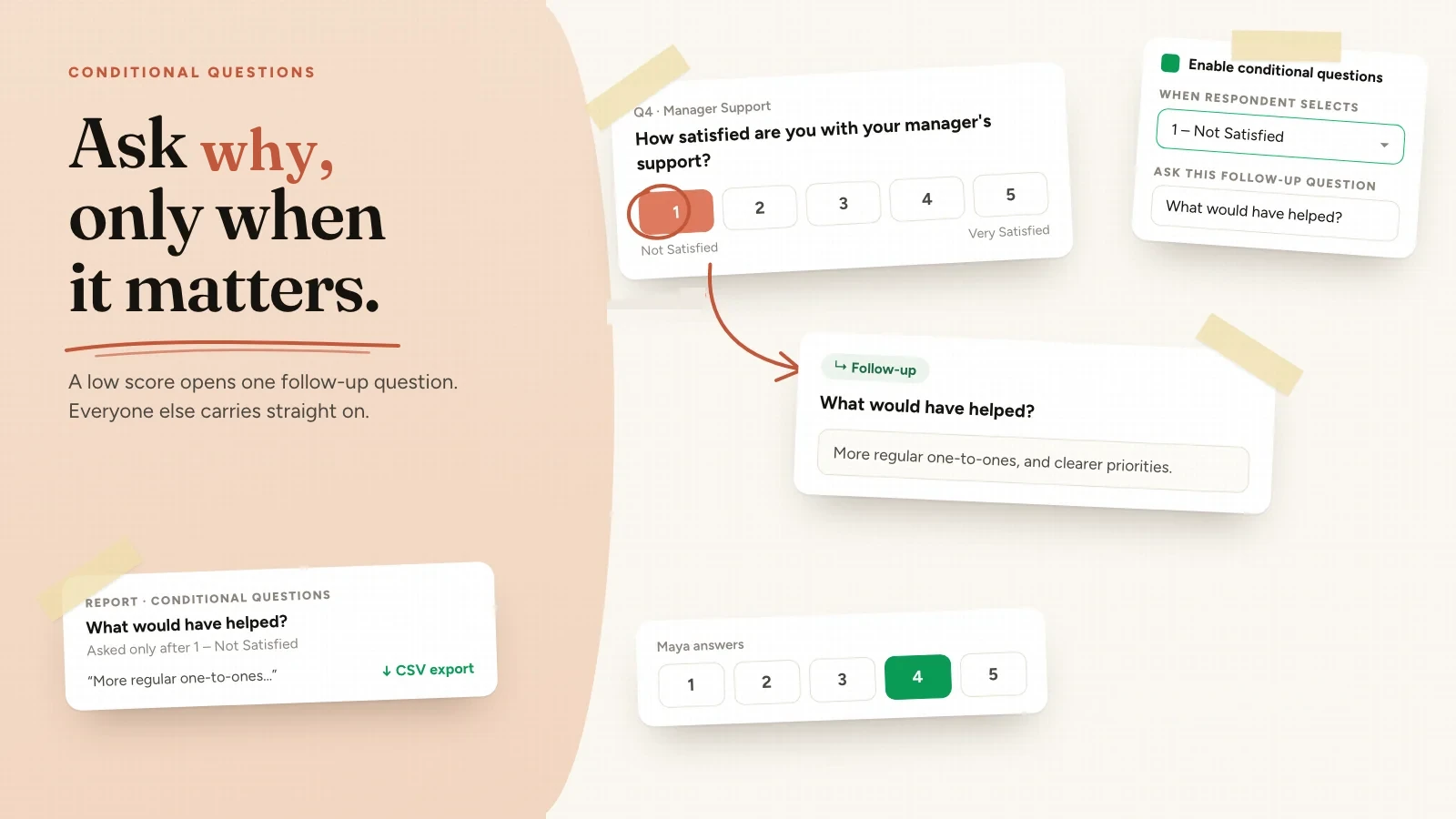
A conditional follow-up can now be a rating question, not only free text, so you can measure the reason behind a low or high score instead of only reading it. Each rating follow-up belongs to a sub-driver, gets its own place in the reports, and never changes survey, driver or engagement scores.

Read the full release
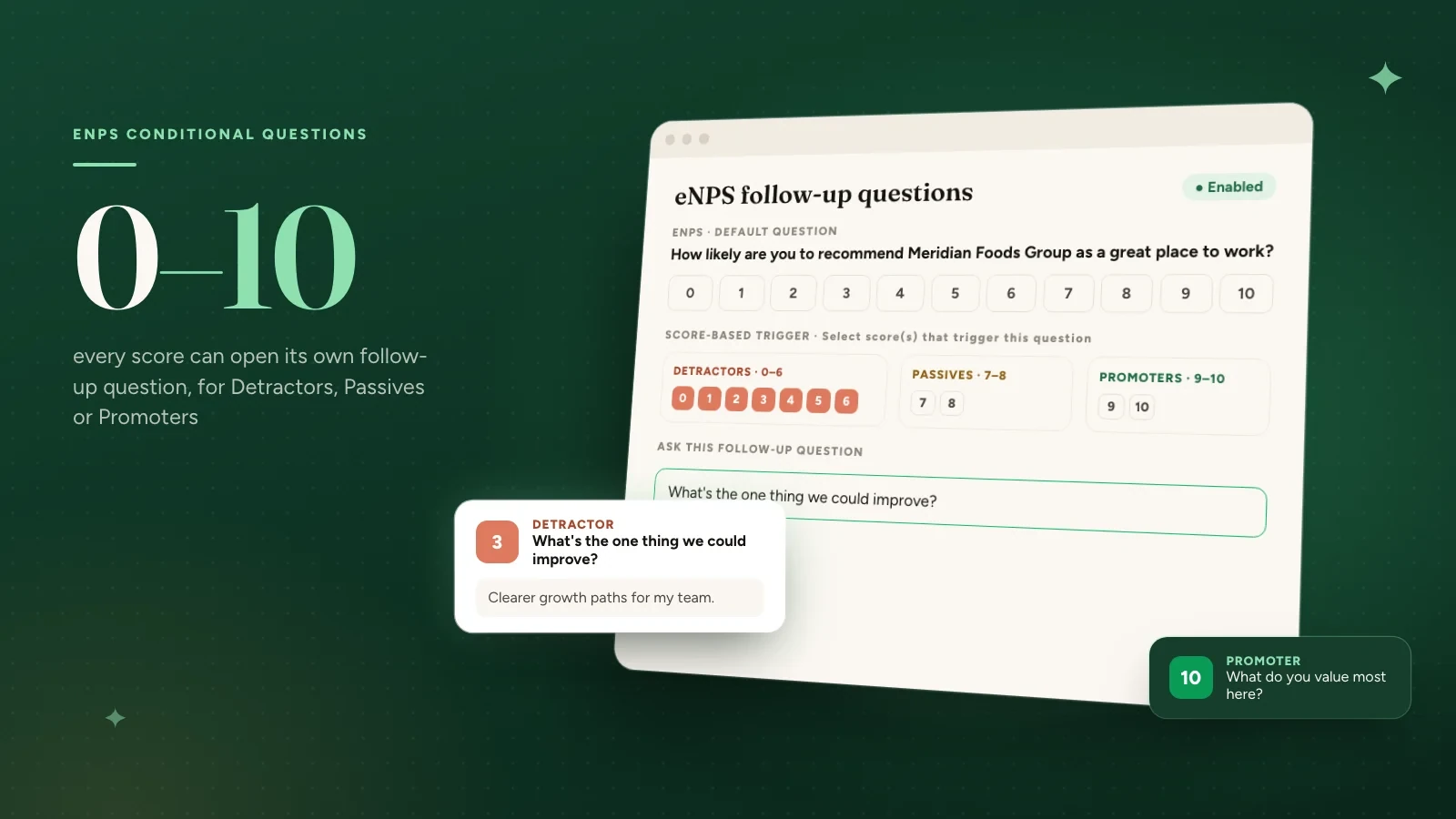
Q2 2026

8 releases
Candidate Experience

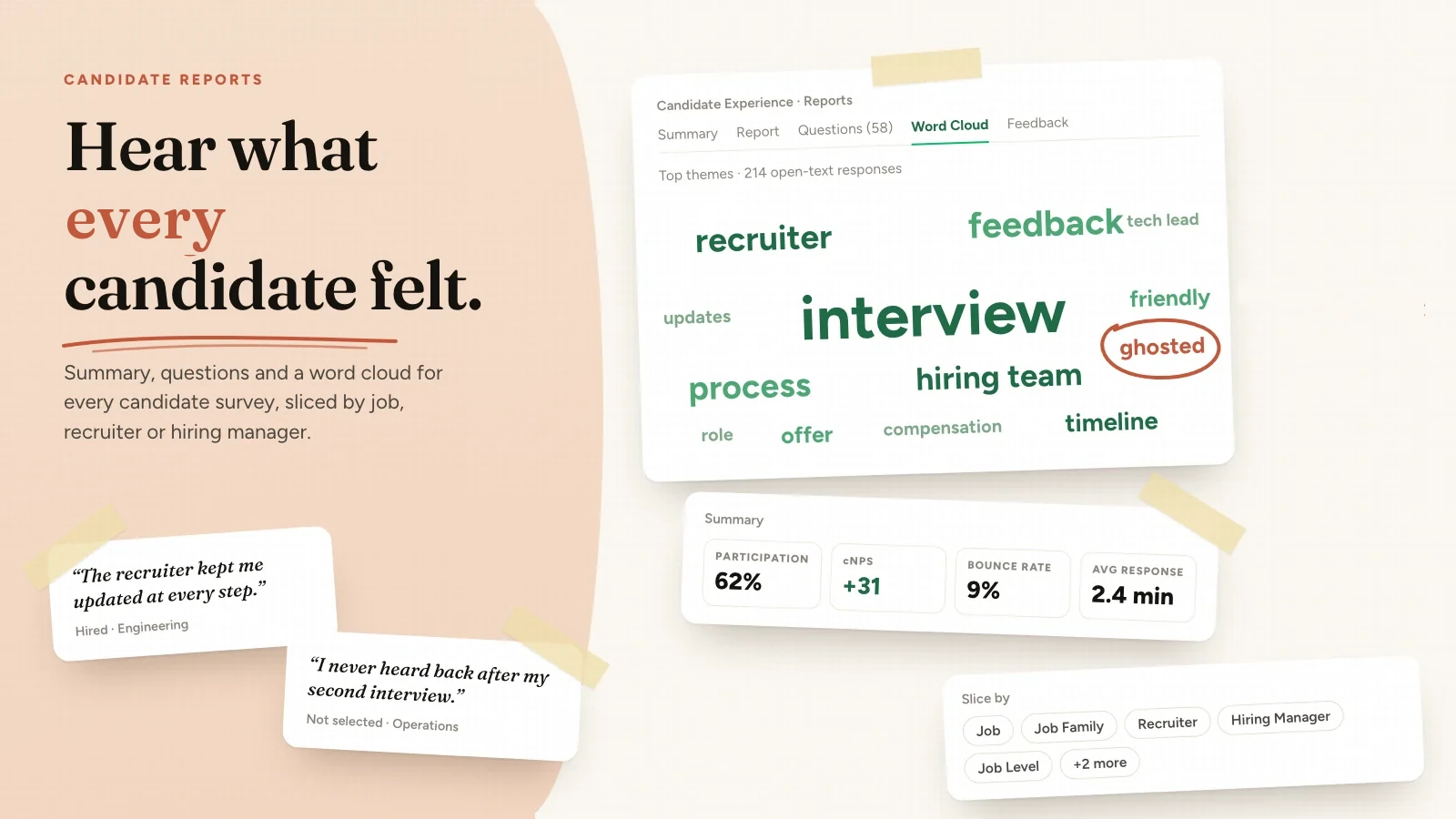
See how candidates experience your hiring journey

A dedicated reports suite for candidate experience surveys - from a high-level summary and driver scores, down to individual questions, a word cloud of open-text themes, and every piece of written feedback, all in one place. Included for any account with Candidate Experience enabled.

Read the full release
Q1 2026

7 releases
Built with our customers

See what a warmer engagement platform looks like
Book a walkthrough and we will show you the features on this page, live in your workspace.