

Set up an SMS provider for CultureMonkey (Twilio and Infobip)
How SMS delivery is provisioned in CultureMonkey - which providers are supported, what credentials each needs, how messages are routed to the right provider by country, and how SMS gets enabled on your account.
On this page
Sending a survey over text is one of the most reliable ways to reach frontline and deskless teams who never open a work inbox. Before any of that can happen, though, CultureMonkey has to be wired up to a telecom provider that actually delivers the messages. That wiring is what this article is about.
This is a setup and background guide, not a sending guide. It explains which SMS providers CultureMonkey supports, what credentials each one needs, how a message is routed to the right provider based on the recipient's country, and how SMS gets switched on for your account. If you already have SMS enabled and just want to send a survey over it, go straight to Send surveys via SMS instead.
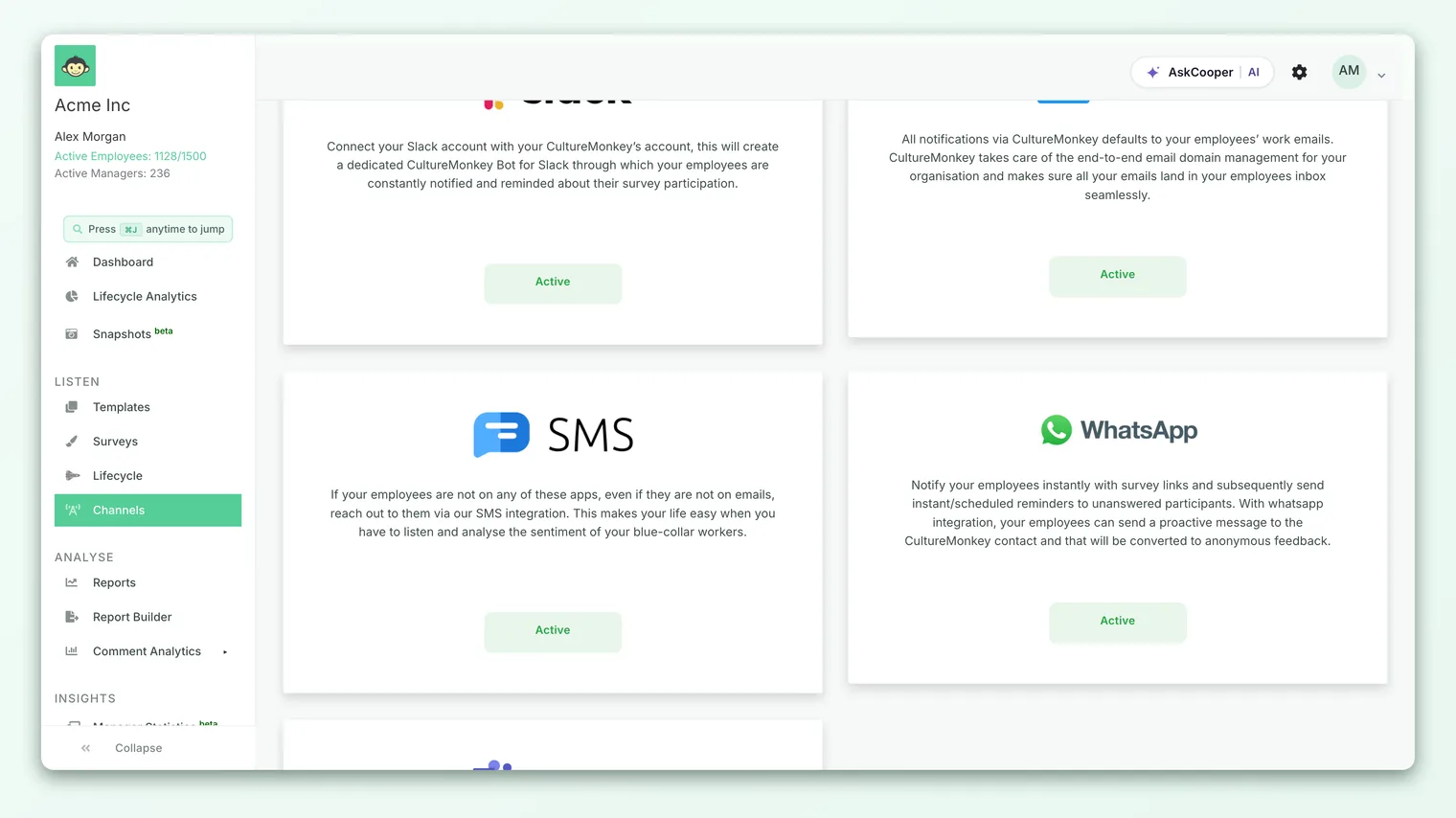
CultureMonkey delivers SMS through third-party providers (Twilio, Infobip, MSG91, and TextLocal). Provider credentials and country routing are configured centrally by CultureMonkey, not by admins in the app. Once SMS is enabled on your account, each message is automatically routed to the right provider and sender ID based on the recipient's phone number, so you don't manage any of that per survey.
Who this is for
SMS setup is an Account Admin and onboarding topic. The actual provider credentials, the country routing rules, and the account-level SMS switch all live in CultureMonkey's internal configuration rather than in a self-serve settings screen. So while it helps to understand how the pieces fit together (which is what this article gives you), the hands-on configuration is done with your CultureMonkey contact.
If you're evaluating whether SMS is right for your workforce, or comparing it against email, Slack, Microsoft Teams, WhatsApp, and QR codes, start with the Distribution channels overview. For the wider picture of how CultureMonkey connects to outside systems, see the Integrations overview.
Why SMS needs a provider at all
Unlike email, which CultureMonkey can send directly, a text message has to travel across the mobile networks. That last leg is handled by a specialized SMS provider (sometimes called an aggregator or gateway) that has the carrier relationships, the registered sender identities, and the regulatory approvals needed to deliver messages in a given country.
This matters because SMS rules are not the same everywhere:
- Some countries require an alphanumeric sender ID (a short brand name like
CMSRVYshown as the sender) instead of a phone number. - Some countries do not allow ordinary long-code phone numbers to send business messages at all.
- Some countries require messages to be pre-registered against an approved template before they'll be delivered.
No single provider is the best (or even permitted) choice everywhere. That's why CultureMonkey supports several providers and routes each message to whichever one is appropriate for the recipient's country.
Which providers are supported
CultureMonkey integrates with four SMS providers today. Each plays a slightly different role.
| Provider | Typical use | How the message is built |
|---|---|---|
| Twilio | The default, general-purpose provider for most countries (for example the US, UK, Mexico) | A plain text message sent directly |
| Infobip | Used for regions where it delivers better, such as the UAE | A plain text message sent directly |
| MSG91 | Used for India, where messages must be pre-registered | A registered template ID plus variables, not free text |
| TextLocal | A supported provider option, historically used for India | A plain text message sent directly |
For most customers, the two providers that matter in practice are Twilio (the general default) and Infobip (for specific regions like the UAE). MSG91 and TextLocal exist mainly to serve India, where local regulations require template pre-registration. Your setup may use only one or two of these depending on where your people are.
The important thing to understand is that Twilio and Infobip take an actual text message and send it, whereas MSG91 works differently: it sends a pre-approved template referenced by an ID, with your account name and survey link filled into the template's variables. That's a direct consequence of India's DLT (Distributed Ledger Technology) messaging rules, which require every commercial SMS body to be registered in advance.
What credentials each provider needs
Each provider authenticates differently, so each one needs a different set of credentials. These are managed by CultureMonkey rather than entered on your individual account.
Twilio authenticates with three values and sends from a configured number or sender ID:
- An Account SID (the Twilio account identifier).
- An Auth Token (the secret that authorizes API calls).
- A from value, which is either a Twilio phone number or, for countries that require it, an alphanumeric sender ID.
Infobip uses a simpler API-key model:
- An API key, sent as an authorization header on each request.
- A send URL (the Infobip API endpoint for your Infobip account).
- A from sender ID (for example
CULTUREMNKY), shown as the message sender.
MSG91 is credential-plus-template based:
- An auth key (the MSG91 API key).
- A send URL (the MSG91 flow endpoint).
- One or more template IDs, one for the survey invite and reminder, and a separate one for passcode (OTP) messages. The message text itself lives inside those registered templates.
TextLocal uses:
- An API key.
- A send URL.
- A sender value (the sender ID shown on the message).
None of these credentials are typed into a screen in your CultureMonkey account. They're provisioned centrally. What you as an Account Admin care about is what the setup enables (SMS delivery to the right countries) rather than the keys behind it.
How country-based routing works
This is the clever part, and it's fully automatic. When CultureMonkey is about to send a text to a participant, it looks at that participant's phone number and decides which provider and sender ID to use, based on a central routing table.
The routing table maps each supported country to three things: the provider to use, the sender ID (if the country needs one), and the expected length of a valid number in that country. When a participant's number matches a country's phone code and length, that country's rules are applied.
A simplified view of how the current routing behaves:
| Country | Phone code | Provider used | Sender ID |
|---|---|---|---|
| United States | +1 | Twilio | (phone number) |
| United Kingdom | +44 | Twilio | CMSRVY |
| Mexico | +52 | Twilio | (phone number) |
| Greece | +30 | Twilio | CMSRVY |
| Bosnia and Herzegovina | +387 | Twilio | CMSRVY |
| United Arab Emirates | +971 | Infobip | CULTUREMNKY |
| India | +91 | MSG91 | (template based) |
Notice that some countries (Greece, the UK, Bosnia and Herzegovina) carry a fixed alphanumeric sender ID like CMSRVY. That's because those regions don't reliably deliver from ordinary long-code numbers, so CultureMonkey sends from a registered brand name instead. Countries without that requirement (like the US and Mexico) send from a phone number.
If a participant's number doesn't match any country in the table, CultureMonkey falls back to your account's default provider. So the routing table is really a set of country-specific overrides on top of a sensible default.
Routing keys off both the country code and the number's length. A number stored without its country code, or with the wrong one, may not match any rule and can fail to deliver. This is exactly why Send surveys via SMS stresses storing every phone number in full international format with a leading + and country code. Good routing depends entirely on clean phone data.
Enabling SMS on your account
Two account-level things determine whether SMS works for you, and both are set by CultureMonkey rather than in a self-serve toggle.
- 1SMS is switched on for the account. There's an account-level flag that enables SMS as a channel. When it's on, an SMS option appears in the survey launch-channel picker, and passcode (OTP) delivery over SMS becomes available. When it's off, SMS simply isn't offered.
- 2A default provider is set for the account. Alongside the switch, your account has a default SMS provider (Twilio, MSG91, or TextLocal). This is the fallback used for any number that doesn't match a specific country rule in the routing table.
Because every text is delivered through a third-party telecom provider, SMS is normally set up during onboarding or added later as an add-on, rather than flipped on by an admin. If you'd like SMS enabled, or want to add coverage for a new country, reach out to your CultureMonkey contact or support.
Once both pieces are in place, sending is entirely self-serve: your Survey Admins just pick SMS as the launch channel on a survey. The full sending flow, including custom message content and character limits, is covered in Send surveys via SMS.
Sender IDs and message content
Two details of the setup are worth understanding because they shape what your recipients actually see.
Sender ID is the "from" that appears on the message. Depending on the country and provider, that's either a phone number or a short alphanumeric brand name (for example CMSRVY or CULTUREMNKY). Countries that disallow long codes get an alphanumeric sender ID so messages still deliver. You don't choose this per survey; it comes from the routing table for the recipient's country.
Default message wording differs slightly by provider. Twilio and Infobip each have a default invite body that names your organization and includes the survey link. MSG91 doesn't use free text at all: its wording lives in the registered template, with your account name and link inserted into the template's variables. Custom SMS wording is possible but is currently arranged through CultureMonkey rather than edited in the survey builder. See Send surveys via SMS for the placeholders supported and the character-limit rules.
Delivery status and webhooks
Once a message is sent, the provider reports back on what happened to it. Twilio and Infobip both call CultureMonkey through a status callback (webhook) so delivery outcomes can be tracked, and MSG91 can return status in the send response directly. You don't configure these callbacks; they're part of the provider integration. The practical upside is that CultureMonkey can tell the difference between a message that was accepted, delivered, or failed, which feeds delivery reporting.
Even with everything wired up correctly, an individual text can still fail if the number is invalid, the country isn't covered, or the recipient's carrier blocks it. That's normal for SMS as a channel. The best protection is clean phone data with correct country codes, plus a reminder to recover non-responders.
Frequently asked questions
Can I configure my own Twilio or Infobip account?
Provider credentials are set up centrally by CultureMonkey rather than entered on your account. If you have a specific requirement to use your own provider account or sender ID, raise it with your CultureMonkey contact so it can be reviewed.
Why does the UAE use Infobip but the US uses Twilio?
Because deliverability and regulation differ by country. CultureMonkey routes each number to whichever provider performs best and is compliant there. The UAE is routed through Infobip with an alphanumeric sender ID; the US goes through Twilio from a phone number.
Why does India need a template instead of a normal message?
India's telecom rules (DLT) require every commercial SMS body to be pre-registered and approved. MSG91 sends an approved template referenced by an ID, with your account name and survey link filled into its variables, rather than free-form text.
What happens if a recipient's country isn't in the routing table?
The message falls back to your account's default provider. Delivery may still succeed, but for reliable coverage in a new region, ask CultureMonkey to add or confirm routing for that country first.
Do I need to set anything up before Survey Admins can send SMS?
Only that SMS is enabled on the account and a default provider is set, both handled by CultureMonkey, and that employees have valid phone numbers with country codes. After that, sending is self-serve in the survey builder.
Where to go next
- Send a survey over text: Send surveys via SMS
- Compare all delivery channels: Distribution channels overview
- See the wider integrations picture: Integrations overview
Your feedback helps us improve the Help Center.