

Rating scale questions
How CultureMonkey's core rating (Likert) question works - the 5-point scale and the eight ready-made scale labels, how each answer maps to a driver score, how it's reported as an average and as favorable/neutral/unfavorable, when to use it, and how to word one well.
On this page
The rating question is the workhorse of a CultureMonkey survey. It asks people to respond to a statement on a fixed scale - the classic Likert format - and because every answer is a number, ratings are what produce your driver scores, your heatmaps, your trends and almost every chart in Analyse. If you build only one kind of question well, make it this one.
This guide covers the rating question end to end: the scale it uses, the ready-made label sets you can pick from, exactly how a rating turns into a score, how those scores are reported (as an average and as a favorable / neutral / unfavorable split), when a rating question is the right tool, and how to word one so the answers mean something.
A rating question asks for an answer on a 5-point scale. CultureMonkey ships eight labeled scales - Agreement ("Strongly disagree" → "Strongly agree"), Satisfaction, Quality, Frequency, and more - plus an optional smiley display. Each answer (1-5) is mapped to your account's reporting scale and averaged into a driver score; responses also split into favorable, neutral and unfavorable buckets so you can see the shape of opinion, not just the average. Every rating question maps to exactly one driver, which is how it rolls up in reports.
What a rating question is
A rating question presents a single statement and asks the respondent to place themselves on an ordered scale - from most negative to most positive. This is the Likert scale familiar from every good engagement survey: a prompt like "I feel recognized for the work I do" with answers running from "Strongly disagree" to "Strongly agree."
Two things make ratings special among the question types:
- They're quantitative. Because each answer is a number, ratings can be averaged, compared, trended and benchmarked. Free-text answers can't; single- and multiple-select answers only count category frequencies. Ratings are the only type that feeds a driver score.
- They're comparable. Ask the same rating question with the same scale across two surveys and you can measure change directly. That's why the rating question, tied to a driver, is the backbone of nearly every engagement and pulse survey.
Unlike a select question, a rating question doesn't take a custom list of options - the "options" are the scale itself, which you pick from a ready-made set (below). In the builder, the rating type is marked as having no author-defined options for exactly this reason.
The rating scale
Every CultureMonkey rating question uses a 5-point scale. What changes between questions is the wording of those five points, and CultureMonkey ships eight ready-made scale-of-rating label sets so the language always matches the statement you're asking about:
| Scale | Point 1 | Point 2 | Point 3 | Point 4 | Point 5 |
|---|---|---|---|---|---|
| Agreement | Strongly disagree | Disagree | Neither agree nor disagree | Agree | Strongly agree |
| Satisfaction | Very dissatisfied | Dissatisfied | Neither satisfied / dissatisfied | Satisfied | Very satisfied |
| Quality | Very poor | Poor | Fair | Good | Very good |
| Frequency | Never | Rarely | Occasionally | Frequently | Very frequently |
| Performance | Awfully | Not well | Work in progress | Well | Superbly |
| Importance | Not at all important | Slightly important | Moderately important | Very important | Extremely important |
| Focus | Much less focus | Less focus | Maintain | More focus | Much more focus |
| Happiness | Unhappy | Not too happy | Neutral | Pretty happy | Very happy |
In every set, point 1 is the most negative and point 5 the most positive, and the middle point is a genuine neutral. This consistent direction is what lets CultureMonkey score answers uniformly regardless of which labels you chose.
You also choose how the scale is displayed. Alongside the default view (the labeled scale), there's a smiley view that shows five faces - from "Very sad" to "Very happy" - which many teams prefer for a warmer, faster survey experience. The smiley view still records the same underlying 1-5 value, so it changes the look, not the scoring.
The scale should fit the statement grammatically. "I am recognized for my work" wants Agreement; "How satisfied are you with your benefits?" wants Satisfaction; "My manager gives me feedback…" might want Frequency. A statement and a scale that don't fit ("Strongly agree" to "How often…?") confuse respondents and blur the answer.
How a rating becomes a score
This is the mechanism that makes rating questions so powerful. When someone answers, CultureMonkey stores the raw 1-5 value, then converts it to your account's reporting scale before it lands in a report. There are three possible reporting scales, set once for your whole account:
| Account setting | A rating of 5 becomes | A rating of 1 becomes | Score is shown "out of" |
|---|---|---|---|
| 0-5 scale | 5 | 1 | 5 |
| 0-10 scale (default) | 10 | 2 | 10 |
| Percentage | 100 | 20 | 100 |
Mechanically, the raw answer is multiplied: by 1 on a 0-5 scale, by 2 on a 0-10 scale, or by 20 for percentages. So on the common 0-10 reporting scale, a "3" (the neutral middle) becomes a 6, a "4" becomes an 8, and a top "5" becomes a 10. Whichever scale your account uses, the conversion is applied identically to every rating answer, so all your questions stay on the same footing.
From there, the scores roll up. Because every rating question is mapped to exactly one driver (see Choose the right drivers for your survey), CultureMonkey averages the converted values of all answers under a driver to produce that driver's score. Average several drivers and you get the overall engagement score. This average is the single number you see against a question, a driver, a team or the whole survey.
A rating question contributes to exactly one driver score, and it does so as a simple average. That's why wording each question around a single theme matters: a muddled question quietly distorts the average of whichever driver it's mapped to.
Favorable, neutral and unfavorable
An average is useful but incomplete - a driver sitting at "7 out of 10" could be everyone answering a lukewarm middle, or a roughly even split of enthusiasts and critics. To show the shape of opinion, CultureMonkey also groups every rating into three buckets based on the raw 1-5 answer:
| Bucket | Raw answers | On the 5-point labels | Reads as |
|---|---|---|---|
| Unfavorable | 1-2 | The two most negative points | People who disagree / are dissatisfied |
| Neutral | 3 | The middle point | People on the fence |
| Favorable | 4-5 | The two most positive points | People who agree / are satisfied |
These three groups are reported as percentages of respondents - for example, "68% favorable, 14% neutral, 18% unfavorable." Reading the split alongside the average tells a fuller story: a high favorable percentage with a small unfavorable tail is healthy; a decent average masking 25% unfavorable is a warning sign worth investigating.
The same idea sets the thresholds CultureMonkey uses to flag a driver as a strength or a focus area on the 0-10 reporting scale: scores of 8 and above read as a strength (favorable territory), 7 and below as a weakness to look at. On a 0-5 scale those cutoffs are 4 and 3; in percentage terms, 80 and 70. The boundaries line up with the favorable/unfavorable buckets, so the story your eyes tell from the split matches the story the numbers tell.
Always glance at the favorable/unfavorable percentages, not just the number. A polarized question - lots of 5s and lots of 1s - can average out to a comfortable-looking middle while hiding a group of genuinely unhappy people. The split is where you'll spot them.
When to use a rating question
Reach for a rating question whenever you want a measurable, trackable read on how people feel about a specific theme. In practice that's most of an engagement survey:
- Measuring a driver. Any time you want a driver - Recognition, Leadership, Work Life Balance - to have a score, you measure it with rating questions. This is the primary use.
- Tracking change over time. Because ratings produce comparable numbers, they're how you prove a score moved between cycles. Keep the question and its scale stable so a change reflects reality, not a change in wording.
- Benchmarking. Ratings mapped to CultureMonkey's default drivers can be compared against industry benchmarks - something only numeric answers allow.
- Segmenting. Average scores can be sliced by team, location or manager to find where a theme is strong or weak.
Choose a different type when a number isn't what you need: free text for open-ended "why," single/multiple select for factual choices (which office, which benefit), and the survey-level eNPS question for the "how likely to recommend" headline - that one uses its own 0-10 promoter/detractor logic, not the 5-point rating scale. See What is eNPS and how is it calculated?.
Turn on enable comments for an important rating question so respondents can explain their score in their own words. You keep the trackable number and get the qualitative "why" behind it - the best of both worlds, in one question.
Writing a good rating question
A rating question is only as good as its wording, because the number inherits every flaw in the statement. A few rules earn their keep:
- 1Ask about one thing. "My manager supports me" is clean; "My manager and my pay are fair" is double-barreled - a respondent who agrees with one half and not the other has no honest answer, and the question can't map cleanly to a single driver.
- 2Write a statement, not a question, for Agreement scales. "I have the tools I need to do my job well" pairs naturally with "Strongly disagree → Strongly agree." Save the interrogative form for Satisfaction ("How satisfied are you with…") and Frequency ("How often…") scales.
- 3Stay neutral. Avoid leading words that nudge people toward a positive answer ("Don't you agree our great benefits…"). Let the scale, not the wording, carry the sentiment.
- 4Match the scale to the statement. Use Agreement for opinions, Satisfaction for contentment, Frequency for how-often, Quality for how-good. A mismatch makes the middle point ambiguous.
- 5Keep language simple and specific. Short, concrete statements get more consistent answers than abstract or jargon-heavy ones. "I receive regular feedback on my work" beats "Feedback cadence meets my developmental expectations."
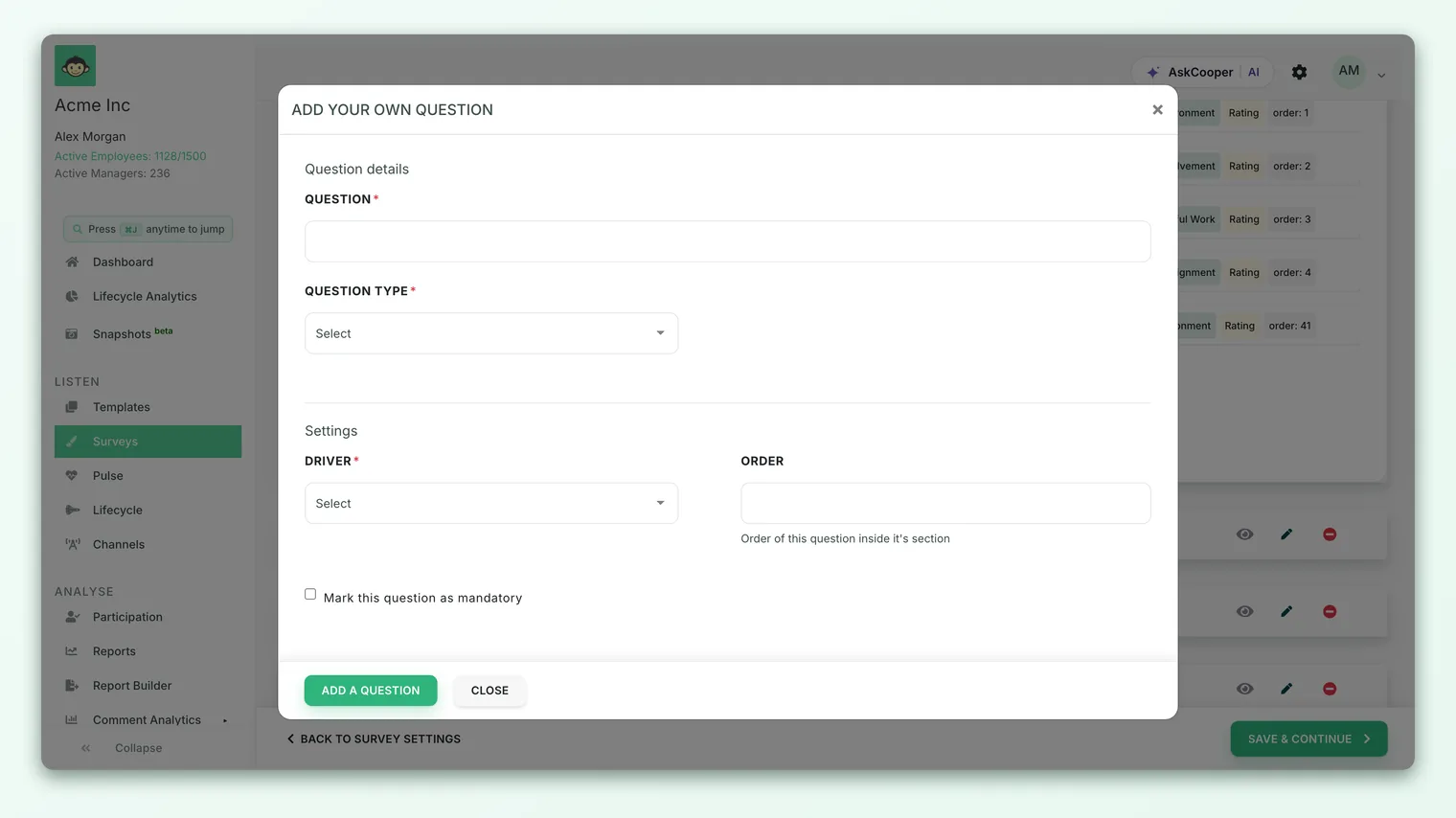
- 6Map it to the right driver. As you write a custom rating question, assign the driver it actually measures - that's what makes its score land in the right theme.
Every CultureMonkey scale runs negative-to-positive (1 = worst, 5 = best), and scoring assumes that. Don't write a "reverse-coded" statement (where agreeing is the bad answer) expecting the platform to invert it - it won't. A high rating always counts as favorable, so word every statement so that agreeing is the positive outcome.
Best practices
- Lean on the library. Questions from Add question from our library arrive pre-written, validated and driver-mapped, and they use these same scales. They're the fastest way to a rigorous, comparable survey - reserve custom rating questions for what the library can't cover.
- Give important drivers a few questions. A driver score is an average, so a driver backed by one question is fragile. Three or four rating questions make its score stable and trustworthy.
- Keep questions stable across cycles. If you want to trend a rating, don't reword it or change its scale between surveys - that breaks comparability.
- Read the split, not just the average. Favorable/neutral/unfavorable percentages surface polarization the mean can hide.
- Add comments where the "why" matters. A rating plus an optional comment turns a number into an insight.
Frequently asked questions
How many points is a CultureMonkey rating scale?
Five. Every rating question uses a 5-point scale, running from the most negative option (1) to the most positive (5), with a genuine neutral in the middle. You choose which labeled set to use - Agreement, Satisfaction, and six others.
Can I create my own scale labels?
The built-in choice is between eight ready-made scales (Agreement, Satisfaction, Quality, Frequency, Performance, Importance, Focus, Happiness) and the smiley display. These cover the vast majority of engagement statements.
How does a 1-5 answer turn into a score out of 10?
CultureMonkey multiplies the raw answer by a factor set for your account: ×1 for a 0-5 scale, ×2 for the default 0-10 scale, or ×20 for percentages. So on the 0-10 scale a "5" becomes 10, a "3" becomes 6, and so on. Those converted values are then averaged into driver and overall scores.
What counts as a favorable answer?
On the 5-point scale, 4-5 are favorable, 3 is neutral, and 1-2 are unfavorable. Reports show these as percentages alongside the average score so you can see the spread of opinion.
Do rating questions work with eNPS?
They're separate. Rating questions use the 5-point scale and feed driver scores; eNPS is a survey-level question on its own 0-10 promoter/passive/detractor scale, calculated differently. Use both - ratings for the diagnostic detail, eNPS for the headline. See What is eNPS and how is it calculated?.
Can respondents skip a rating question?
Yes, if you enable the skip / not applicable option on that question. A skipped answer is recorded as "not applicable" and doesn't count toward the average, so it won't drag a driver score down for people the question doesn't apply to.
Where to go next
- Build the survey around your ratings: Create a survey from scratch
- Map every rating to the right theme: Choose the right drivers for your survey
- Add the headline advocacy number: What is eNPS and how is it calculated?
Your feedback helps us improve the Help Center.