

How anonymity works in CultureMonkey
The mechanics of response suppression in CultureMonkey - the minimum-response threshold, how it hides small groups at the report and per-demographic level, what admins can never see on an anonymous survey, and how the system enforces it inside every query.
On this page
- The one number that drives everything: the response threshold
- Suppression at the report level
- Suppression at the demographic level
- What an admin can never see on an anonymous survey
- How the system enforces it, end to end
- Worked example
- Limitations and things to keep in mind
- Frequently asked questions
- Where to go next
If you have already read the plain-language overview of anonymity, you know the promise: results for a group stay hidden until enough people have answered, so no single response can be traced back to a person. This article is the mechanics behind that promise. It explains how CultureMonkey suppresses results below a threshold, how the same rule is applied a second time to every demographic slice, what an admin can never see on an anonymous survey, and how the suppression is enforced deep inside the queries that build every report rather than bolted on at the surface.
This is the technical companion to the overview. If you are configuring the number itself, see Set the response threshold. If you are staring at a blank report and want to know why, Why can't I see results yet? is the faster answer.
Every anonymous survey carries a minimum-response threshold (floored at 3 for anonymous surveys). No score, breakdown, or comment is ever shown for a population smaller than that threshold. The rule is applied twice: once to the whole report, and again to every individual demographic group, so a small team hidden inside a healthy company-wide number never leaks. CultureMonkey applies suppression when results are calculated, not when they are displayed, so a below-threshold group is filtered out before results ever reach the screen.
The one number that drives everything: the response threshold
Every survey carries a minimum-response threshold: the minimum number of responses a group must have before its results are shown. It is also called the anonymity threshold or minimum responses. It is the pivot the entire suppression system turns on.
Two things set the floor for this number:
- Anonymous surveys are floored at 3. When a survey is anonymous, the threshold can be raised above 3 but never set below it. If you toggle a survey to anonymous while its threshold is lower than 3, the system silently raises it back up to the floor.
- Identified (non-anonymous) surveys use a lower account floor, which defaults to 3 but can be set as low as 1. Because identity is not the concern on an identified survey, the floor does not need to protect small groups the same way.
This normalization happens automatically whenever the survey is saved. Switching a survey from anonymous to identified resets its threshold down to the account floor; switching it back to anonymous raises it up to at least 3 again. You never end up with an anonymous survey that can expose an individual, regardless of how the setting was toggled.
There is no "0" or "off" option for an anonymous survey. Even if a stray value slipped past validation, the reporting layer falls back to the default rather than showing a single-respondent group. Anonymity is treated as a floor, never as an optional setting.
Suppression at the report level
The first place the threshold bites is the report as a whole. A survey report only becomes available once the total number of responses reaches the threshold. Below that, the report is not "empty" in an error sense; it simply is not ready yet, because showing it would mean showing results built from too few people.
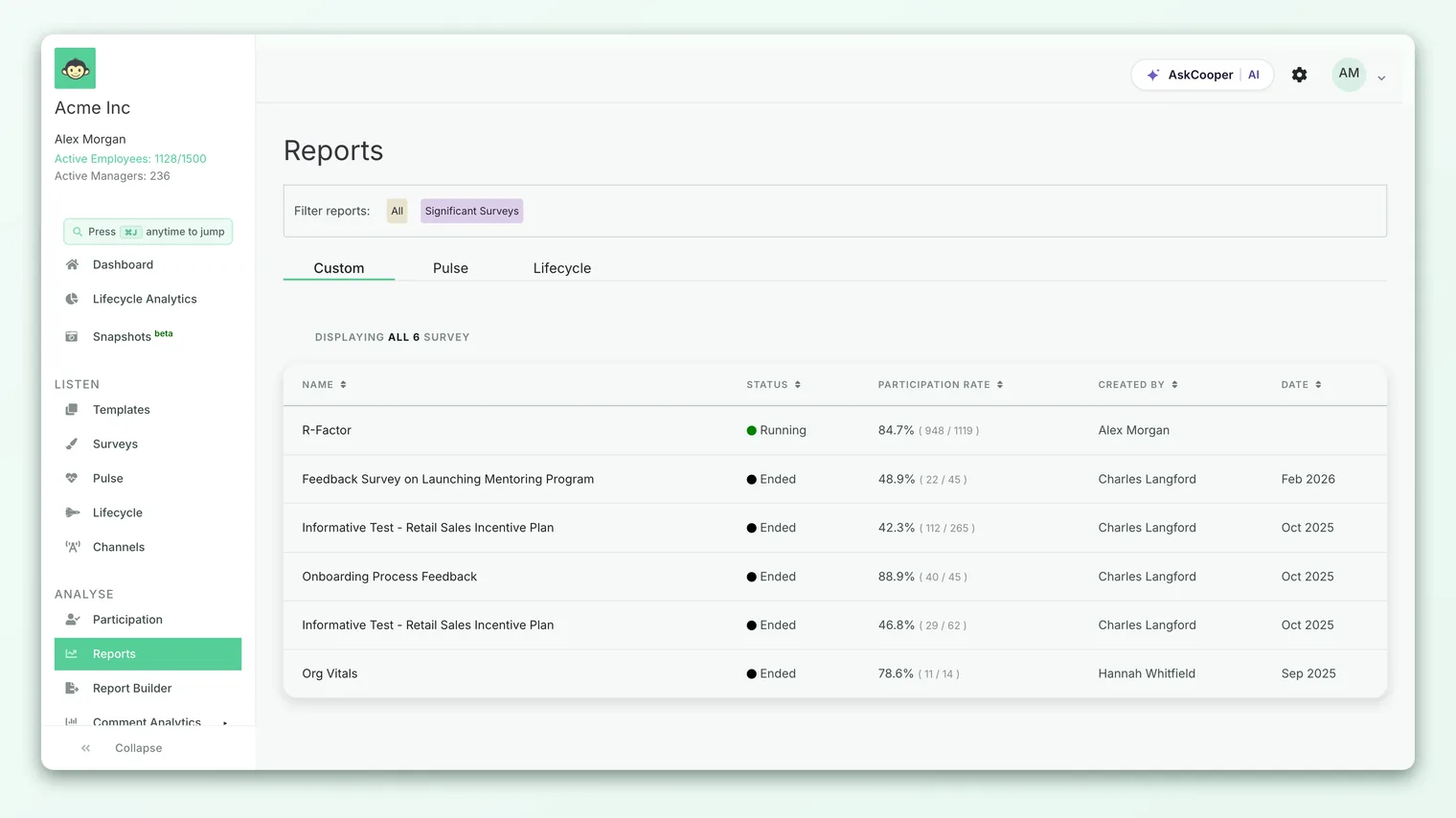
You can see this in how CultureMonkey decides which surveys even appear in your reports list: a survey is listed only once its submission count clears its threshold. A survey with two responses and a threshold of three is filtered out of the list entirely.
A survey with two responses and a threshold of three is filtered out of the list entirely, and reappears the moment a third response lands. This is why a freshly launched survey can look like it has "no report" for a while: the count simply has not caught up yet.
The same logic gates the dashboard. Dashboard heatmaps use the survey threshold when scoped to a single survey, and fall back to an account-level dashboard anonymity threshold (default 5) when they aggregate across many surveys. The dashboard floor is deliberately higher than the survey floor, because a dashboard blends more data and a slightly larger minimum keeps aggregate views comfortably safe.
Suppression at the demographic level
Report-level suppression alone is not enough. A company-wide score built from 4,000 responses easily clears any threshold, but the moment you filter that report down to "Team A in the Berlin office," you might be looking at two people. If CultureMonkey showed that cell, the company-wide protection would mean nothing.
So the threshold is applied a second time, independently, to every group you can slice by: each team, sub-team, location, manager, business unit, custom attribute value, and every combination of them. A group's score is shown only if that group's response count meets the threshold.
The same rule builds demographic breakdowns. CultureMonkey groups responses by demographic value, counts each group, and keeps only the groups that clear the bar:
Count-and-suppress is the heart of it. A group whose count falls below the threshold is dropped while results are being calculated, so it never reaches the report with a value attached. The same rule guards score buckets, over-time trends, and manager-performance groupings.
Why combining filters hides more, not less
Every filter you add narrows the population, pushing it toward the threshold, not away from it. "Location = Berlin" might have 60 responses and show fine. Add "Tenure = under 1 year" and you might be down to four. Add "Team = Design" on top and you could hit two, at which point that cell disappears.
This is the correct, intended behavior. The more precisely you slice, the smaller the group, and the more careful the system has to be. If a deeply filtered view goes blank, that is anonymity doing its job. Rolling a filter back up (a team into its parent, a city into a region) pools more responses together and usually crosses the threshold again. See Why can't I see results yet? for the practical version.
The subtler case: gated sections
If a survey uses section visibility rules, a block of questions might be shown only to a subset of employees, so a question inside a gated section can have far fewer eligible respondents than the overall participant count suggests.
CultureMonkey handles this with dedicated anonymity guards that count only the people who were actually eligible to answer each gated question or driver, per demographic group, and suppress any group whose eligible count falls below the threshold. The count that matters is not "how many people are on this team" but "how many on this team could even see this question." Unless you use section rules, the guards run automatically and you never have to think about it.
What an admin can never see on an anonymous survey
The protection is stronger than just hiding names on a dashboard. On an anonymous survey, no role in CultureMonkey - not a manager, not a survey admin, not an account admin, not even a super admin - can do any of the following:
- Link a response to a person. Individual answers are not attributed to a name anywhere in reports, exports, or the interface. There is no drill-down from a score to "who gave it."
- Read a comment tied to an identity. Open-text and eNPS comments are pooled and shown without an author. Comment exports carry the text, sentiment, and demographic context that survived suppression, never a person.
- See a below-threshold group at all. If a team, filter, or combination has fewer responses than the threshold, its score, eNPS, comments, and participation are all withheld together.
- Export their way around it. PDF, Excel, PowerPoint, and CSV exports apply the same threshold as the on-screen reports. An export renders the same suppressed data, not a raw dump beneath it.
Some accounts enable a tighter mode where suppression counts distinct submissions rather than participant records, counting a person only once they have actually submitted. Every threshold query respects this setting, so the same >= threshold rule holds whether you count invited participants or completed submissions.
Managers are a special case worth stating plainly: a manager only ever sees their own team's pooled results, and only when the team meets the threshold. A manager with three reportees may see a combined score once all three respond, but never who among the three said what, and if only two respond they see nothing at all.
How the system enforces it, end to end
Suppression is not a display rule someone could forget to apply. It is enforced at the layer where results are computed, in three consistent ways.
- 1Calculation-level filtering. Aggregate scores, breakdowns, and trends apply the threshold as they are computed. A group under the threshold is dropped before the result exists, so there is no post-processing step that could leak it.
- 2Count-then-suppress guards. For finer cases like gated sections, dedicated guards count first, compare each group's eligible count against the threshold, and suppress anything below it. These guards fail safe: if a count query errors out, a missing count is treated as zero, so the group is hidden rather than accidentally shown.
- 3Shared threshold resolution. Every path reads the same threshold (or the account dashboard floor for aggregate views) through a single shared rule, and falls back to the same default (3, or 5 for the dashboard) when a value is missing or invalid. There is no code path that quietly uses "no minimum."
Because the threshold is resolved in one place and applied inside the queries themselves, every surface - dashboard, survey report, eNPS breakdown, driver heatmap, over-time trend, and export - inherits the same protection automatically.
Worked example
Say you run an anonymous survey with a threshold of 3, and 4,000 people respond. Here is what is and is not visible.
| View | Responses in that view | Shown? | Why |
|---|---|---|---|
| Company-wide overall score | 4,000 | Yes | Far above the threshold of 3 |
| Engineering (whole org) | 900 | Yes | Above threshold |
| Engineering in Berlin | 40 | Yes | Above threshold |
| Design team in Berlin | 2 | No | Below threshold of 3; suppressed |
| Design team in Berlin, tenure under 1 year | 1 | No | Below threshold; suppressed |
| A single named employee's answer | 1 | No | Never attributable on an anonymous survey |
The company number and the broad slices all show. The moment a slice narrows to two people, that specific cell disappears, even though every parent group of it is perfectly visible. The visible parents do not let you deduce the hidden child, because the child's comments and score are withheld entirely, not summarized elsewhere.
Limitations and things to keep in mind
- A higher threshold hides more. Raising the threshold above the floor increases privacy but blanks out more small groups. It is a genuine trade-off between granularity and protection, set per survey. See Set the response threshold.
- Suppression is about counts, not content. A group is hidden because it is small, not because of what it said. A blank cell tells you a group is below the threshold and nothing about its sentiment.
- Identified surveys are different by design. On an identified survey the floor can be as low as 1, because the survey's purpose (onboarding check-ins, exit interviews, direct follow-ups) requires knowing who responded. Know which mode you are running before you make promises to employees.
- The gate is on results, not delivery. Anonymity governs what shows up in reports. A survey is still delivered to named people; it is the results that are pooled and protected.
Frequently asked questions
What is the smallest group CultureMonkey will show on an anonymous survey?
Three responses, in the default configuration. The threshold is floored at 3 for anonymous surveys, and account admins can raise it higher. Any group with fewer responses than the threshold is hidden.
If the company-wide number is visible, can an admin subtract their way down to an individual?
No. When a group is below the threshold, its score and its comments are both withheld, not summarized into a neighboring view. There is no visible remainder to subtract from, because the hidden group's data never enters any report.
Does the threshold apply to comments too, or just scores?
Both. CultureMonkey suppresses scores, eNPS, participation, and open-text comments for a below-threshold group all together. Comment exports carry text and context that survived suppression, never an author's identity.
Why did my report show up a day after launch instead of immediately?
Because the report waits until total responses reach the threshold. Right after launch you may not have three responses yet, so the report is not ready. It appears automatically once the count crosses the threshold.
Does raising the threshold retroactively hide groups that were visible?
Yes. Because CultureMonkey computes suppression live from the current threshold every time a report is built, raising the threshold immediately hides any group that now falls below the new number, across every view.
Where to go next
- The friendly overview: How anonymity keeps your feedback safe
- Set the number yourself: Set the response threshold
- Blank report right now? Why can't I see results yet?
- Gated questions: Section visibility rules
- For the employees taking the survey: Is my feedback anonymous in CultureMonkey?
Your feedback helps us improve the Help Center.