

Send CultureMonkey surveys via WhatsApp
How to distribute CultureMonkey surveys over WhatsApp - the phone number and WhatsApp Business setup you need, how it gets enabled for a survey, what the messages say, and how anonymity is preserved.
On this page
Email is the default way CultureMonkey reaches your people, but it isn't the right fit for everyone. Deskless teams, frontline staff, retail and manufacturing crews, and field employees often don't check a work inbox during the day - yet almost all of them carry a phone with WhatsApp on it. Sending your survey over WhatsApp puts the invitation exactly where those employees already are, which is one of the most reliable ways to lift participation among a hard-to-reach workforce.
This guide covers what you need to distribute a survey over WhatsApp: the phone number and WhatsApp Business setup behind it, how the channel gets turned on for a survey, what the messages actually say, and how anonymity is protected the same way it is on every other channel.
WhatsApp delivery sends each employee a personalized message with their unique survey link. It needs two things: WhatsApp enabled on your account (a one-time setup handled with your CultureMonkey team) and a valid phone number, including country code, on each employee's record. Messages use pre-approved WhatsApp templates, and responses stay just as anonymous as they do over email.
Why send surveys over WhatsApp
Choosing a channel is really about reach. A survey only works if the invitation actually lands in front of the person, and different populations live in different places:
- Deskless and frontline teams rarely open a work email during a shift, but they'll see a WhatsApp notification.
- Manufacturing, retail, hospitality, logistics, and field roles often have a phone number on file but no corporate mailbox.
- Higher open rates. Messaging apps tend to be read far faster and more often than email, which shortens the gap between "survey launched" and "response received."
WhatsApp sits alongside the other channels CultureMonkey supports (email, SMS, Slack, and Microsoft Teams). You don't have to pick one for the whole organization forever - the right channel depends on who you're trying to reach. For the full picture of how channels compare and when to use each, see An overview of distribution channels. WhatsApp and SMS are close cousins: both rely on phone numbers and both are ideal for deskless audiences. WhatsApp adds a richer message format and, in many regions, a lower cost per message.
What you need before you start
WhatsApp delivery depends on two things being in place: the channel enabled on your account, and clean phone data on your employees.
WhatsApp enabled on your account
WhatsApp is an account-level channel that has to be switched on before any survey can use it. Under the hood, CultureMonkey sends WhatsApp messages through a verified WhatsApp Business sender, so the sending number and the message templates have to be registered and approved with the messaging provider first. That approval and configuration is a one-time setup.
Because it involves provider registration and template approval, enabling WhatsApp is coordinated with your CultureMonkey account team rather than flipped on from a settings screen. Once it's live, WhatsApp appears as an available channel across your account.
If WhatsApp isn't yet enabled for your account, it simply won't show up as a channel option on your surveys. If you'd like to add it, reach out to your CultureMonkey account team or support - they'll walk you through the WhatsApp Business setup and template approval.
Phone numbers on every employee record
WhatsApp reaches people by phone number, so the channel is only as good as the numbers in your employee data. Each employee you want to reach needs a valid phone number on their record, and the single most important detail is the country code.
CultureMonkey formats numbers before sending, but it can only do so much guessing:
- A number that already starts with
+and a country code (for example+6598765432or+14155550123) is used as-is. - A bare 10-digit number with no country code is treated as an Indian number and prefixed with
+91. - A longer number without a
+has one added to the front.
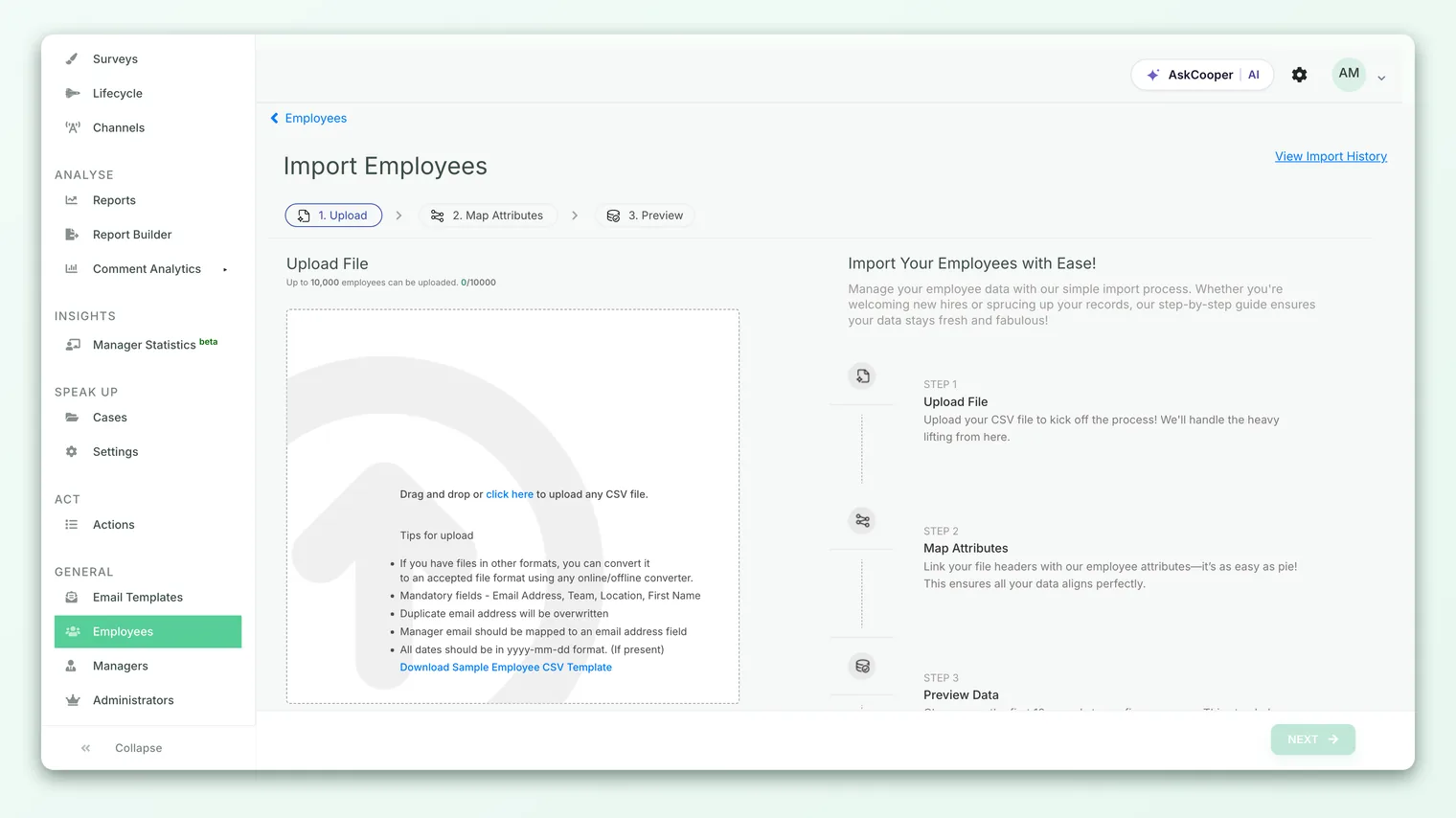
That fallback means a 10-digit number from any other country can be misrouted. The safe practice is simple: store every phone number in full international format, with the country code, so there's no guessing involved. You can add or correct phone numbers when you import employees from CSV or through your HRIS sync.
If an employee has no phone number, the WhatsApp message for that person can't be sent (they simply won't be contacted on this channel). Numbers without a country code may reach the wrong destination. Cleaning up phone data before you launch is the highest-leverage thing you can do to get good WhatsApp delivery.
Enabling WhatsApp for a survey
Once WhatsApp is live on your account and your phone data is in order, WhatsApp becomes a channel you can send a specific survey through. In the survey builder, the delivery channel is chosen on the launch settings step, alongside your launch date, end date, and reminders. WhatsApp appears as one of the channel options (next to Email, SMS, Slack, and Teams) whenever it's enabled for your account.
- 1Build your survey as usual - questions, audience, and branding. Nothing about the survey content changes because of the channel.
- 2Confirm the audience has phone numbers. WhatsApp will only reach employees who have a valid number on file, so this is the step to double-check your list.
- 3Open the launch settings step and choose WhatsApp as the delivery channel for this survey.
- 4Set your launch and end dates and add reminders. Reminders are sent over the same channel, so WhatsApp non-responders get a WhatsApp nudge.
- 5Launch. Each employee in the audience receives a personalized WhatsApp message with their own unique survey link.
Enabling WhatsApp on your account doesn't force every survey onto WhatsApp. Each survey has its own channel, so you can run an all-hands engagement survey over WhatsApp for frontline teams while a different survey goes out by email. If you're unsure whether a given survey is set to WhatsApp, check the launch settings step or confirm with your account team.
What the WhatsApp messages look like
WhatsApp requires businesses to send outbound messages using pre-approved templates, so CultureMonkey sends your survey using registered WhatsApp message templates rather than free-form text. Each template is personalized at send time with a few variables: the employee's name, your organization's name, and the unique survey link.
The default invitation reads along these lines:
> Hi [Employee name], You have been invited for a quick employee survey. Please take out 5 minutes to help us make [Company] a better place to work. Here is the survey link - [link].
Reminders use a shorter, separate template:
> Hi [Employee name]! A survey from [Company] is awaiting your response. Please take a moment to complete it by clicking this link: [link]. Thank you for your feedback.
Because the link is unique to each employee, tapping it opens their own copy of the survey. The exact wording you see is set by the approved templates registered for your account.
Can we customize the message?
Yes, within the rules WhatsApp imposes. CultureMonkey supports custom WhatsApp content for both the first invitation and the reminder, using the same three placeholders (employee name, organization name, survey link). The key constraint comes from WhatsApp itself: any wording change has to be a registered, approved template. You can't type arbitrary text at launch time the way you might with an email subject line, because WhatsApp only delivers messages that match a template it has already approved.
In practice that means customizing the WhatsApp message is a setup task handled with your CultureMonkey team (so the new wording can be registered and approved), rather than a field you edit yourself in the survey builder.
WhatsApp invitations work best when they're brief and get to the link quickly. The default templates are deliberately short for exactly this reason. If you do request custom wording, resist the urge to add long paragraphs - a warm one-liner plus the link converts better than a wall of text.
How WhatsApp delivery and reminders work
When you launch a WhatsApp survey, CultureMonkey generates a unique survey link for each employee, wraps it in a short link, and sends the approved template to that person's formatted phone number through the WhatsApp Business sender. Delivery status is tracked, so the system knows who received the message.
Reminders follow the same path. When you add reminders in the launch settings step, non-responders receive the reminder template over WhatsApp on the schedule you set. This keeps the whole conversation on one channel: an employee who was invited by WhatsApp is nudged by WhatsApp, not pulled into email. For a refresher on reminder timing and one-time versus recurring nudges, see Recurring vs one-time reminders.
If your survey uses a passcode step to verify identity before someone answers, that one-time passcode can also be delivered over WhatsApp, so the entire flow stays on the same app.
Anonymity on WhatsApp
A fair concern with any phone-based channel is: if you're texting me personally, are my answers really anonymous? On WhatsApp, the answer is the same as it is everywhere in CultureMonkey.
The phone number is used only to deliver the invitation. It's the address on the envelope, not a label on the response. Whether a survey's answers are anonymous is controlled by the survey's own anonymity setting, exactly as it is for email, SMS, Slack, and Teams - the delivery channel doesn't change it. If a survey is anonymous, responses that arrive over WhatsApp are anonymized just like every other response, and the same response thresholds apply, so small groups stay protected in reporting.
In other words, sending over WhatsApp is a reach decision, not a privacy decision. You can meet frontline employees where they are without weakening the confidentiality that makes people answer honestly. For the full explanation, see Survey anonymity explained.
Each employee gets a unique link so the right person sees the right survey and reminders can target non-responders. In an anonymous survey, that link still doesn't attach a name to the answers - it just makes sure the invitation reaches the intended inbox.
Best practices for WhatsApp surveys
A few habits make WhatsApp campaigns land well:
- Clean the phone data first. Full international numbers with country codes, no blanks. This one step drives most of your delivery success.
- Match the channel to the audience. WhatsApp shines for deskless, frontline, and field teams. For desk-based staff, email is often still the better fit. Mix channels across surveys rather than forcing one everywhere.
- Keep messages short. The default templates are brief on purpose. If you customize, stay concise.
- Plan reminders. A single WhatsApp nudge to non-responders can meaningfully lift completion. Set reminders when you configure the launch.
- Tell people it's coming. A quick heads-up from a manager ("you'll get a WhatsApp survey this week, it's anonymous, it takes five minutes") reduces the odds the message is mistaken for spam.
- Respect anonymity messaging. Reassure employees that their number is only used to deliver the survey, never to identify their answers.
Frequently asked questions
Do employees need to save our number or opt in first?
Employees receive the message through CultureMonkey's verified WhatsApp Business sender. They don't need to save a contact to receive it, though a heads-up from their manager helps them recognize and trust the message when it arrives.
What happens if an employee doesn't have a phone number?
They won't be reached on WhatsApp for that survey. If part of your audience lacks phone numbers, consider running the survey over email for them, or clean up the missing data before launch.
Can I use WhatsApp and email for the same survey?
Each survey is set to a single delivery channel. If your audience is split between deskless and desk-based staff, a common approach is to run the survey on the channel that reaches the largest share, or to segment audiences across surveys by channel.
Why did a message go to the wrong country?
Almost always a missing country code. A bare 10-digit number with no + is assumed to be Indian and gets +91. Store numbers in full international format to avoid this.
Is WhatsApp delivery available on our plan?
WhatsApp is an add-on channel that has to be enabled and configured for your account first, including WhatsApp Business registration and template approval. If it isn't showing up as an option, check with your CultureMonkey account team.
Can employees reply to the survey inside WhatsApp?
No. The message contains a link that opens the survey. Employees answer in the survey itself, not by replying to the WhatsApp message.
Where to go next
- Compare all the ways to send: An overview of distribution channels
- The closest cousin channel: Send surveys via SMS
- How confidentiality works: Survey anonymity explained
- Get phone numbers in cleanly: Import employees from a CSV
Your feedback helps us improve the Help Center.